44
Calling
How to place calls, answer calls, and options available when a
call is arriving or in progress are described.
Placing Calls
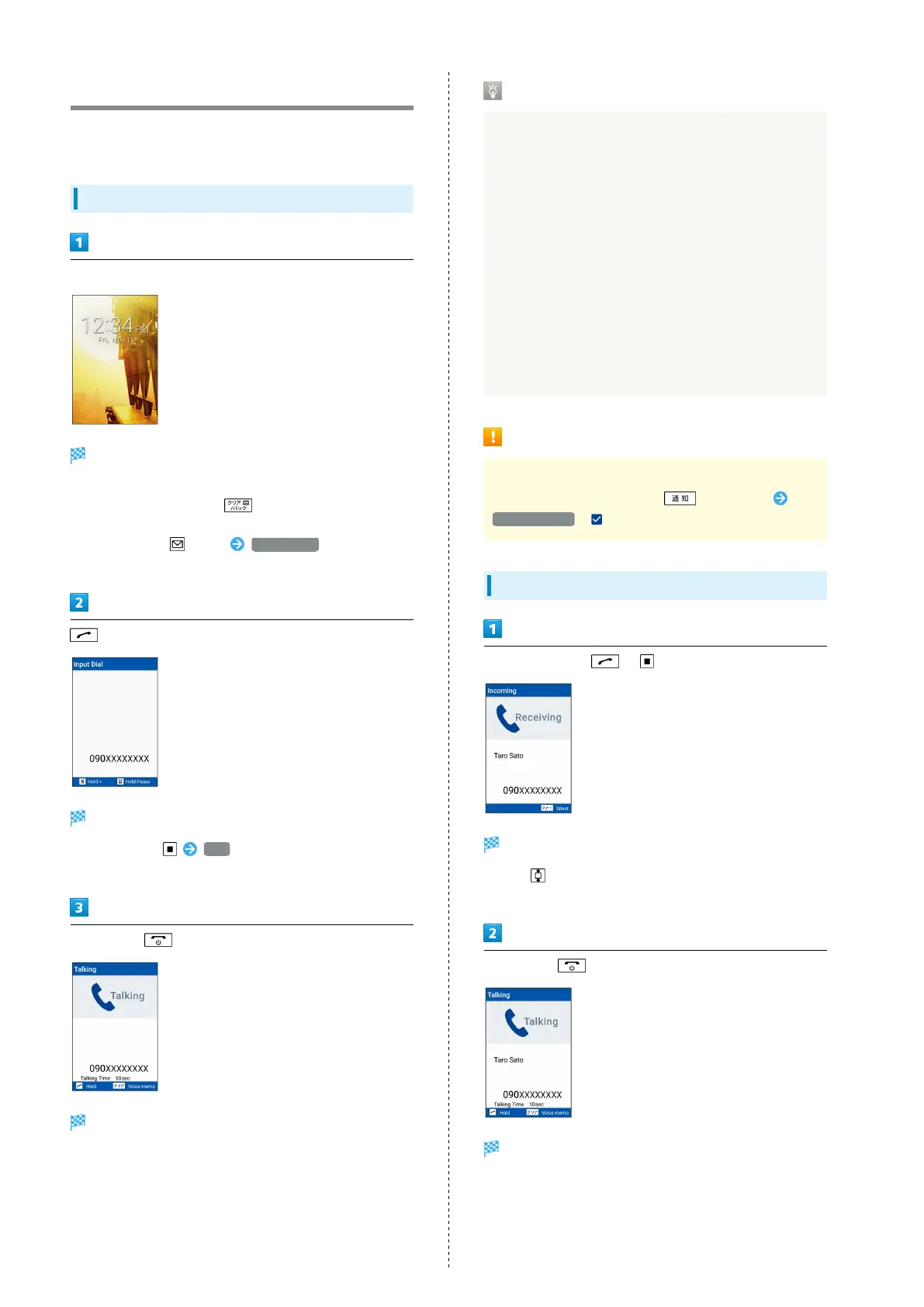
Dial number
Number is shown (dial window).
・Include area code for landline numbers.
・
To correct number, Press to delete digit(s), then
enter correct number.
・
In dial window, (Menu) Phone Book to select
contact.
Handset dials the number.
・
Alternatively, Call .
・Call begins when other party answers.
To end call,
Call ends.
・Alternatively, close handset to end call.
Emergency Location Report
Making emergency calls (110, 119 or 118) automatically
reports handset location to corresponding agency (police,
etc.). This system is referred to as Emergency Location
Report, and notifies location based on positioning from
base stations.
・Location Report does not incur registration/transmission
fees.
・Location/signal conditions affect positioning accuracy.
Always provide location and call purpose.
・Hiding Caller ID (using 184, etc.) cancels Location Report.
However, corresponding agency may obtain location
information in life threatening situations.
・Location Report is not sent for calls made while outside
Japan.
Emergency Call Cautions
Placing an emergency call exits handset from Airplane
mode. To enter Airplane mode, (Long Press)
Airplane mode ( ).
Answering Calls
When call arrives, / (Answer)
Proceed with call.
・
Press as a call is arriving to change the ringtone
volume.
To end call,
Call ends.
・Alternatively, close handset to end call.



 To Next Page