62
TV
View One Seg service for mobiles (only in Japan).
Viewing Environments
Viewing may not be possible where signal reception is poor,
such as indoors, underground, and in tunnels. Viewing may
be interrupted when moving to where signal reception is
poor.
Signal reception depends on where handset is used; viewing
may not be possible in some regions. Use where good
reception is available.
Do Not Use while Driving or Walking
Do not use TV while riding a bicycle or motor cycle, driving
a car, or while walking.
TV Antenna
Handset has a built-in TV Antenna. To view TV, open and
orient handset in direction with best reception while checking
with the onscreen Antenna Indicator.
・Reception is more favorable as more bars appear in the
Antenna Indicator.
Widescreen
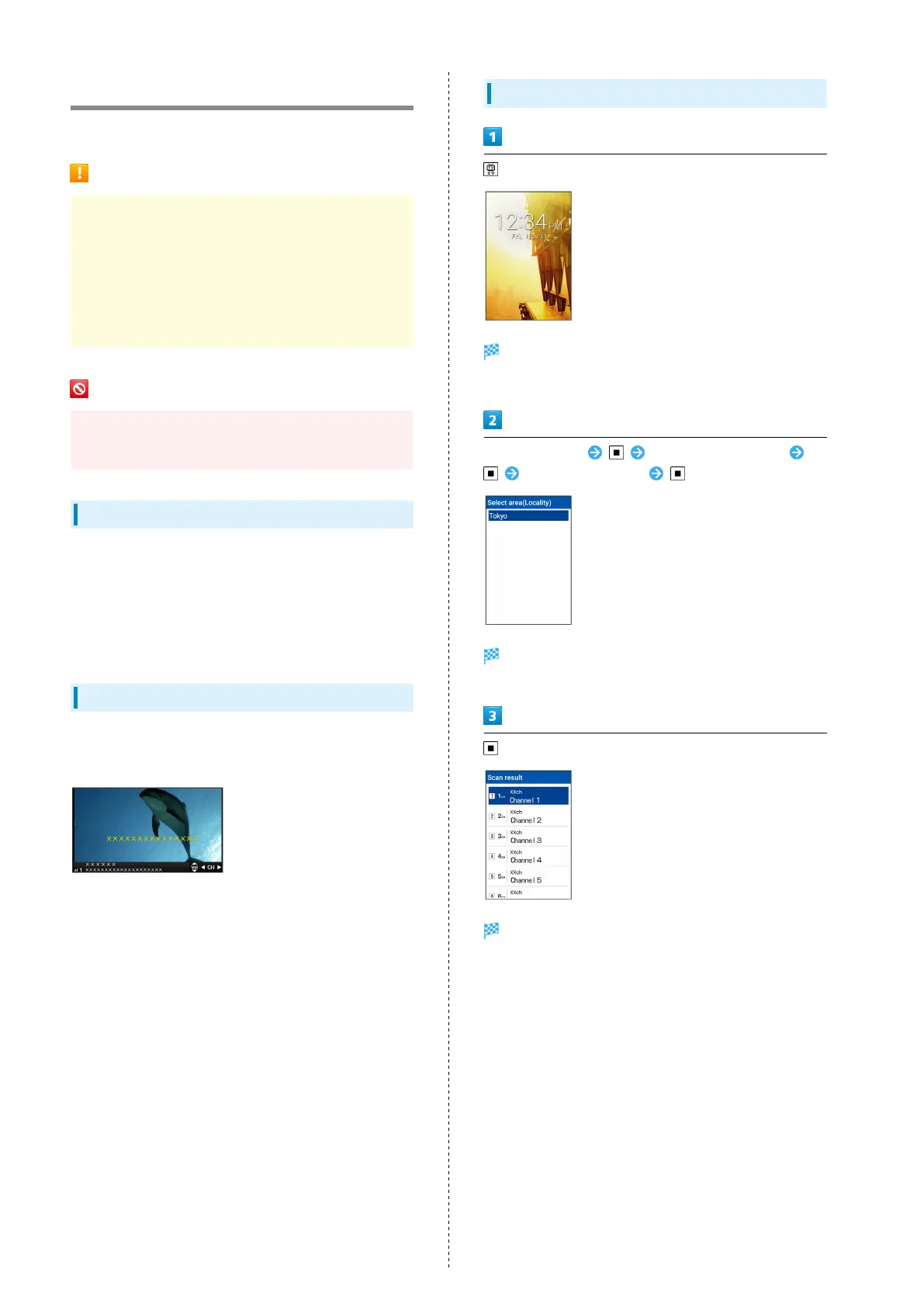
TV is viewable in widescreen.
Note that key operations change.
Setting Channels
Window for creating channel list opens.
・If confirmation appears, follow onscreen prompts.
Select area (Area) Select area (Prefecture)
Select area (Locality)
Channel scan starts. When completed, confirmation
appears.
Channels are set.



 To Next Page