30
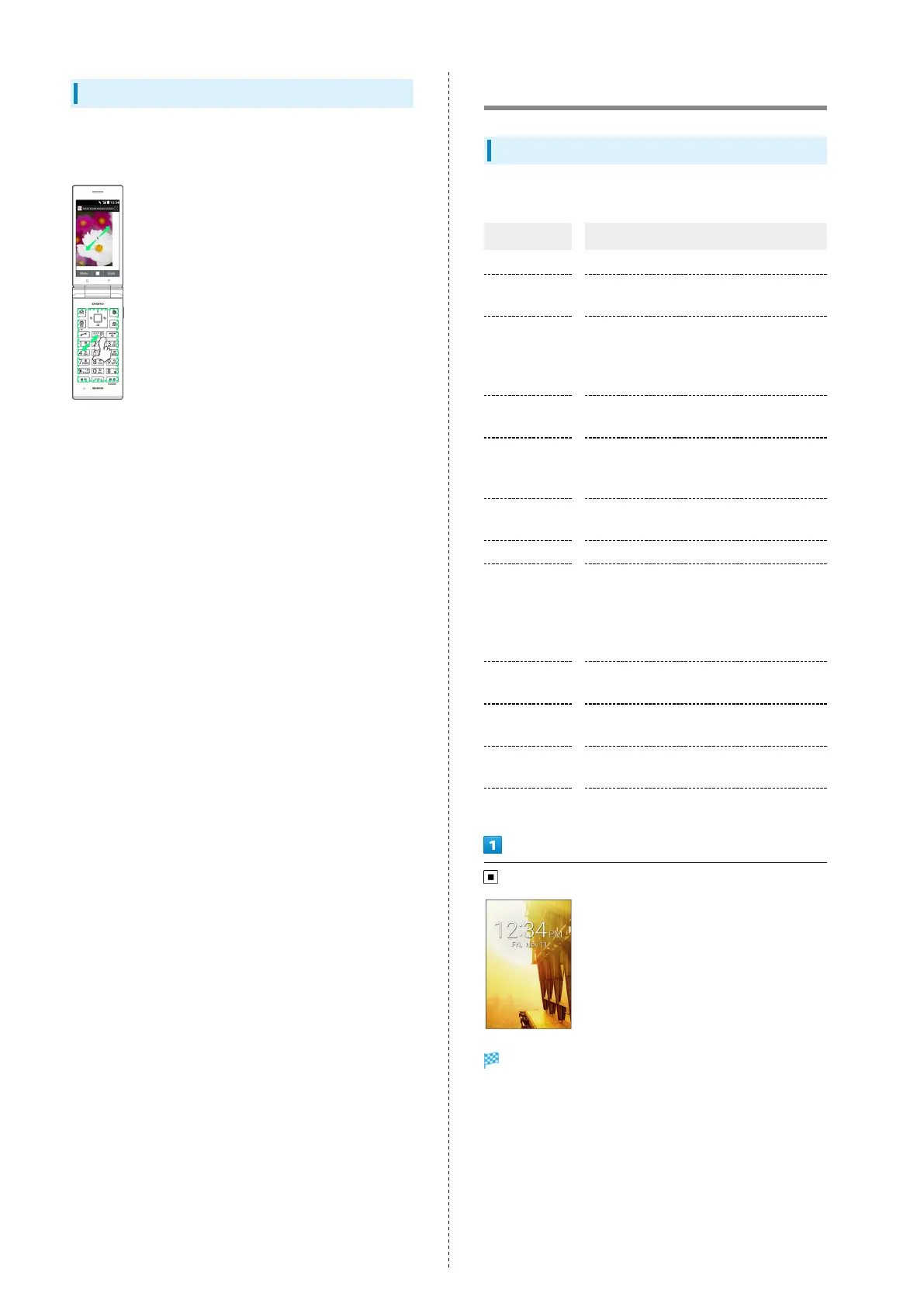
Pinch/Spread
Spread two fingers apart or pinch them together on Touch
Area without Pressing keys.
・Enlarge/shrink image, etc. in Browser.
Main Menu
Using Main Menu
Use the following applications and services.
Item Description
Mail Exchange S! Mail, SMS, and PC Mail.
Browser
Access the Internet. Browser is a Touch
Pointer-capable application.
LINE
Communication application that allows
unlimited calling and messaging anytime
and anywhere. LINE is a Touch Pointer-
capable application.
Alarm
Use Alarm, Countdown Timer, or
Stopwatch.
Camera
Capture photos and videos.
See "Capturing Photos/Recording Videos"
for details.
Map
View a map of current location and rain
cloud conditions.
Tool Calendar, Notepad, etc.
Data
Check photos, videos, music, and other
files saved to handset/SD Card from Data
Folder.
See "Handling Data (Data Folder)" for
details.
Service
Access あんしんバックアップ (Anshin
Backup), Urgent News, and other services.
TV
View terrestrial digital TV for mobiles.
See "TV" for details on TV viewing.
Phone
Use Phone Book, Auto answering, Speed
dial, and other phone functions.
Settings Customize or check handset settings.
Main Menu opens.



 To Next Page