40
Using Wildcard Input
In a text entry window, enter hiragana
Select conversion candidate
・
Available when Wildcard input is set.
・Replace end of a text string with "○" (wildcard) to
narrow down prediction conversion candidates.
・The number of "○"s specifies the length of the word.
Add "○"s with .
Changing the Character Type
Settable input modes are the following.
Indicator Description
Hiragana-kanji
1-byte alphabet
1-byte numbers
1-byte katakana
2-byte alphabet
2-byte numbers
2-byte katakana
In a text entry window,
Available character type list are shown.
Select character type
Character type changes.
Entering Letters
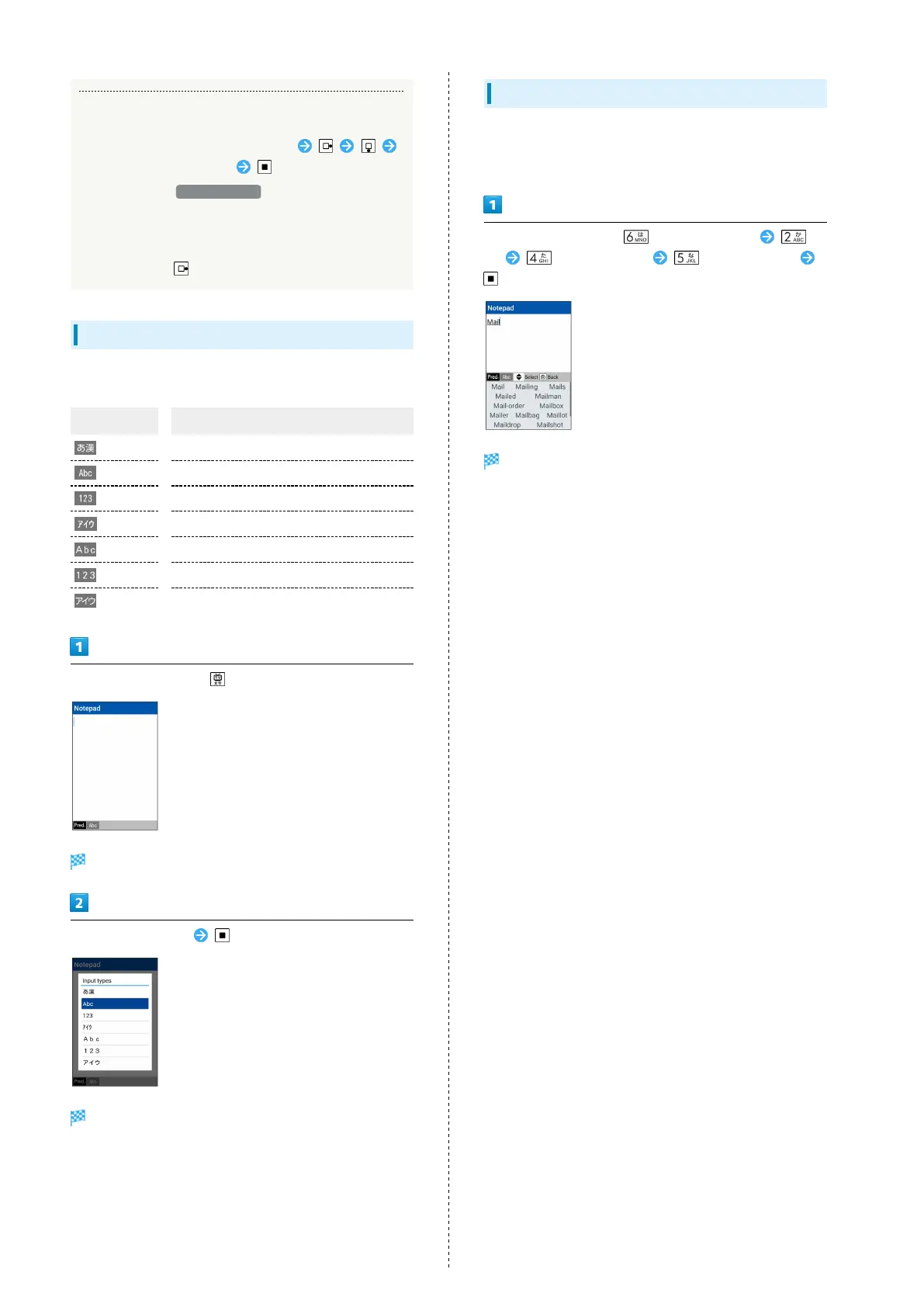
In 12-key Keyboard, to enter Mail:
・Entry in 1-byte Alphabet is described.
In a text entry window, (m changes to M)
(a) (three times: i) (three times: l)
Mail is entered.



 To Next Page