32
Key Long Press
Long Press keys to access the following pre-saved applications
and functions.
・Functions may not be available depending on handset usage
when accessed.
Operation Description
In Standby,
(Long
Press)
Create new S! Mail
In Standby,
(Long
Press)
Lock/unlock operation (key lock) of
(Side Key) when handset closed
In Standby,
(Long
Press)
Open Browser menu
In Standby,
(Long
Press)
Save new entry to Phone Book
In Standby,
(Long
Press)
Turn on Flashlight
In Standby,
(Long
Press)
Activate Data Folder
In Standby,
(Long
Press)
Auto answering on/off
In Standby,
-
(Long Press)
Search Phone Book
In Standby,
(Long
Press)
Make international call (open menu to add
"+" and make call)
In Standby,
(Long
Press)
Bluetooth
®
on/off
In Standby,
(Long
Press)
Activate Fake call
(Long
Press)
Open Settings Window
(Long
Press)
Touch Pointer on/off (in Touch Pointer-
capable application)
(Long
Press)
Activate application set to Custom Key/
Set Custom Key
In Standby,
(Long
Press)
Enter/exit Manner mode
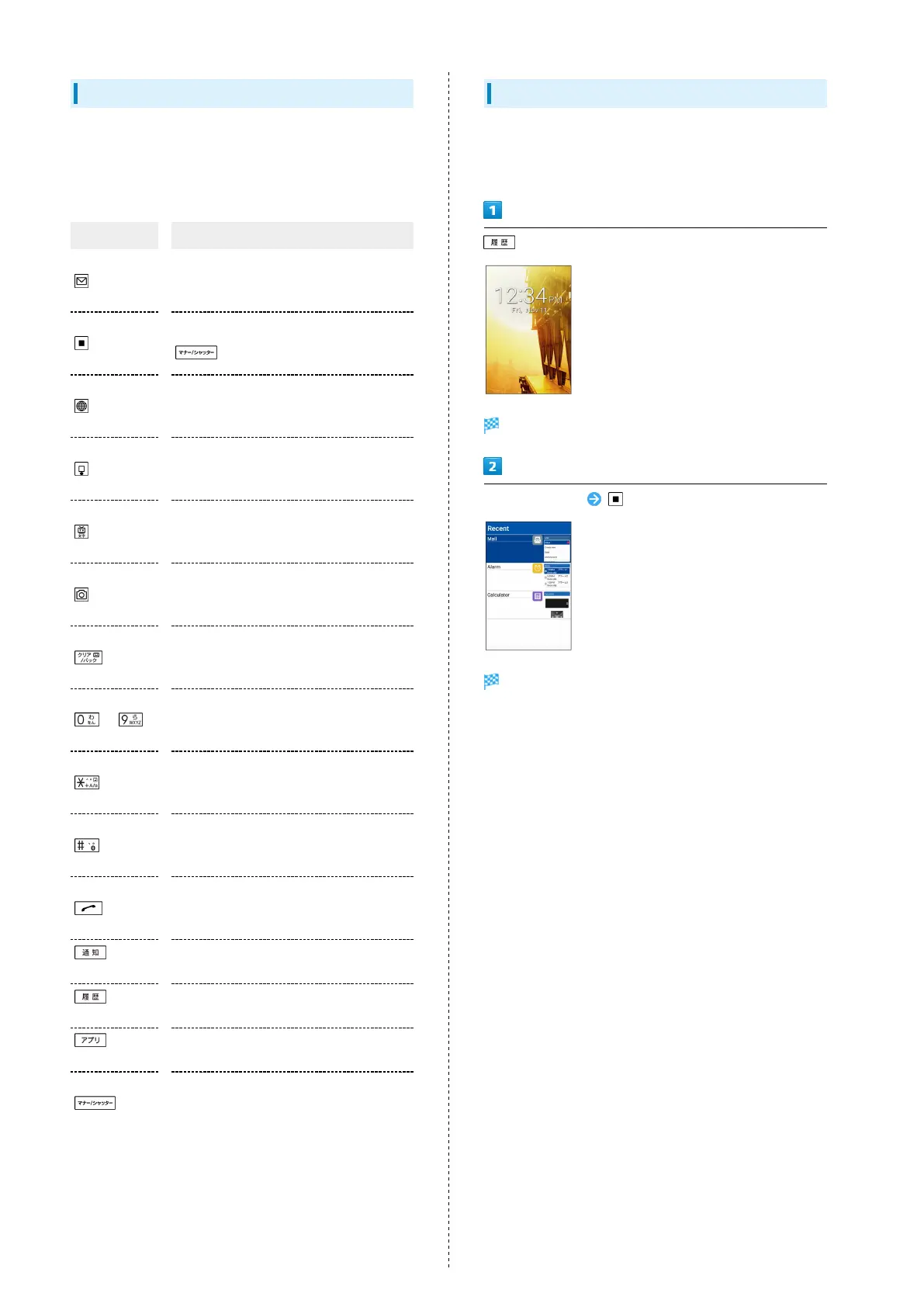
From Current Function
Access applications from history of recent applications.
Activate several applications and operate while switching
between applications.
History opens.
Select application
Application opens.



 To Next Page