Remote Controls
91
Operating Other Devices
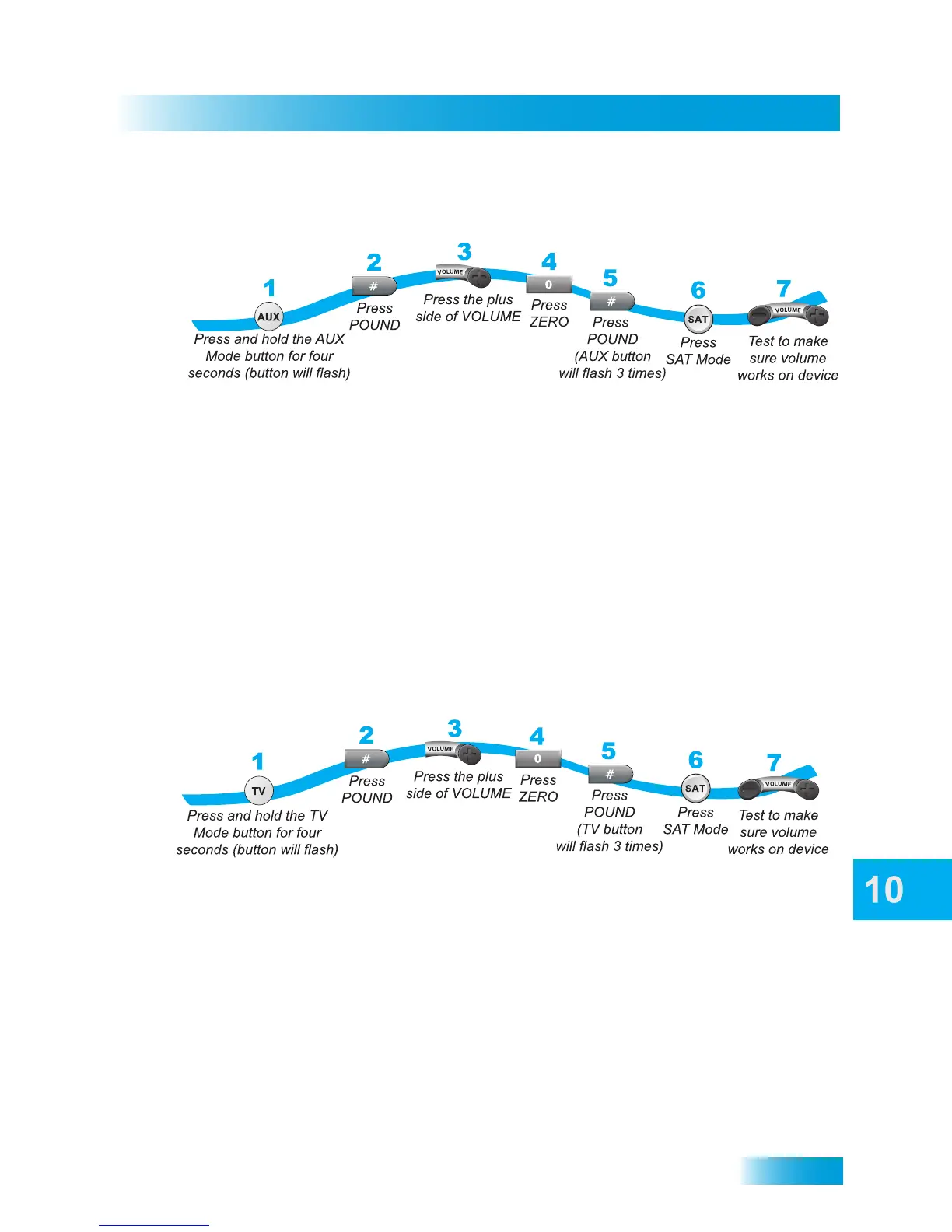
To Use a Tuner or Amplifier's Volume Control
1 Press and hold the AUX button until all the mode buttons are lit, then release it.
2 Press the POUND (#) button.
3 Press the PLUS side of the VOLUME button.
4 Press ZERO (0).
5 Press POUND (#). The AUX button flashes three times.
6 To confirm the VOLUME buttons are operating the tuner/amplifier’s volume control, press
SAT Mode.
7 Test the volume to make sure the device works. Your tuner/amplifier’s volume should
change rather then your TV’s volume.
To Use a TV’s Volume Control
1 Press and hold the TV button until all the mode buttons are lit, then release it.
2 Press the POUND (#) button.
3 Press the PLUS side of the VOLUME button.
4 Press ZERO (0).
5 Press POUND (#). The TV button flashes three times.
6 To confirm the VOLUME buttons are operating the TV’s volume control, press SAT Mode.
7 Test the volume to make sure the device works. The TV’s volume should change.



 To Next Page