Remote Controls
89
Operating Other Devices
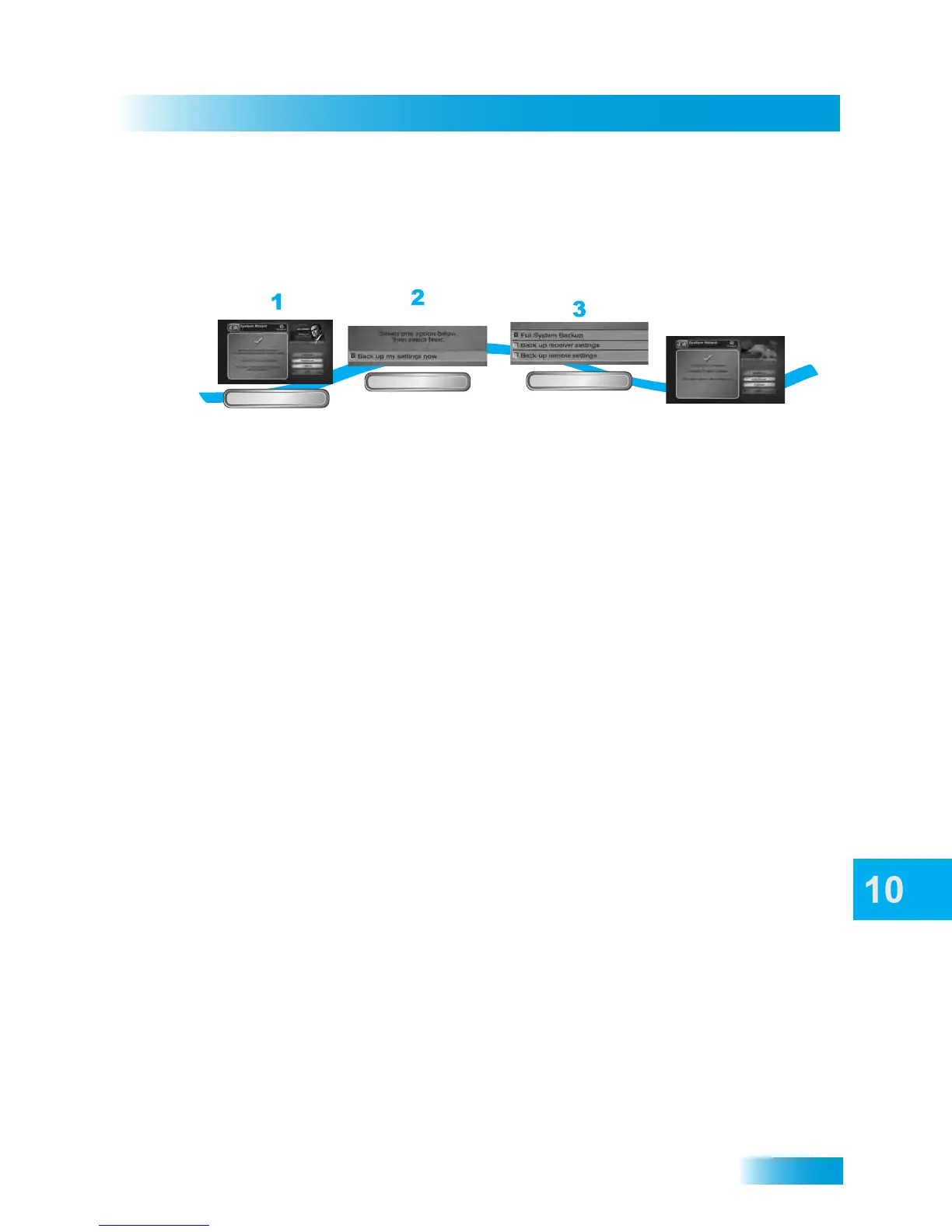
Back Up Receiver and Remote Settings
Select Advanced to back up your receiver and remote control settings including Timers,
Favorites, and Locks.
1 Press and hold the ZERO (0) button to access the System Wizard. If no other conflicts
appear, select Advanced.
2 Select Back up my settings now and select Next.
3 Select Full System Backup, Back up receiver settings, or Back up remote settings.
Select Next. Transferring may take a few minutes. Do not move the remote or the receiver
during this process.
4 When the back up is complete, a message appears that the back up is complete. Select
Continue to watch TV.
From the System Wizard
screen, Select Advanced
Select Back up my
settings now and
select Next.
Advanced
Next
4
Select from Full
system backup, Back
up receiver settings, or
Back up remote
settings. Select Next
A message appears
that the back up is
complete.
Next



 To Next Page