16
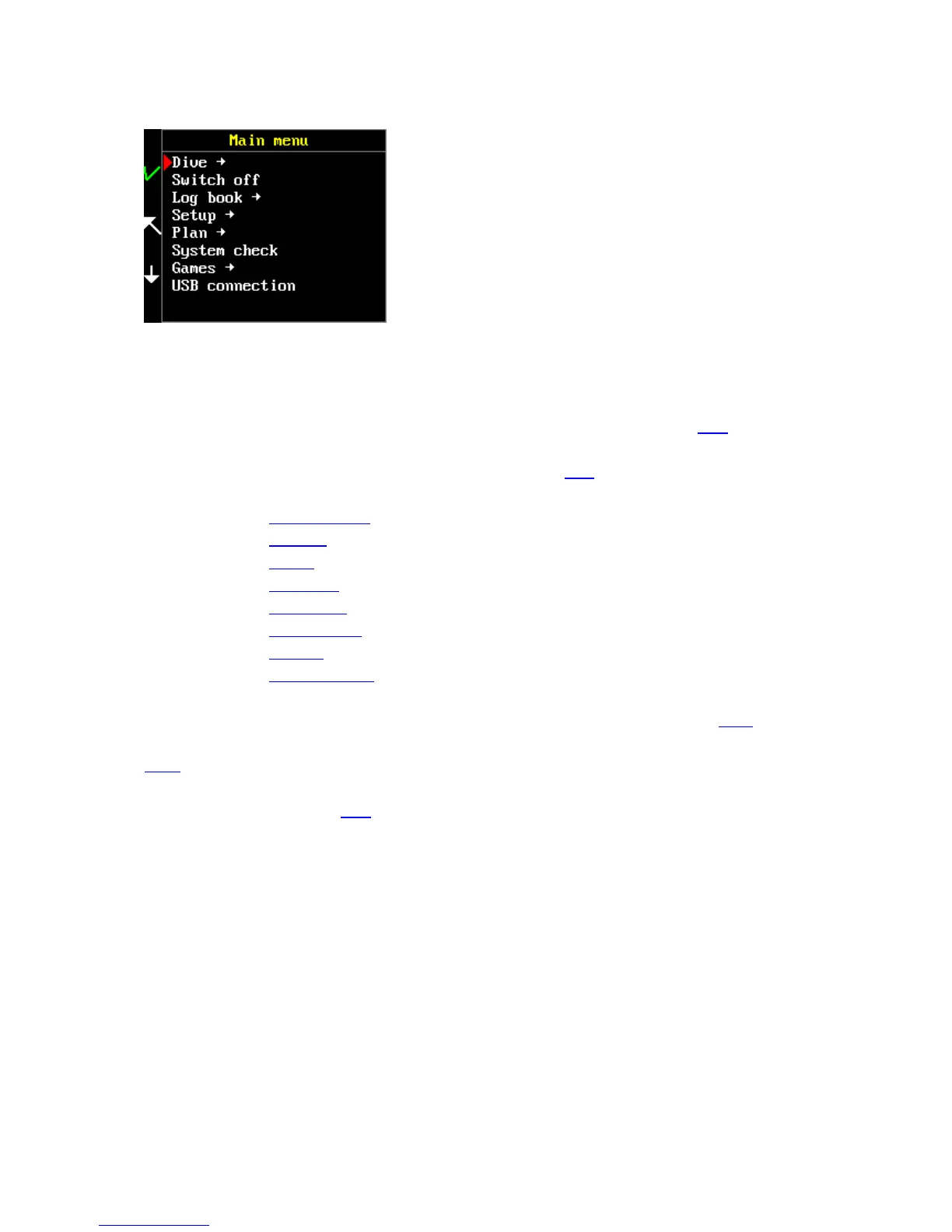
Main menu content
Dive (OC) – selection of the desired dive mode
Switch off – deactivation of the whole system. Switch off your FREEDOM when you are not using it in
order to save its batteries.
Log book - opens the computer’s memory. Instruction on how to use it are provided here
Setup – the setup menu contains configuration and settings items. Instructions how to set up your
FREEDOM before its first use and before each dive are provided here
The setup menu consists of:
Decompression
Mixtures
Alarms
Free Setup
Preferences
Calibrate level
Set time
Factory defaults
Plan – built-in decompression planner. It enables proper dive planning before each dive with regards
to your current saturation wherever you are. Instructions on how to use it are provided here.
System check – general information about the version, license, settings, battery and sensor status.
More
Games – FREEDOM contains simple video games for relieving boredom during decompression stops.
More information is available here
USB connection – serves for connection to an external unit (PC, tablet). The FREEDOM is displayed as
an external device after selecting this item.



 To Next Page