31
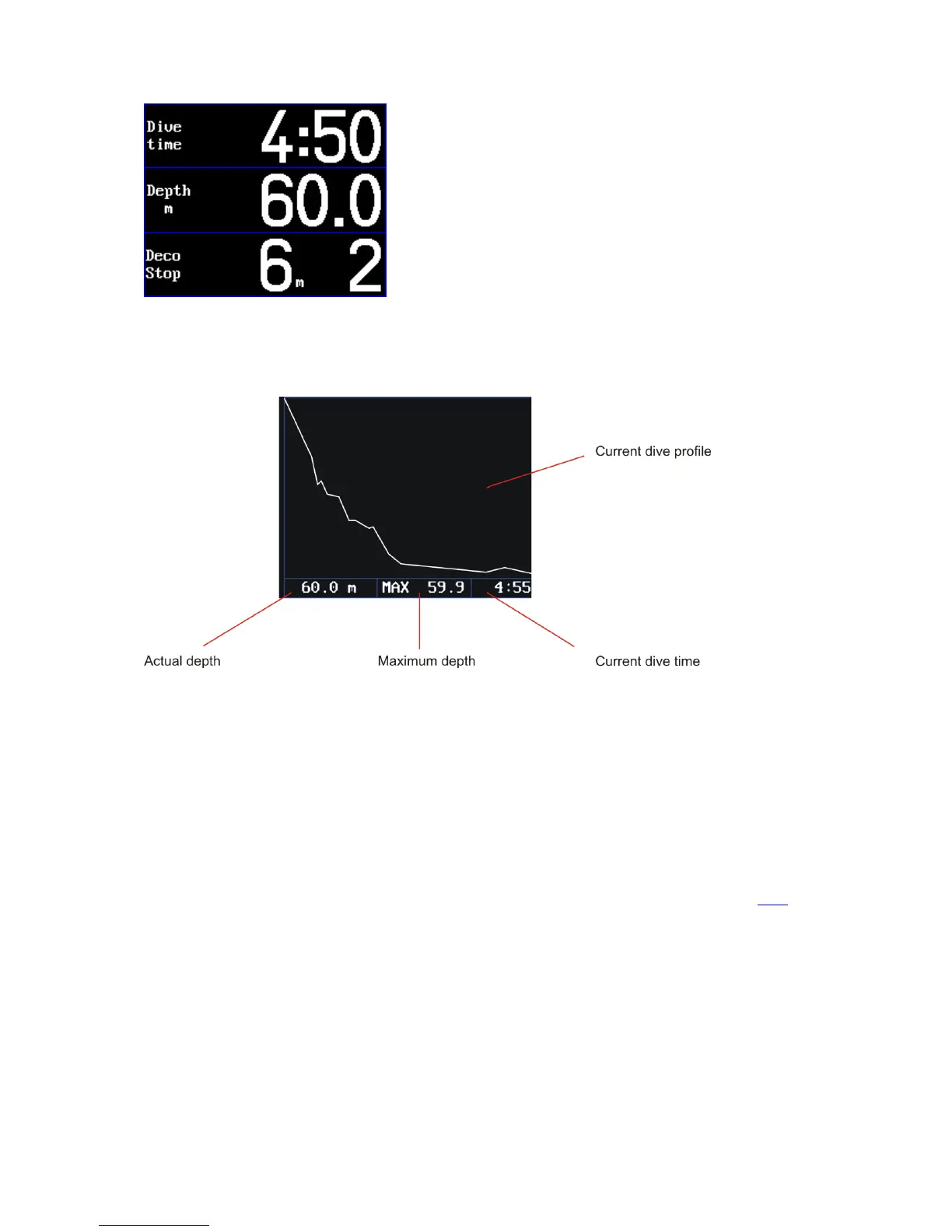
The Graph screen displays the current dive profile graph, which displays the situation at the
moment of switching to the graph screen and it is refreshed every five seconds. Under the graph are
displayed essential online data: dive time, depth, PO2.
Screens legend
Depth – shows current depth in meters or feet (depending on the settings) with an accuracy of tenth
Dive time – measure of dive time from plunge to ascent termination in seconds.
Deco stop – depth of the next or current decompression stop (in meters or feet depending on the
setting)
Ceiling – The ceiling is the safe oversaturation limit. This is the minimal depth at which divers can
ascend in relation to their tissue saturation and selected gradient factor.
When the ceiling type of decompression is selected, the ceiling information is displayed in the
decompression-stop box. Instructions on how to perform ceiling decompression are available here.
Stop time – time until the decompression stop in seconds. When the diver is in a decompression
stop, this data shows the total time until the next decompression stop. At the moment when the
diver reaches the deco-stop depth, this time begins to count down to zero and then the time until
the next stop.
NOTE: When is the Ceiling type of decompression selected, stop time is not displayed.
No deco – information on how long the diver can stay at the current depth without decompression
stops. Time is displayed in minutes.



 To Next Page