25
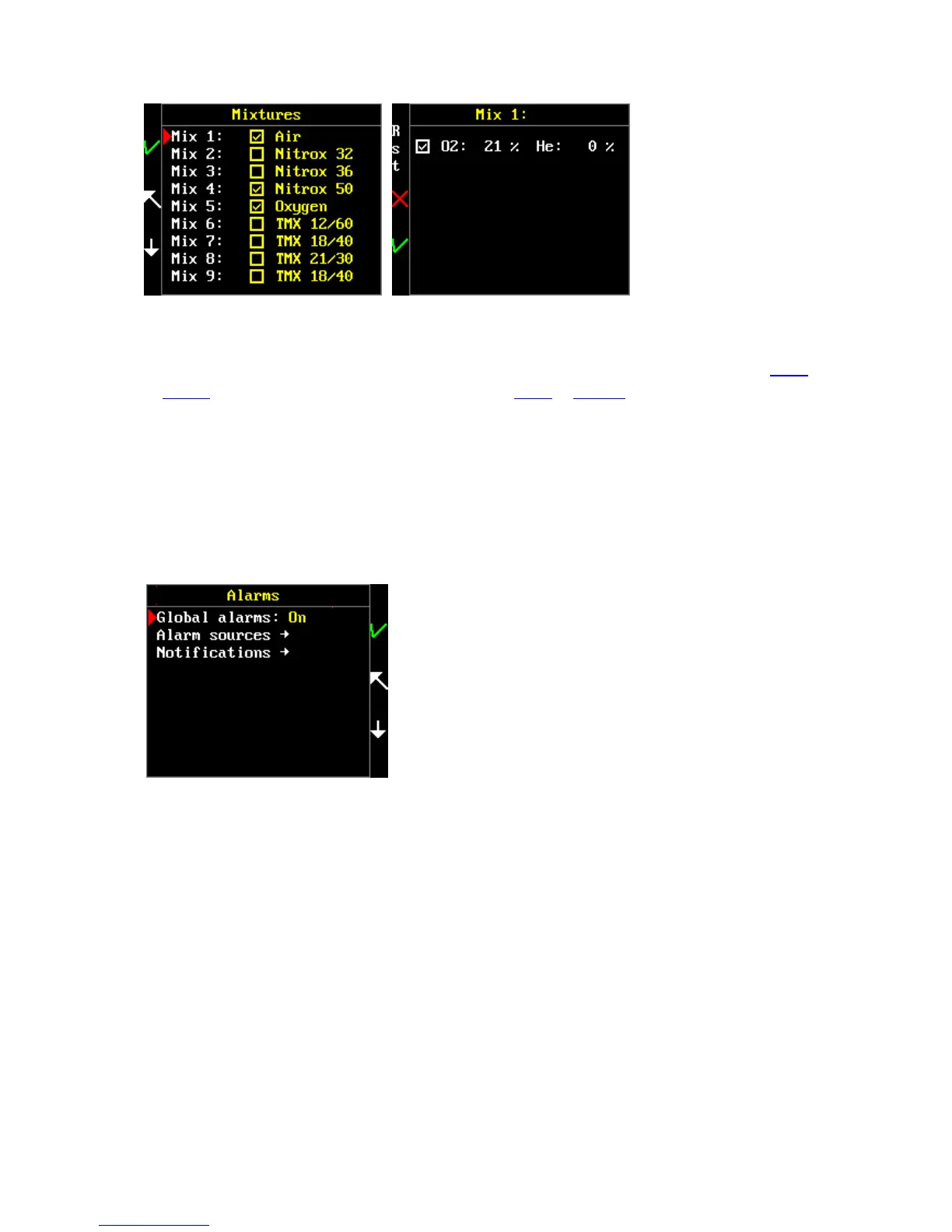
Available mixtures are without brackets; enabled mixtures are with brackets in the list of mixtures.
To reselect or adjust the mixture, select the desired mixture and press KEY 1. Then it is necessary to
select the checkbox if you want to use this mixture or deselect it if you do not want to use it by tilting
or clicking. Then set the fraction of individual gases with tilting or clicking.
Alarms
Main menu > Setup > Alarms
The FREEDOM contains numerous vibration alarms. The diver can set many kinds of alarms which he
considers to be important or can centrally deactivate all alarms.
WARNING: Because the FREEDOM is primarily suited for technical diving, all alarms are turned off
by default.
Global alarms
Set all alarms to ON or OFF.
Alarm sources
Choose which alarms you want to use.



 To Next Page