44
Temperature – current temperature in Celsius or Fahrenheit.
Battery status – graphic symbol of battery status: green when fully charged, yellow when at 50%-
30% capacity, orange at 30%-10% capacity, red when the battery charge is lower than 10% of
capacity.
Surface part
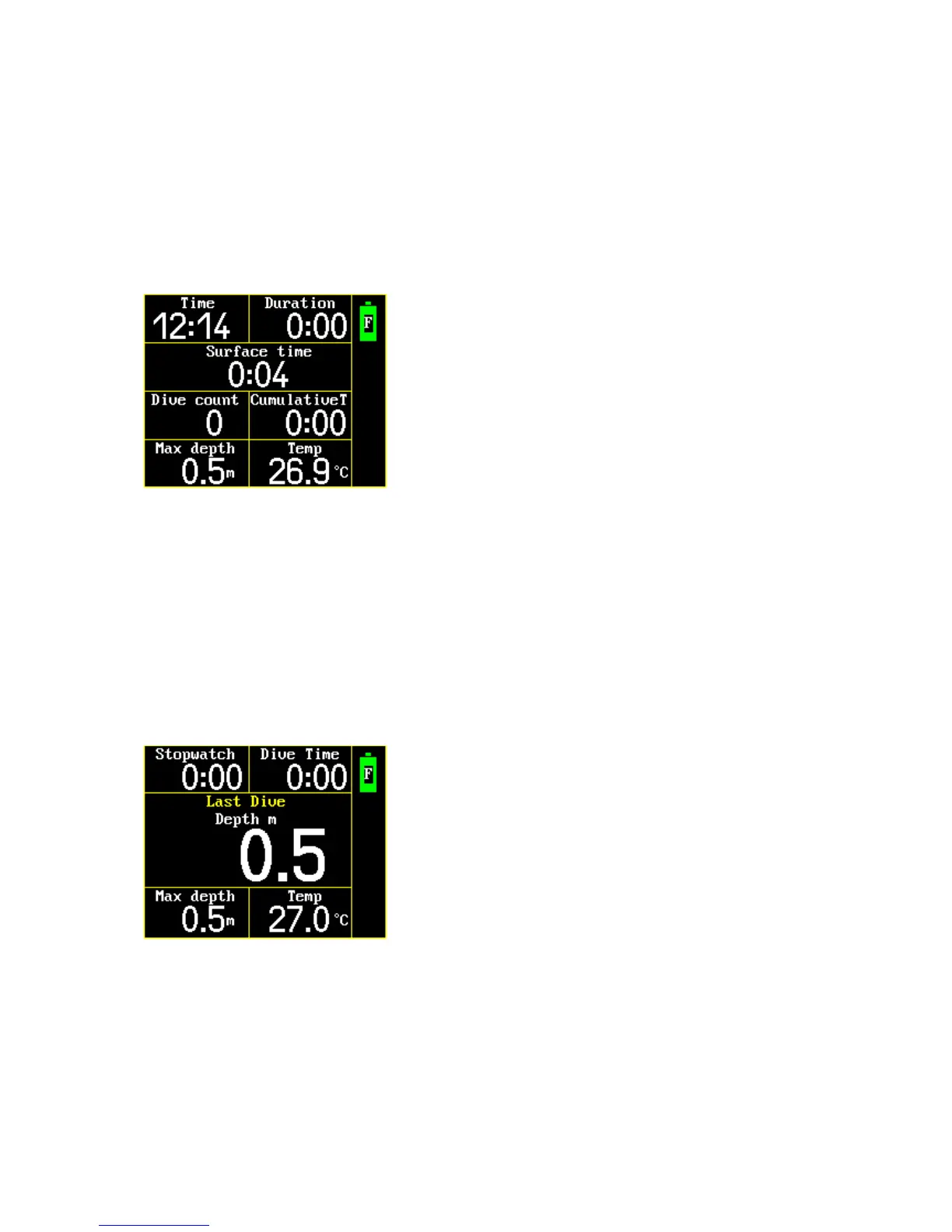
In the Surface part of Free mode, the following are displayed: time, duration in seconds, surface
interval in seconds, dive count, cumulative dive time, maximum depth.
Time – current time
Duration – duration from first plunge to manually ending the dive. Includes all free dives and surface
interval in one diving event (training, competition).
Surface interval – time between two dives. It is possible to set the surface interval alarm in Free
setup: Surface mode main menu> Setup> Free setup>.
Dive count
Cumulative dive time – sum of dive times. Total time spent under water.
Maximum depth – maximum depth of all dives in the current diving event.
In the surface part of Free mode, it is possible to switch to last dive information with KEY 1. It is
possible to see stopwatch, maximum depth, dive time and minimal temperature of the last dive.
¨
Stopwatch – The stopwatch is activated with KEY 2, stopped with KEY 2 again, and reset with KEY 2
LONG. If you finished a dive and do not stop the stopwatch and switch the computer to the Surface
part, the stopwatch will continue to run. It is possible to check the last dive information. If the
stopwatch is not stopped during the time at the surface, it will continue to measure the time in the
next dive.



 To Next Page