19
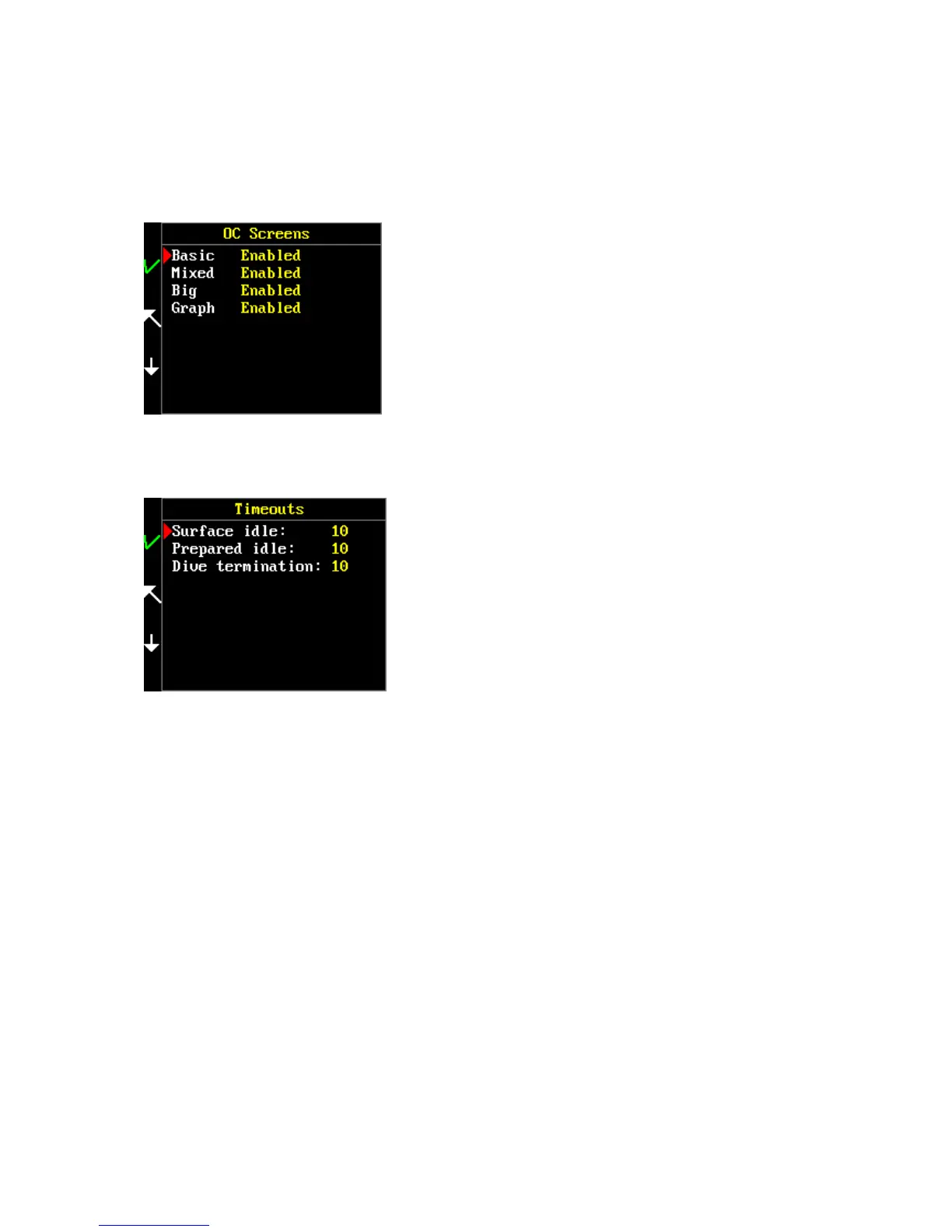
Screens
Main menu > Setup > Preferences > Display > OC screens
Specify which screens should by displayed in Closed-circuit or SCR mode. You can disable some of the
screens for displaying with KEY 1 and re-enable them with KEY 1.
Timeouts
Main menu > Setup > Preferences > Timeouts
In this submenu you can set the duration of FREEDOM activiation.
Surface idle – set a time period for switch-off after inactivity in surface mode and menus. Range 1 –
120 min.
Prepared idle – set a period for switch-off after inactivity in dive mode before the dive. Range 1 –
120 min.
Dive termination – set an automatic dive termination after surfacing in the range of 0 (never) – 30
min.
Units
Main menu > Setup > Preferences > User interface > Units
The FREEDOM computer can work with both metric and imperial units. Select your preferred unit.
Checklist
Main menu > Setup > Preferences > User interface > Checklist
Enable or disable checklist before dive modes (OC, CCR) activation.
Plan order
Main menu > Setup > Preferences > User interface > Plan order



 To Next Page