17
Settings
It is possible to apply a broad range different settings to the FREEDOM. The unit can be adjusted to
meet the specific requirements of many different kinds of diving and experience levels of divers.
Before first use
Before the first use, it is necessary to decide how you want to use your new FREEDOM and set your
personalization.
Horizontal calibration
Before the subsequent setup, it is crucial to have the correct level calibration. Level calibration serves
for the proper and accurate functioning of the accelerometer. The built-in accelerometer enables
recognition of the computer’s position, thus making it possible to control the FREEDOM and change
parameters by tilting or clicking.
Go to: Main menu > Setup > Horizontal calibration
Now place the FREEDOM a PERFECTLY STABLE HORIZONTAL POSITION (on a table for, example) and
press any key. Wait for the result and then continue with the other settings.
Set time
Main menu > Setup > Set time
Set time is very important because several FREEDOM functions depend on having the correct time. If
you do not have the correct time set, the FREEDOM cannot work properly.
Set the time by tilting.
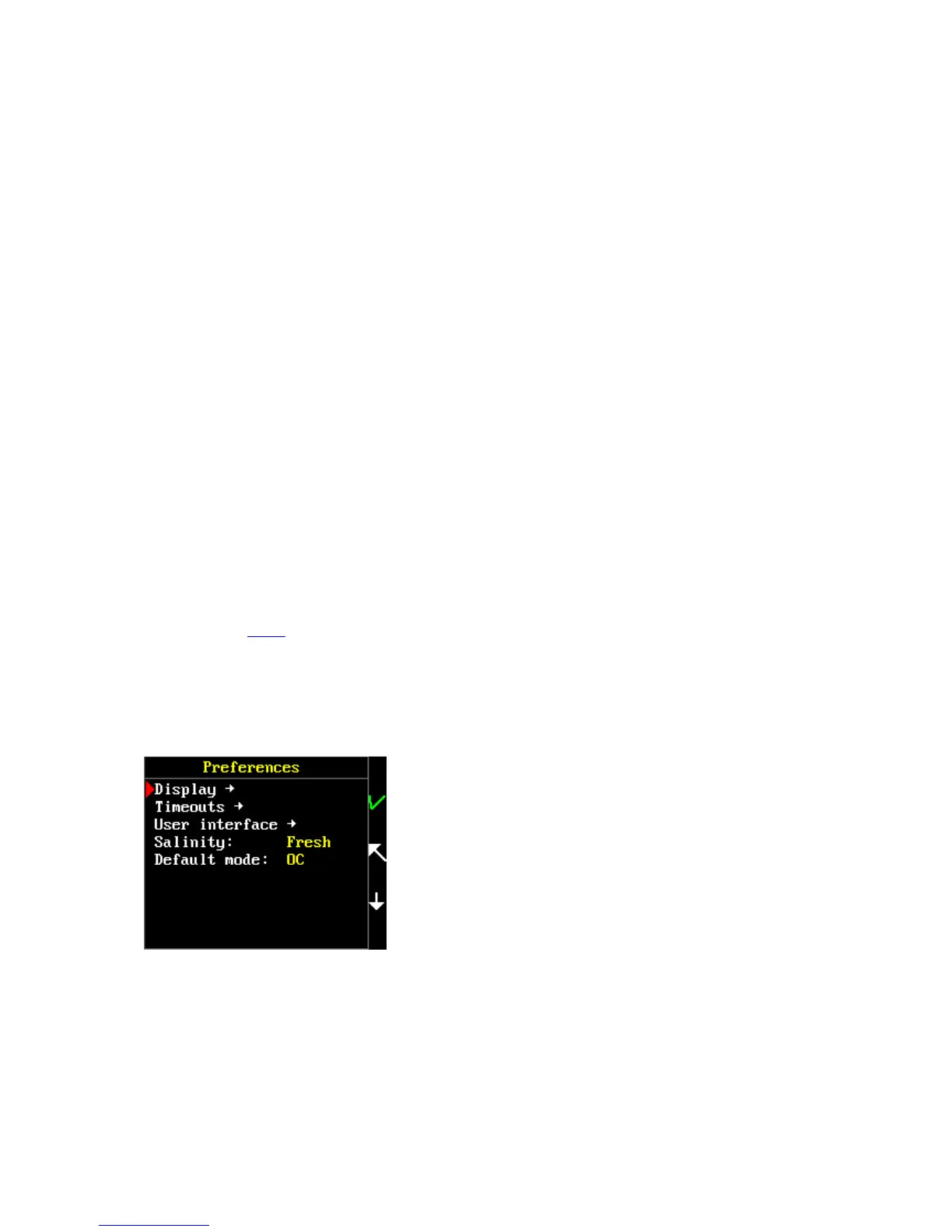
Preferences
Now you can proceed to your own FREEDOM personalization.
Go to: Main menu > Setup > Preferences



 To Next Page