23
Last stop
Main menu > Setup > Decompression > Deco stops > Last stop
The last stop determines how deep your last decompression stop will be. It is possible to choose
between 3 meters (10 feet) and 6 meters (20 feet) depending on your preferences, conventions and
ambient conditions. A deeper last stop extends the decompression time but it is safer in big waves
and much more useful when using oxygen with regard to the oxygen window.
Change the setting with KEY 1
Rounding
Main menu > Setup > Decompression > Deco stops > Rounding
The FREEDOM rounds the ascent and decompression time in 1s, 30s and 60s relations.
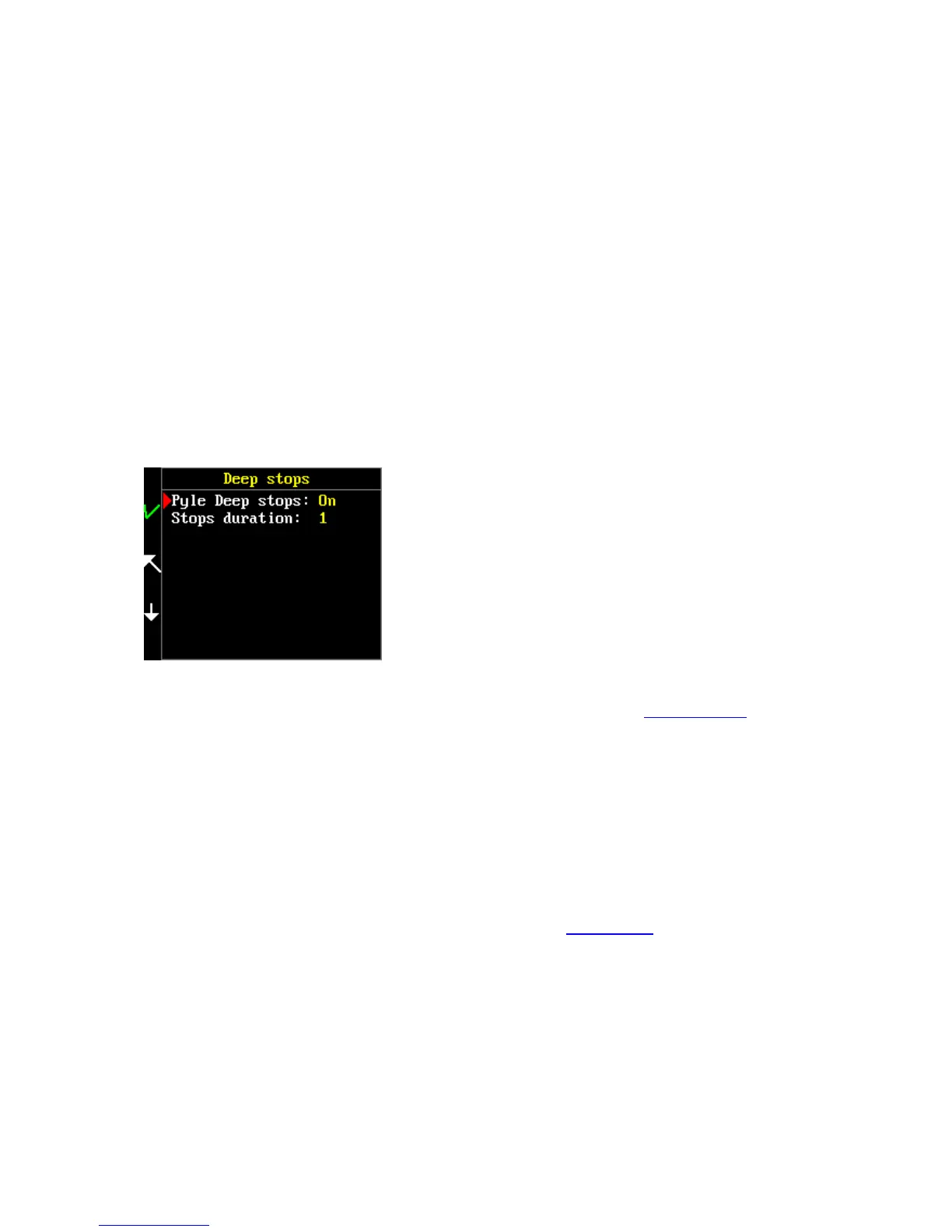
Deep stop
Main menu > Setup > Decompression > Deep stop
In order to prevent the formation of microbubbles in a diver’s tissues, it is a good idea to make deep
stops. There are several options for how to do this. The first possibility is to set your GF low to a very
low value – for example 10. This setting determines the first decompression stop much deeper than
one would expect.
The second possibility consists in additional stops added to your common Bühlmann decompression.
These stops are called Deep stops. The FREEDOM uses Pyle’s deep stop procedure.
It is possible to choose either one of these two options or to combine them.
Deep stops set as OFF by default. For activation of deep stops, press KEY 1 to switch to ON.
If you want to use the descent rate warning, make sure that the global alarms and descent rate alarm
are set to ON.



 To Next Page