Page 38
INITIAL PROGRAMMING
DATE / TIME
Proper setting of items such as Happy Hour and Not Available times, as well as obtaining viable information
regarding Door Openings, Power Outages, etc. depend on a correct DATE/TIME setting. Each machine leaves the
factory with the date, and local time (Eastern Standard) entered into the programming. This setting should be
checked and changed if necessary. Enter "SETUP MODE" by opening the service door and pressing the Mode
Selection button three times. Press the number "5" on the keypad, the day, date, and time will scroll across the
display in the following format: SUN 09/08/96 1330. To change press the "*" key and the display will read "SAT".
Use the "A" key to scroll through the days. When the desired day is displayed press the "*" key. The display will
read "MONTH". Enter the two digits for the month and press the "*" key. The display will read "DAY". Enter the
date (2 digits) and press the "*" key. The display will read "YEAR" Enter the year (last two digits) and press the "*"
key. The display will read "HOUR". Enter the hour (00 - 23) and press the "*" key. The display will read "MIN".
Enter the minutes (00 - 59) and press the "*" key. The date I time is now set and the display returns to "SETUP
MODE".
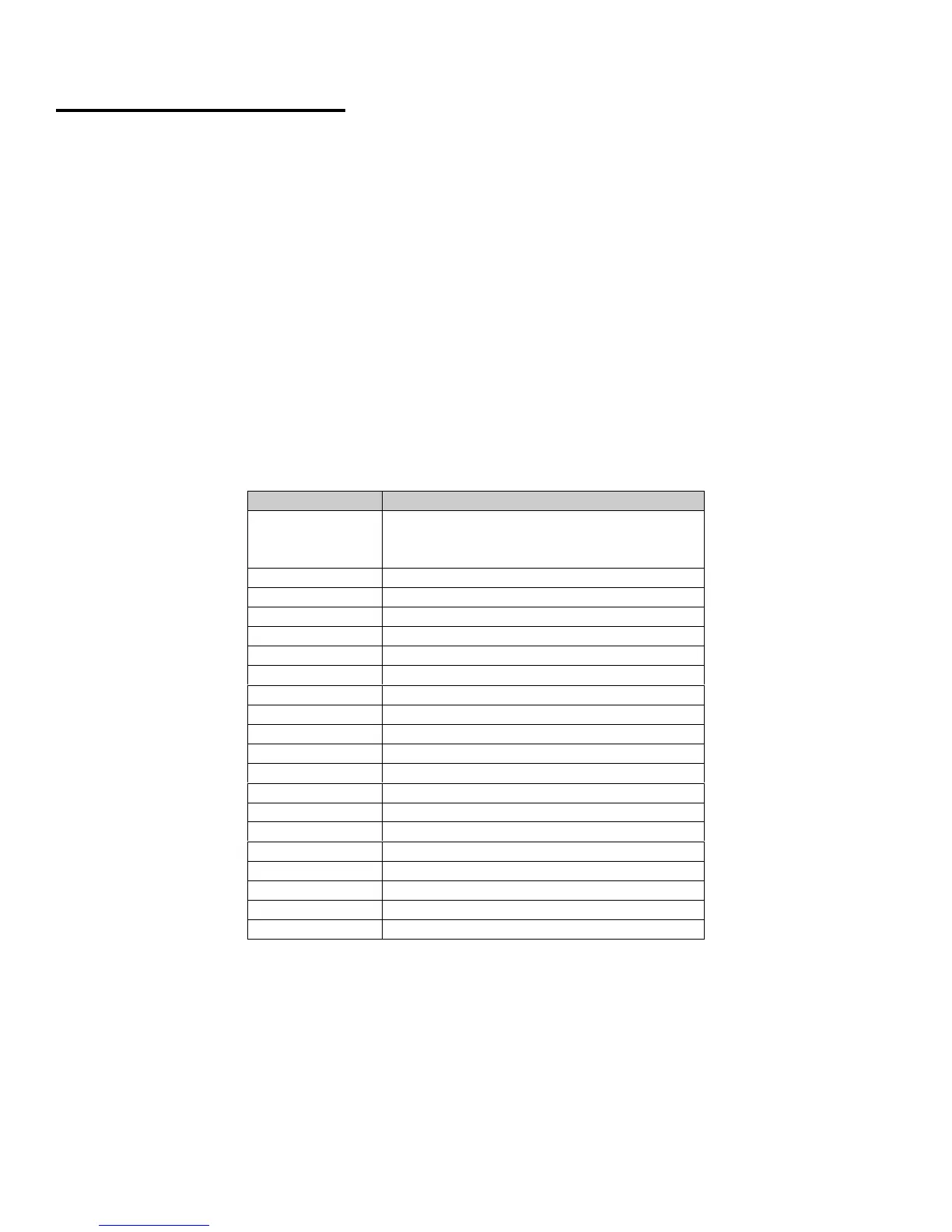
The following example will step through setting Noon, Monday, September 9th, 1996 into the system's
program. Enter the "SETUP MODE" and proceed as follows:
PRESS KEY DISPLAY WILL READ
5 SUN 09/08/96 1330
This is an example. Actual display may
be different.
* SAT
A SUN
A MON
* MONTH
0 MONTH 0
9 MONTH 09
* DAY
0 DAY 0
9 DAY 09
* YEAR
9 YEAR 9
6 YEAR 96
* HOUR
1 HOUR1
2 HOUR12
* MIN
0 MIN 0
0 MIN 00
* SETUP MODE







 To Next Page