Horizon Compact Management
111
Horizon Compact Release 1.01.00 Wireless Ethernet Product User Manual – Volume 2
Sub-menu Options
The main screen has four Sub-menu options :
• More Information - opens a window and displays a summary of the system configuration.
• System Name - link to the System Configuration page. If this field has been previously
configured then the value is displayed
• System Location - link to the System Configuration page. If this field has been previously
configured then the value is displayed
• Manage your Peer Horizon system : [IP address] - links to the login screen of the peer node
(provided the peer node has had its IP address configured). This provides the user with a Web
browser interface to each end of the Horizon Compact link.
4.5.6 Web Page Tree Diagram
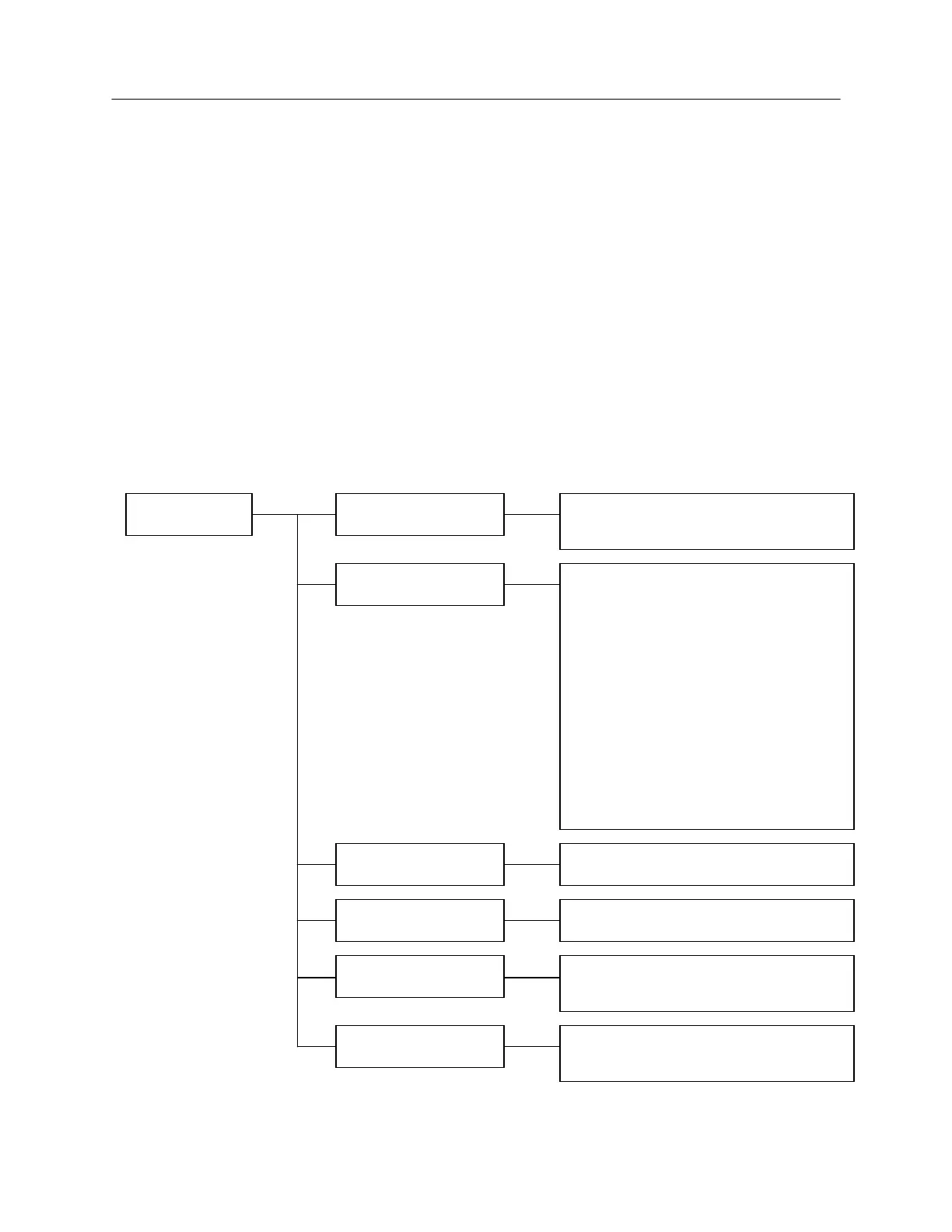
Figure 4-3 maps the information available via the Web interface.
Figure 4-3 Web Interface – Tree Diagram
HOME PAGE PERFORMANCE
CONTACTS
TOOLS
CONFIGURATION
DIAGNOSTICS
ALARMS
- ETHERNET TRAFFIC STATISTICS
- WIRELESS TRAFFIC STATISTICS
- SYSTEM CONFIGURATION
- IP CONFIGURATION
- FREQUENCY AND PORT CONFIGURATION
- SNMP TRAP HOST CONFIGURATION
- SNMP MANAGERS CONFIGURATION
- SNMP V3 MANAGERS CONFIGURATION
- SNMP TRAPS CONFIGURATION
- AUTOMATIC TRANSMIT POWER CONTROL
- AUTOMATIC ADAPTIVE MODULATION
- SNTP CONFIGURATION
- LOGS CONFIGURATION
- RADIUS CLIENT CONFIGURATION
- ETHERNET QUALITY OF SERVICE
- DIAGNOSTIC PROGRAM DOWNLOAD LINK
- LIST OF ALARMS
- LINK ALIGNMENT TOOL
- LINK PLANNING TOOL
- DRAGONWAVE CORPORATE CONTACTS
- DRAGONWAVE SUPPORT CONTACTS



 To Next Page