DragonWave Inc. 94
Horizon Compact Release 1.01.00 Wireless Ethernet Product User Manual – Volume 2
3.12.8 Single Wire Option Example
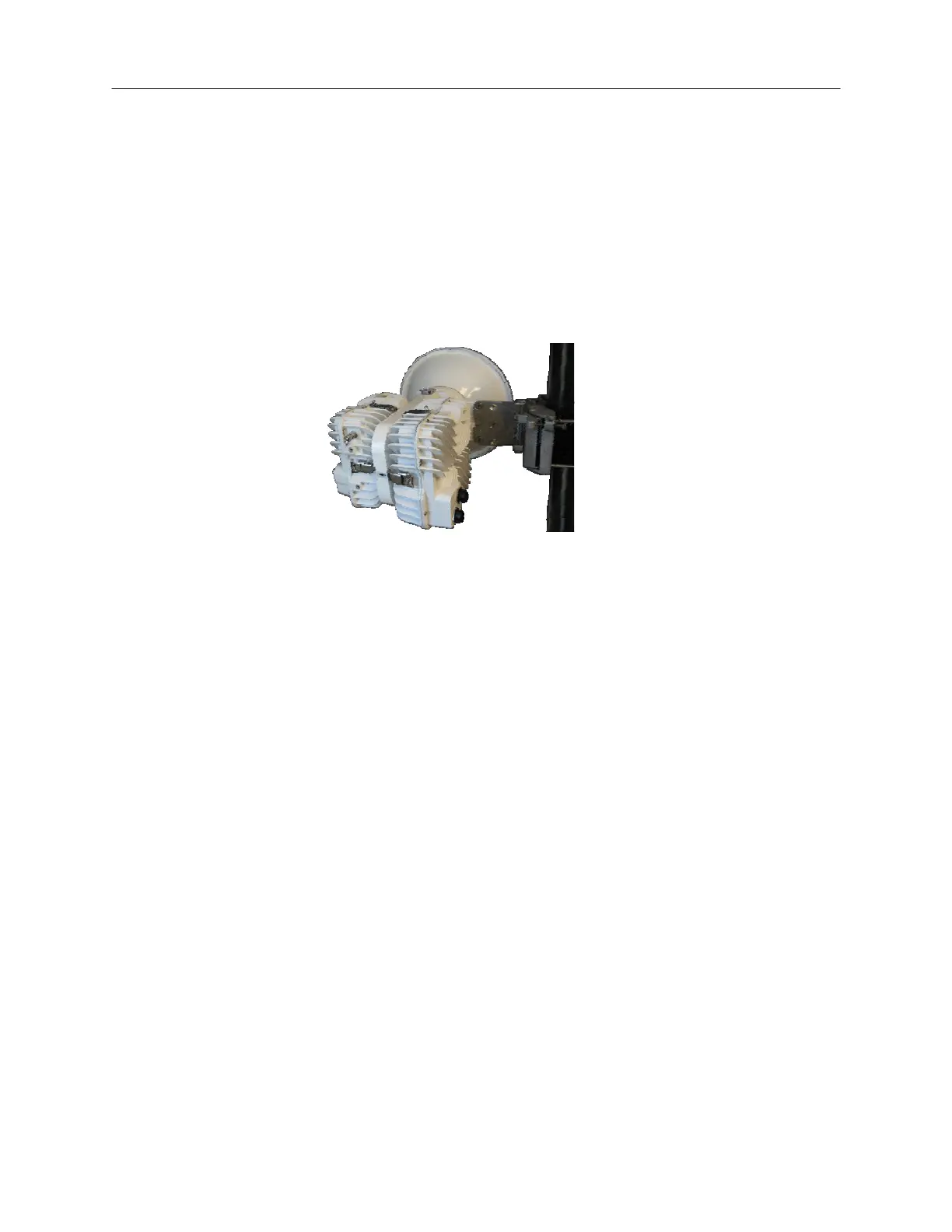
Two Horizon Compact units are mounted on a Power Switch Radio Mount (PSRM) as shown in Figure
3-5. The PSRM supports system redundancy by connecting two Horizon units to a single antenna. Only
one of the radios of the mounted systems may operate at any one time. Both systems have the identical
polarity, either both vertically or both horizontally polarized. One system is configured as the Primary
(normally carrying traffic) and the other as the Secondary (in stand-by).
.
Figure 3-5 Power Switch Radio Mount
NOTE: When connecting the Horizon Compact units to the PSRM mount, be sure to identify and
record the serial number of the unit connected to the PSRM Primary port and the unit connected
to the PSRM Secondary port. When setting the Redundancy configuration in software, be sure to
match the configured Primary unit with the unit physically connected to the PSRM primary port.
In this configuration (both copper and optical interfaces), management activity is via port 1 of the
secondary Horizon. This means that the secondary unit must be configured for in-band (port1)
management. Management of the primary unit is via the port 2 link, so management for the primary is
technically out-of-band, so the primary unit has to be configured for out-of-band (port2) management.
All data traffic is fed to port 1 of the primary unit.
Switching from the active primary to the stand-by secondary is determined by the configuration of the
Horizon Compact units and does not depend on connected Ethernet switches.
After a redundancy switch, once the primary system is able to return to carrying traffic, a manual switch is
required to return the system to normal operation. This is only performed on the Primary unit. It has no
effect on the Secondary unit.
The Horizon Compact system with copper interface is connected as shown in
Figure 3-6. Each end of the
link is connected the same way.



 To Next Page