Advanced Configuration Features
31
Horizon Compact Release 1.01.00 Wireless Ethernet Product User Manual – Volume 2
3.3 CoS / QoS 802.1P Priority Tagging
QoS implementation is best done on the ingress and egress portions of the transport network. As such,
QoS should be implemented on the Ethernet switches. Once that implementation is in place, the Horizon
Compact can be configured for QoS, should the potential for congestion exist. Enabling CoS/QoS
(802.1P) on Horizon Compact ensures that the high priority traffic is delivered at the expense of lower
priority traffic.
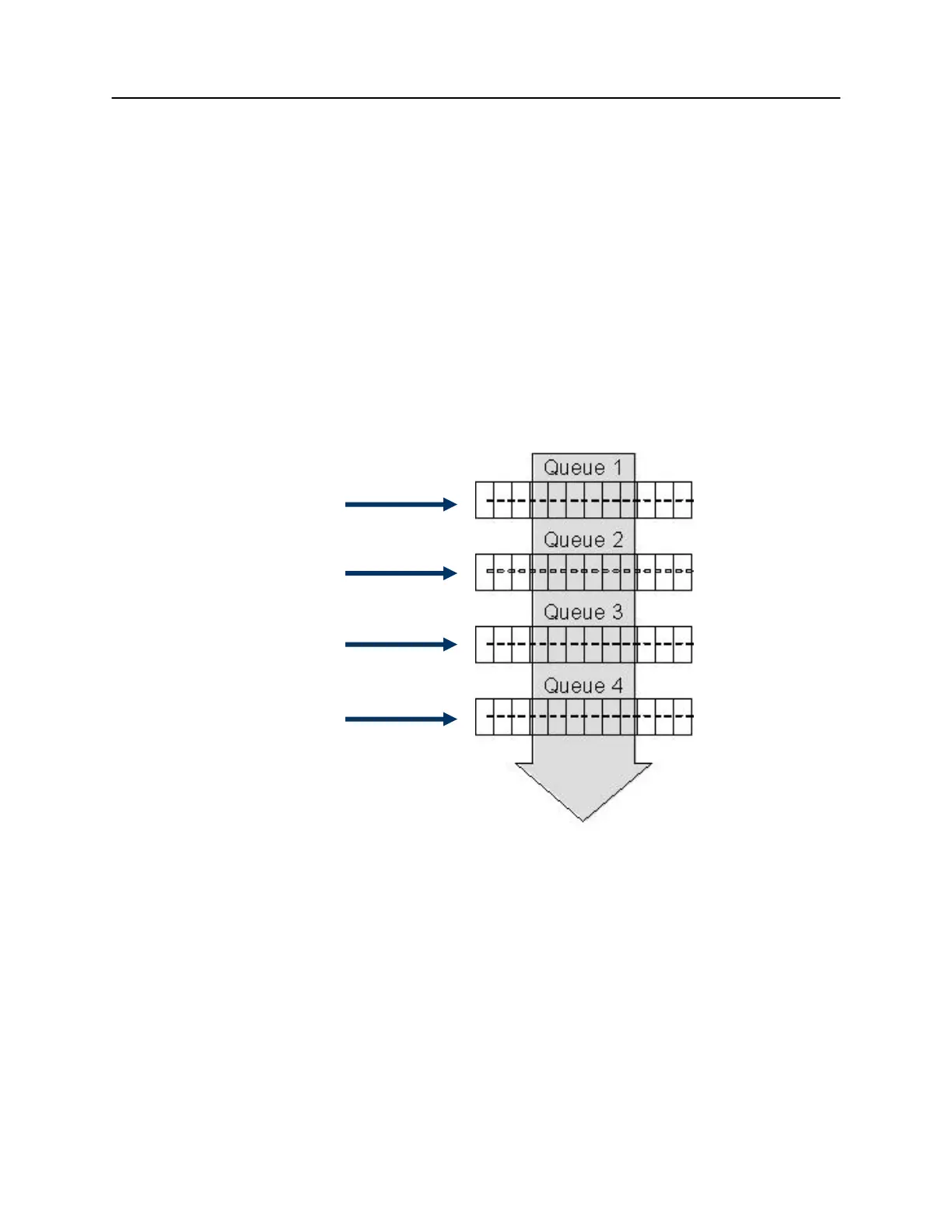
Horizon Compact supports the eight Classes of Service (CoS) levels (0-7) defined within 802.1P. There
are four CoS Queues within Horizon Compact, numbered 1 to 4. Any of the eight CoS levels can be
assigned to any of the four Horizon Compact CoS Queues. Horizon can also be configured to use the
priority bits found in the DSCP field of IP headers. Any frames not having an IP header can be classified
based on the default class of service value (set cos default value [0 though 7]).
In Horizon any, or all, of the four CoS Queues can be configured as expedite queues.
A typical CoS assignment is shown in
Figure 3-1
Figure 3-1 802.1P Enabled on Horizon Compact with Example CoS Allocations
CoS level 0
CoS level 1
CoS level 2
CoS level 3
CoS level 6
CoS level 7
CoS level 4
CoS level 5



 To Next Page