Vigor3900 Series User’s Guide
135
Apply
Click it to save and exit the dialog.
Cancel
Click it to exit the dialog without saving anything.
8. Enter all the settings and click Apply.
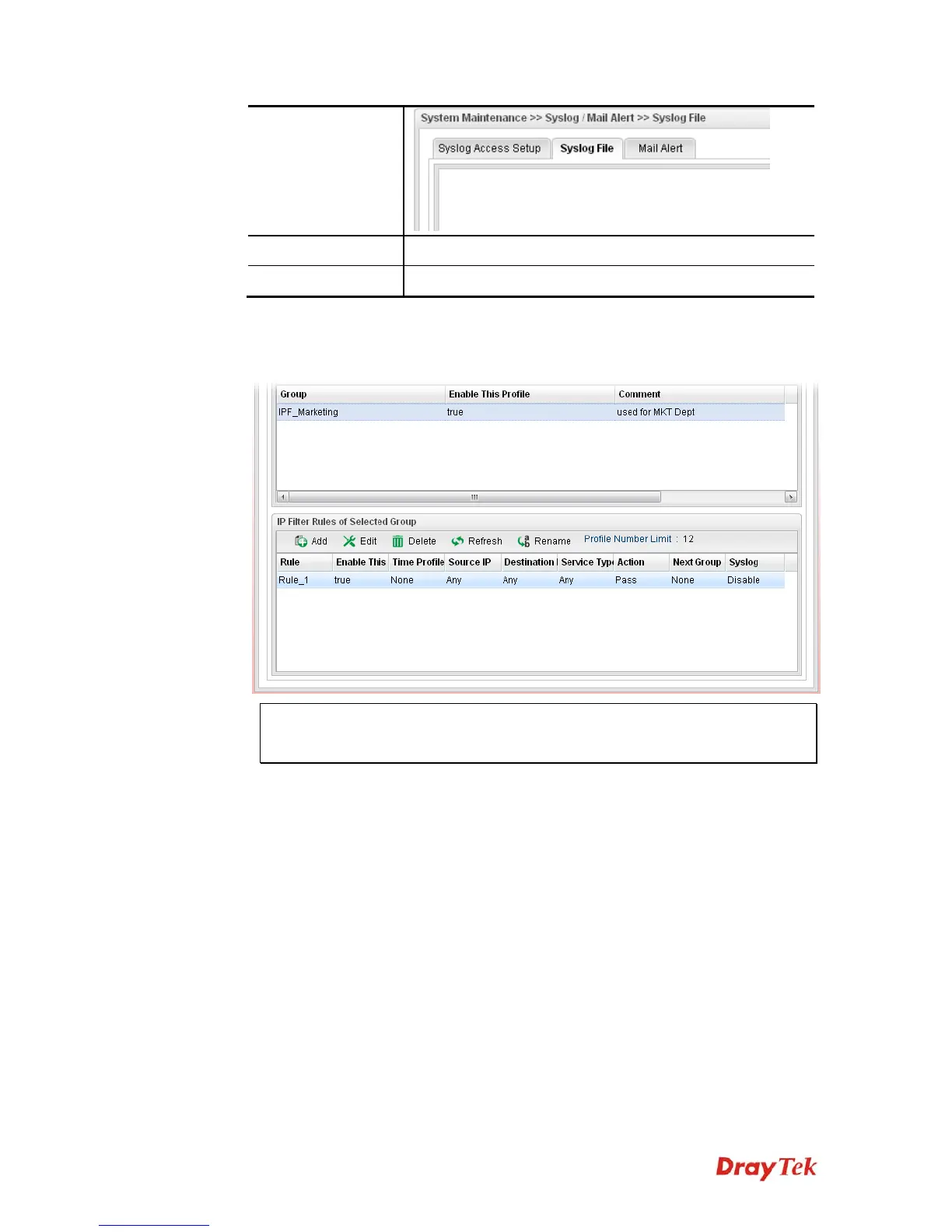
9. A new IP filter rule has been added onto IP Filter Rules of Selected Group table.
Note
: You can create multiple IP filter groups. Each
IP Filter Rules of Selected
Group
belongs to an
IP Filter Rule Group
. Click an
IP Filter Rule Group
to
show its members in the lower display window.














 To Next Page