12
2
2
.
.
1
1
.
.
2
2
E
E
d
d
i
i
t
t
t
t
h
h
e
e
M
M
e
e
m
m
o
o
r
r
y
y
K
K
e
e
y
y
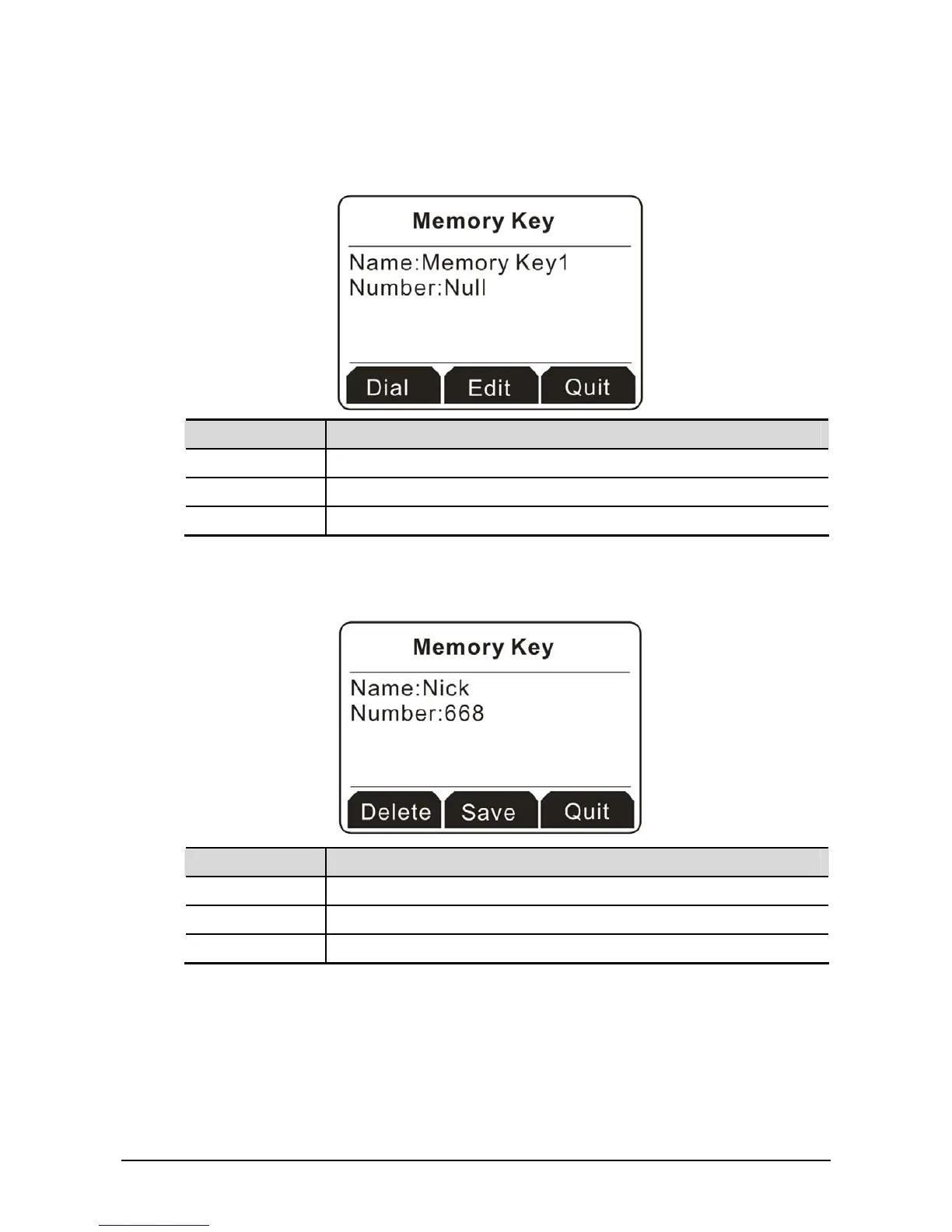
1. Click one of the memory keys you want. In default, all the telephone numbers will be displayed with
Null if you haven’t created any memory key.
Button Explanation
Dial Have a phone call to the selected one.
Edit Modify the information for the selected one.
Quit Exit and return to previous page.
2. Click the soft key under Edit. The name and the number will be cleared and ask you to type new
entries.
3. In the field of Name, please type Nick; and in the field of Number, please type 668.
Button Explanation
Delete It allows you to remove the information you type.
Save Save the information you type.
Quit Exit and return to previous page.



 To Next Page