17
5. Click the soft key under Quit. You will find a new name with phone number has been created.
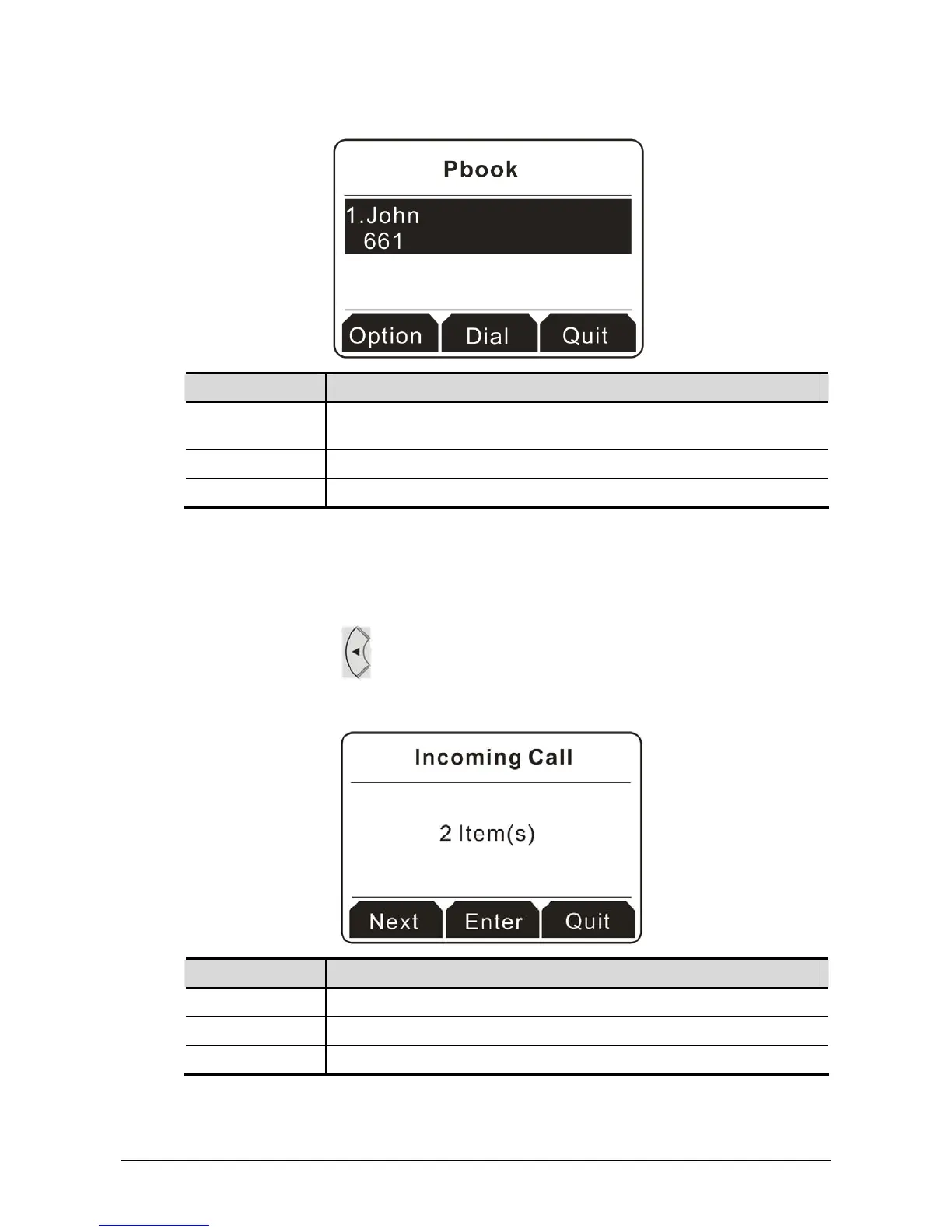
Button Explanation
Option It allows you to edit information, save the phone book, delete the phone
book, send a message to other people and so on.
Dial Have a phone call to the selected one.
Quit Exit and return to previous page.
2
2
.
.
5
5
I
I
n
n
c
c
o
o
m
m
i
i
n
n
g
g
/
/
O
O
u
u
t
t
g
g
o
o
i
i
n
n
g
g
C
C
a
a
l
l
l
l
Later incoming/outgoing calls will be stored temporarily and be checked from the Display Screen.
1. Press the navigation key
. You will see the incoming call records at the first. If there are many
incoming call stored, please use scroll bard on the right side of the display screen to scroll up and
down.
Button Explanation
Next Switch among the incoming call, outgoing call and missed call.
Enter This button is available only when there is at least one item existed.
Quit Exit and return to previous page.



 To Next Page