16
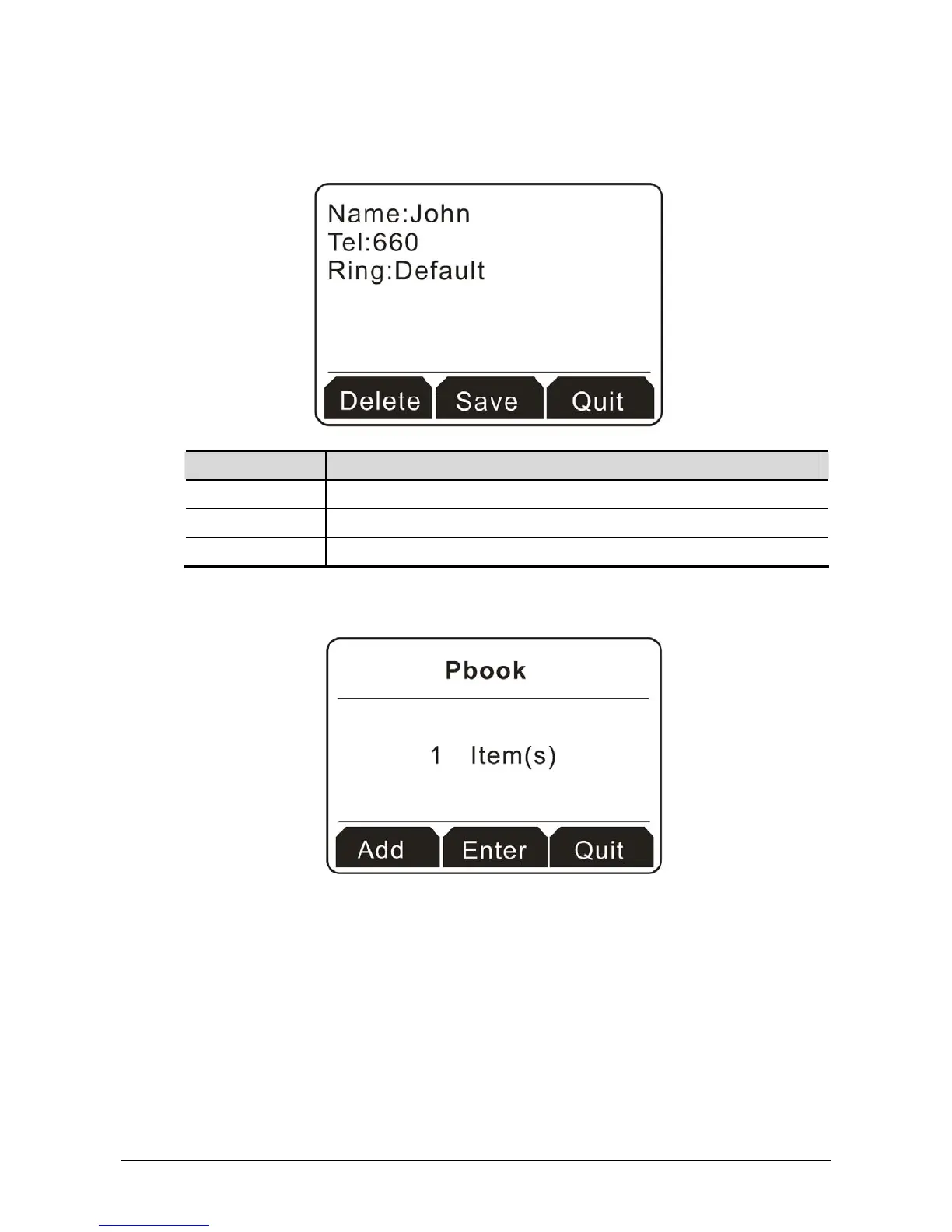
3. Click the soft key under Add to display the following screen. In the field of Name, please type John;
and in the field of Tel, please type 660.
Button Explanation
Delete It allows you to remove the information you type.
Save Save the information you type.
Quit Exit and return to previous page.
4. Click the soft key under Save. When such item is created successfully, the screen will display as the
figure below.



 To Next Page