68
3
3
.
.
5
5
.
.
3
3
C
C
o
o
n
n
f
f
i
i
g
g
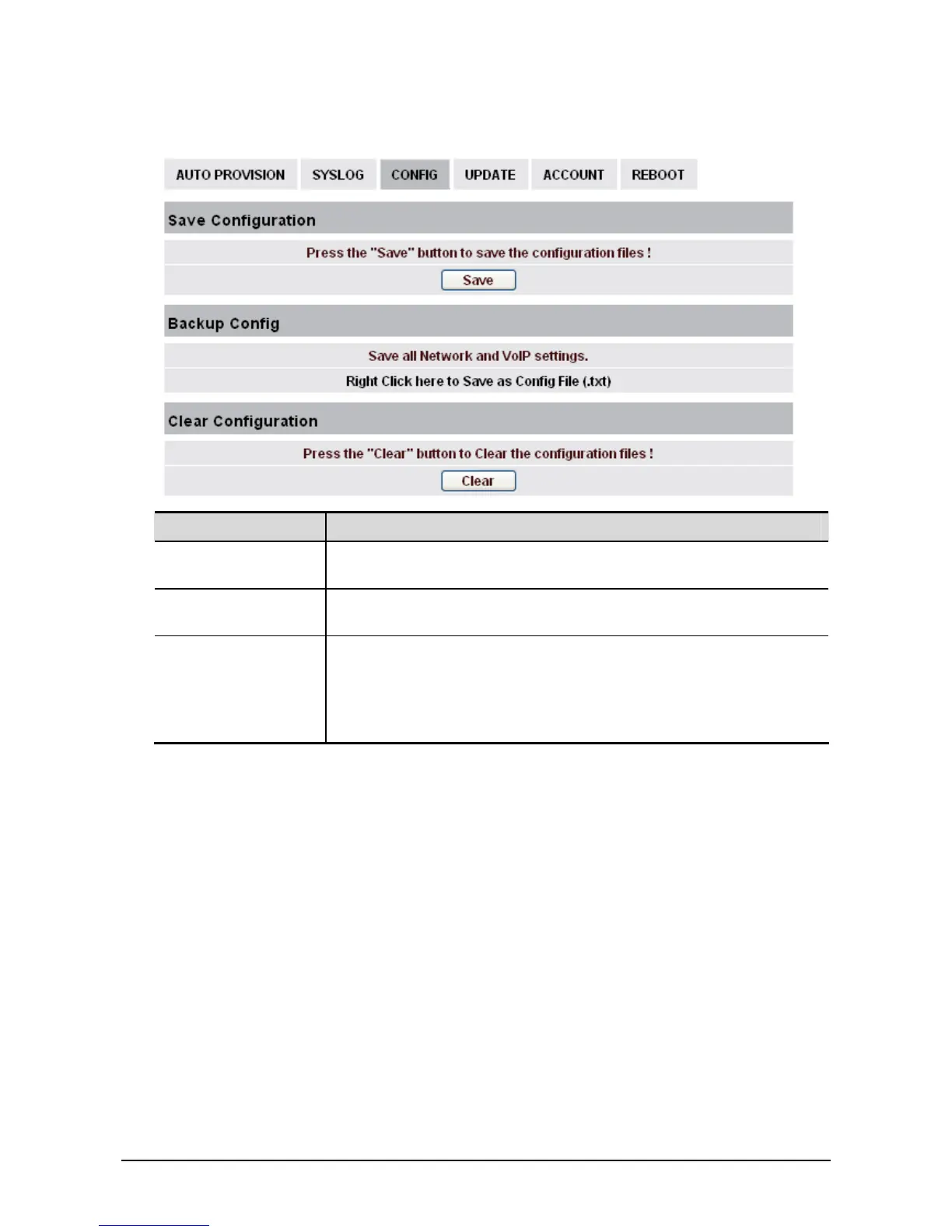
Field name Explanation
Save Configuration You can save all changes of configurations. Click the Save button, all
changes of configuration will be saved, and be effective immediately. .
Backup Config Right clicks on “Right click here…” and select “Save Target As….”
then you will save the configuration file in .txt format
Clear Configuration A user can restore factory default configuration and reboot the phone.
If you login as Admin, the phone will reset all configurations and
restore factory default; if you login as Guest, the phone will reset all
configurations except for VoIP accounts (SIP1-2 and IAX2) and version
number.



 To Next Page