63
3
3
.
.
4
4
.
.
5
5
F
F
u
u
n
n
c
c
t
t
i
i
o
o
n
n
K
K
e
e
y
y
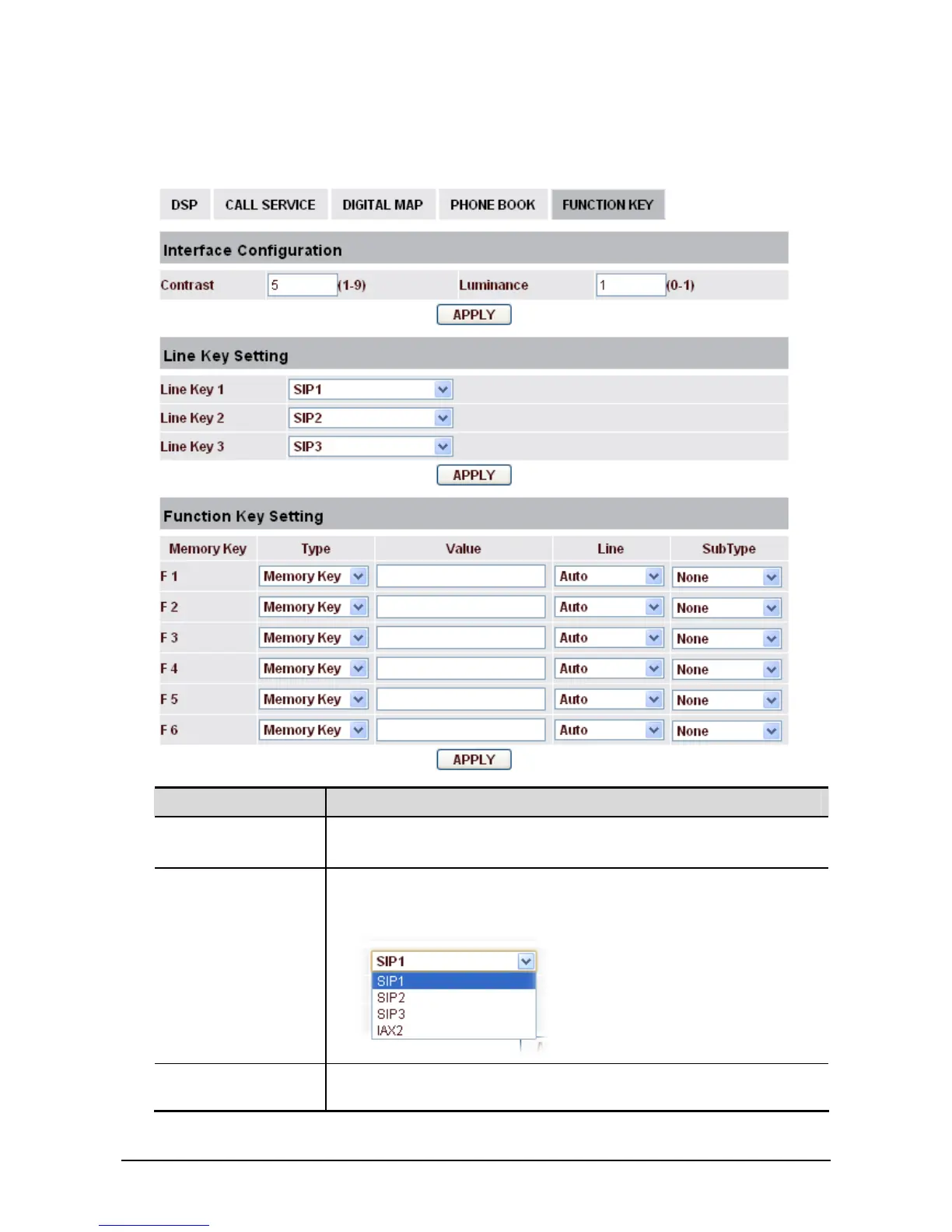
This page allows you to configure function keys (also called memory keys in IP Phone) with specific
type, value, line and other function parameters (speed dial, push to talk, DND and etc).
Field name Explanation
Interface
Configuration
Contrast - Set contrast of screen.
Luminance - Set luminance of screen.
Line Key Setting Select SIP1, SIP2, SIP3, Dial peer, or IAX2 in function key type. After
you set it, you pick up handset or hands-free, press this function key,
then you can use the corresponding IP line.
Function Key
Setting
Memory Key - Set the memory key's serial number.
Type -



 To Next Page