78
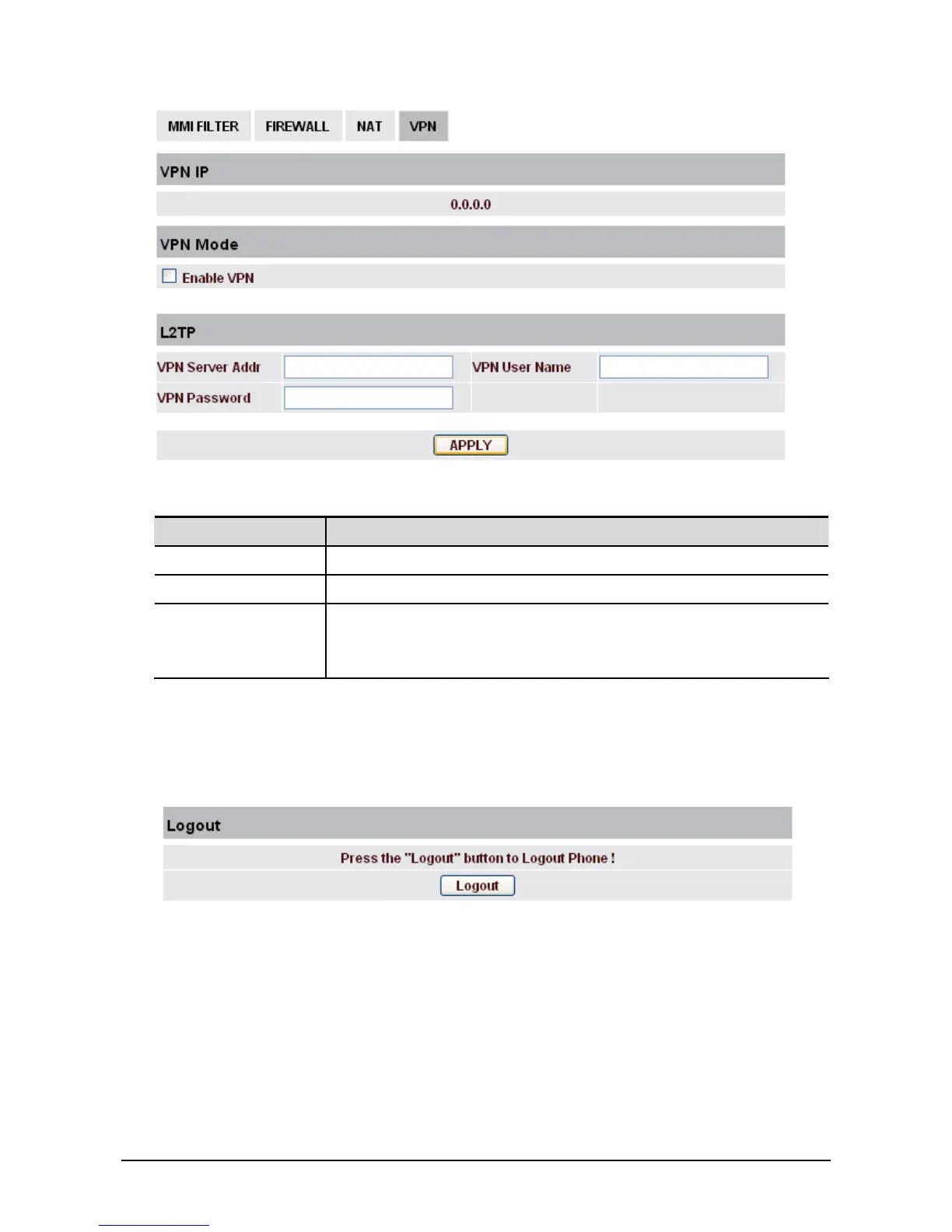
Field name Explanation
VPN IP Shows the current VPN IP address
VPN Mode Enable VPN - Select it or not to enable or disable VPN.
L2TP VPN Server Addr - Set VPN L2TP Server IP address.
VPN User Name - Set User Name access to VPN L2TP Server.
VPN Password - Set Password access to VPN L2TP Server.
3
3
.
.
7
7
L
L
o
o
g
g
o
o
u
u
t
t
Click Logout and you will exit web page. If you want to enter it next time, you need input user name
and password again.



 To Next Page