13
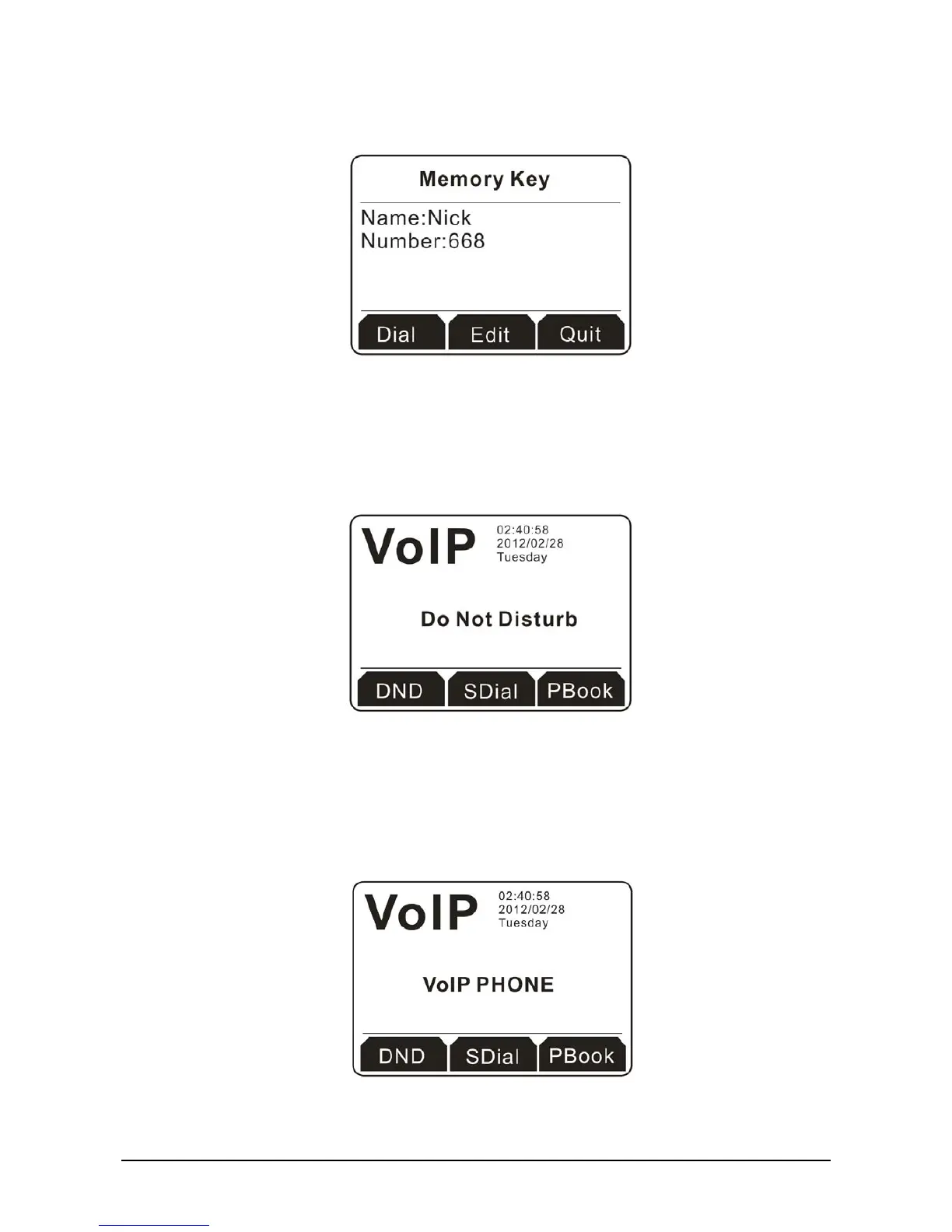
4. Click the soft key under Save to store the settings. Now, memory key 1 has been changed with new
name and number.
2
2
.
.
1
1
.
.
3
3
E
E
x
x
i
i
t
t
t
t
h
h
e
e
M
M
e
e
m
m
o
o
r
r
y
y
K
K
e
e
y
y
Simply press the soft key under Quit to exit the memory key and return to the home page.
2
2
.
.
2
2
D
D
o
o
N
N
o
o
t
t
D
D
i
i
s
s
t
t
u
u
r
r
b
b
Simply press the soft key under DND button on the home page. The screen will be shown as below.
Now, you don’t need to worry about the incoming phone calls to interrupt your work.
2
2
.
.
3
3
S
S
p
p
e
e
e
e
d
d
D
D
i
i
a
a
l
l
Speed dial means user can make calls directly without hook off or using hands-free.
1. Press the soft key under SDial to access into the configuration page. There are 12 groups that you
can set as speed dial numbers.



 To Next Page