14
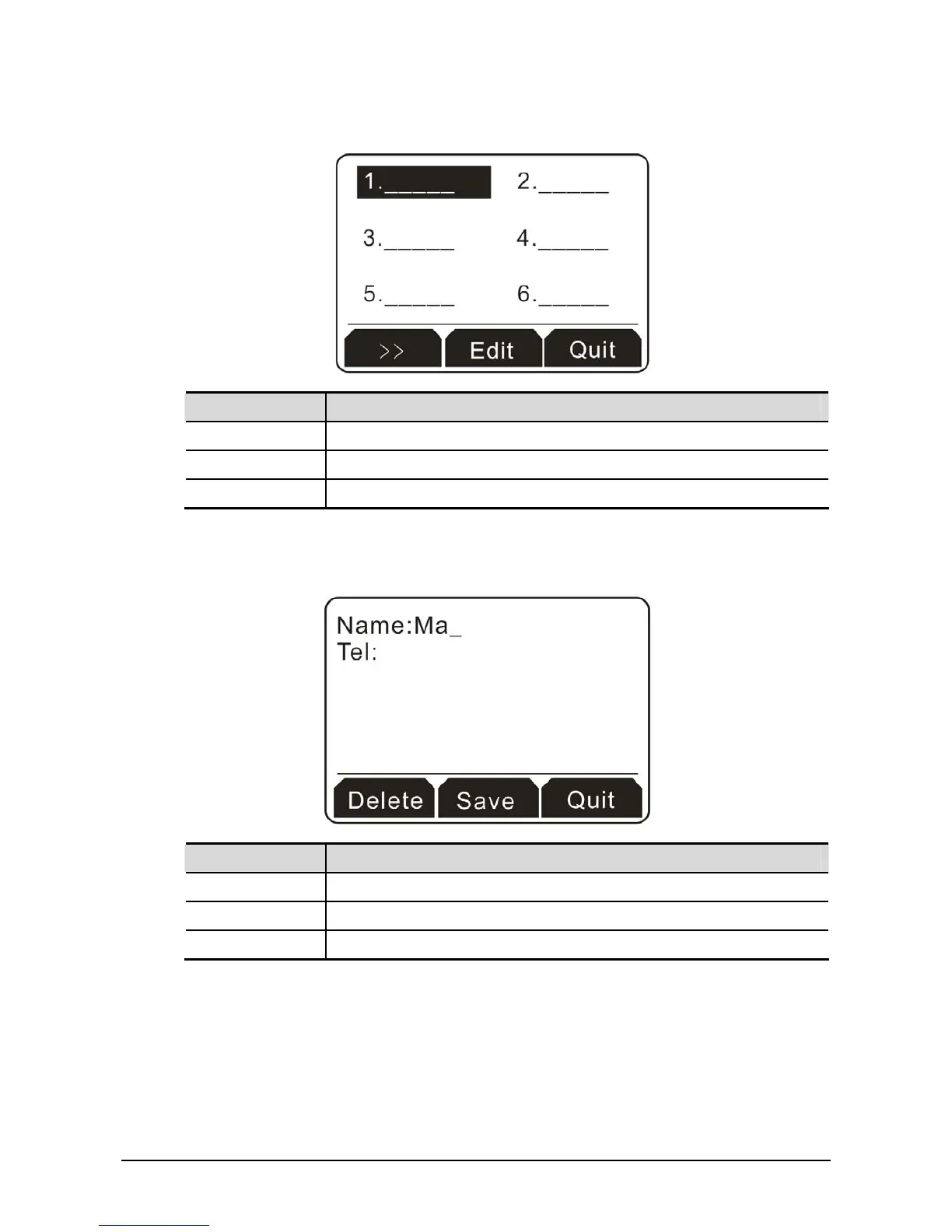
2. Use the Navigation keys to move up, down, left or right to choose the one you want. In this case,
we choose #1 as an example.
Button Explanation
>> Click it to access into next entry.
Edit Modify the information for the selected one.
Quit Exit and return to previous page.
3. Next, click the soft key under Edit to display the following screen. In the field of Name, please type
Mark; and in the field of Tel, please type 667.
Button Explanation
Delete It allows you to remove the information you type.
Save Save the information you type.
Quit Exit and return to previous page.



 To Next Page