31
3
3
.
.
2
2
.
.
1
1
W
W
A
A
N
N
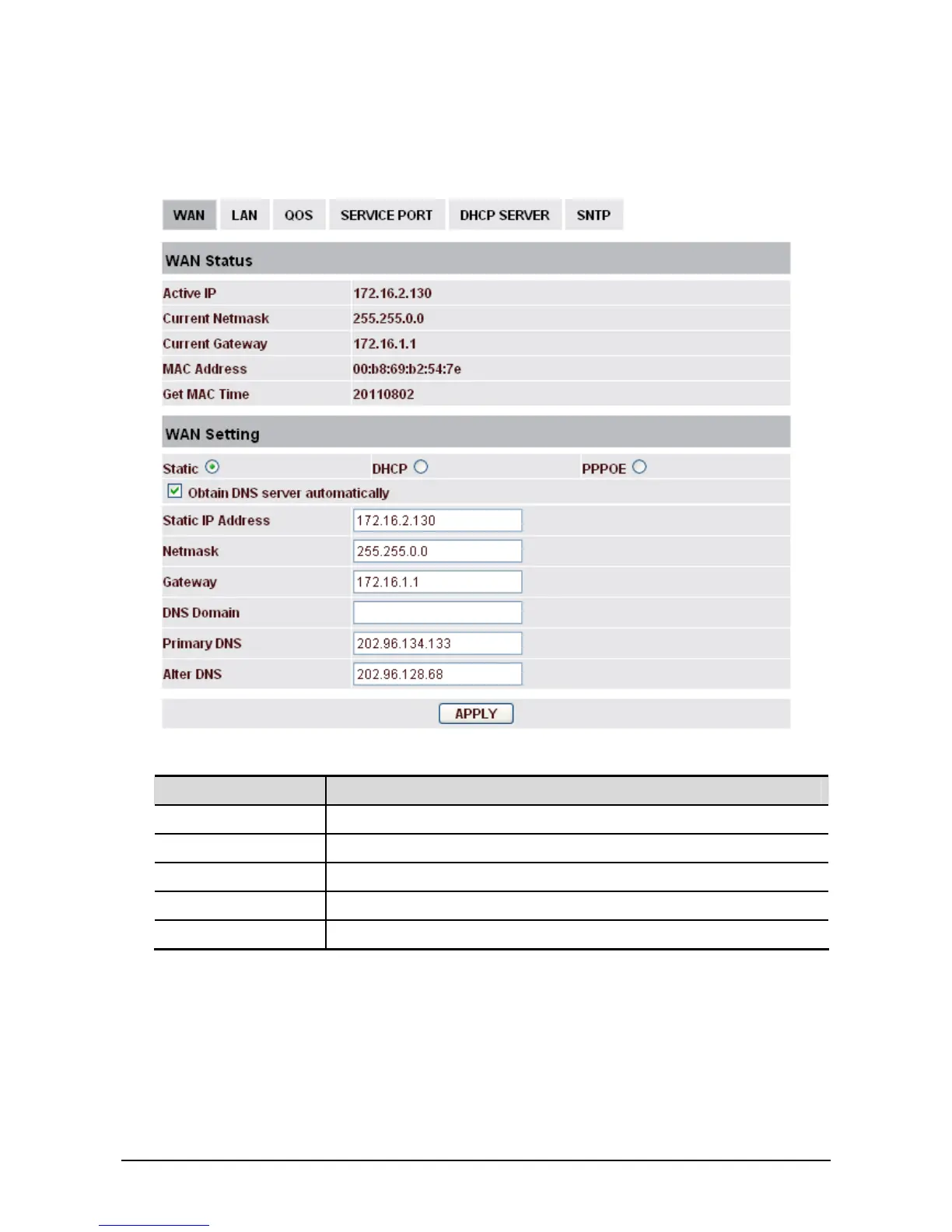
Please select the proper network mode according to the network condition. Vigor router provides three
different network settings (Static, DHCP and PPPoE).
WAN Status
Field name Explanation
Active IP The current IP address of the phone.
Current Netmask The current Netmask address.
MAC Address The current MAC address of the phone.
Current Gateway The current Gateway IP address.
Get MAC Time Shows the time of getting MAC address



 To Next Page