15
4. Click the soft key under Save to store the settings. Now, speed dial # 1 has been changed with new
name and number.
2
2
.
.
4
4
P
P
h
h
o
o
n
n
e
e
B
B
o
o
o
o
k
k
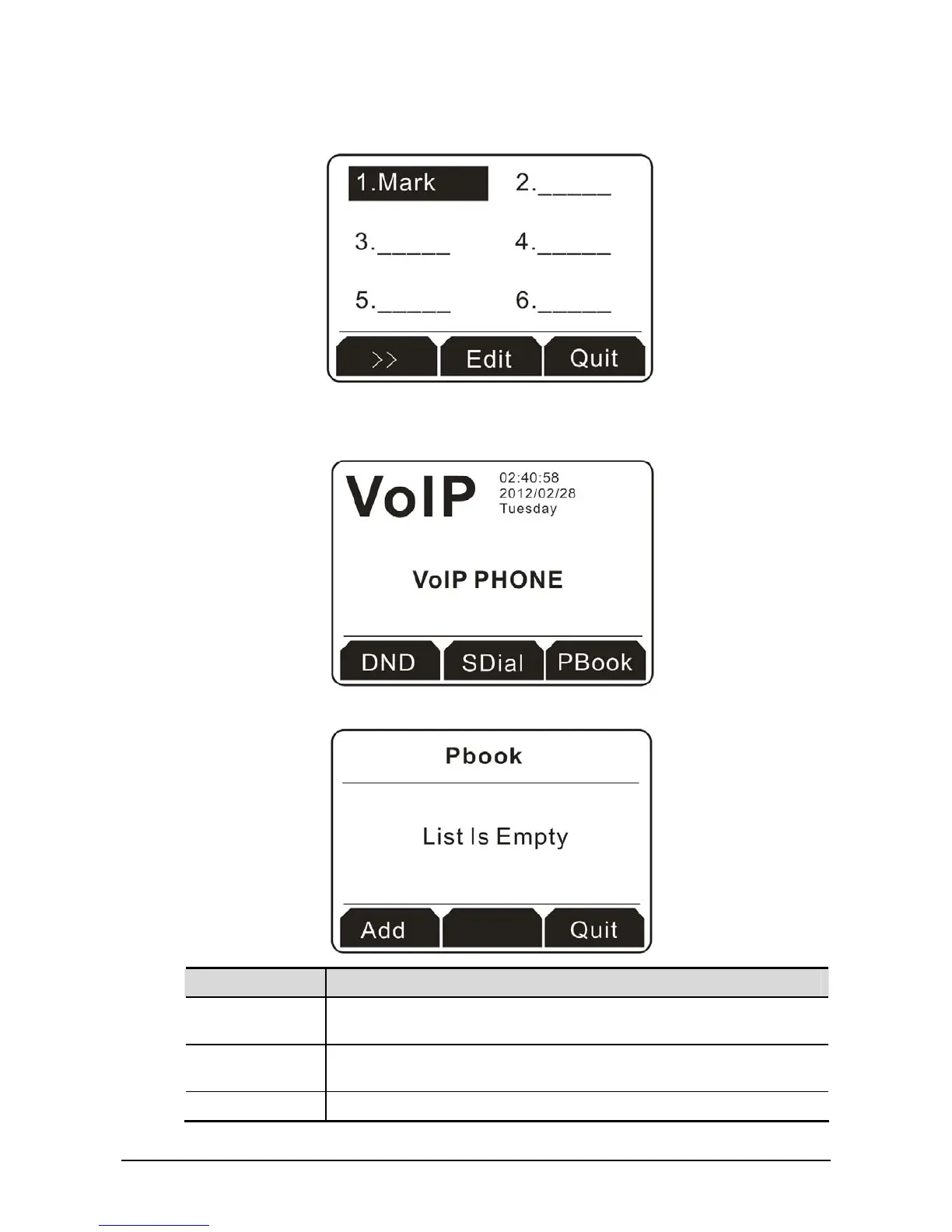
1. Press the soft key under PBook to access into the configuration page.
2. For there is no phone book created, the LCD displays the message of “List Is Empty”.
Button Explanation
Add It allows you to add a new name and telephone number to the phone
book.
Enter This button is available only when there is at least one item existed. If
not, it will be blank.
Quit Exit and return to previous page.



 To Next Page