79
C
C
h
h
a
a
p
p
t
t
e
e
r
r
4
4
O
O
p
p
e
e
r
r
a
a
t
t
i
i
o
o
n
n
4
4
.
.
1
1
S
S
e
e
t
t
u
u
p
p
V
V
i
i
g
g
o
o
r
r
P
P
h
h
o
o
n
n
e
e
3
3
0
0
0
0
w
w
i
i
t
t
h
h
V
V
i
i
g
g
o
o
r
r
I
I
P
P
P
P
B
B
X
X
S
S
e
e
r
r
i
i
e
e
s
s
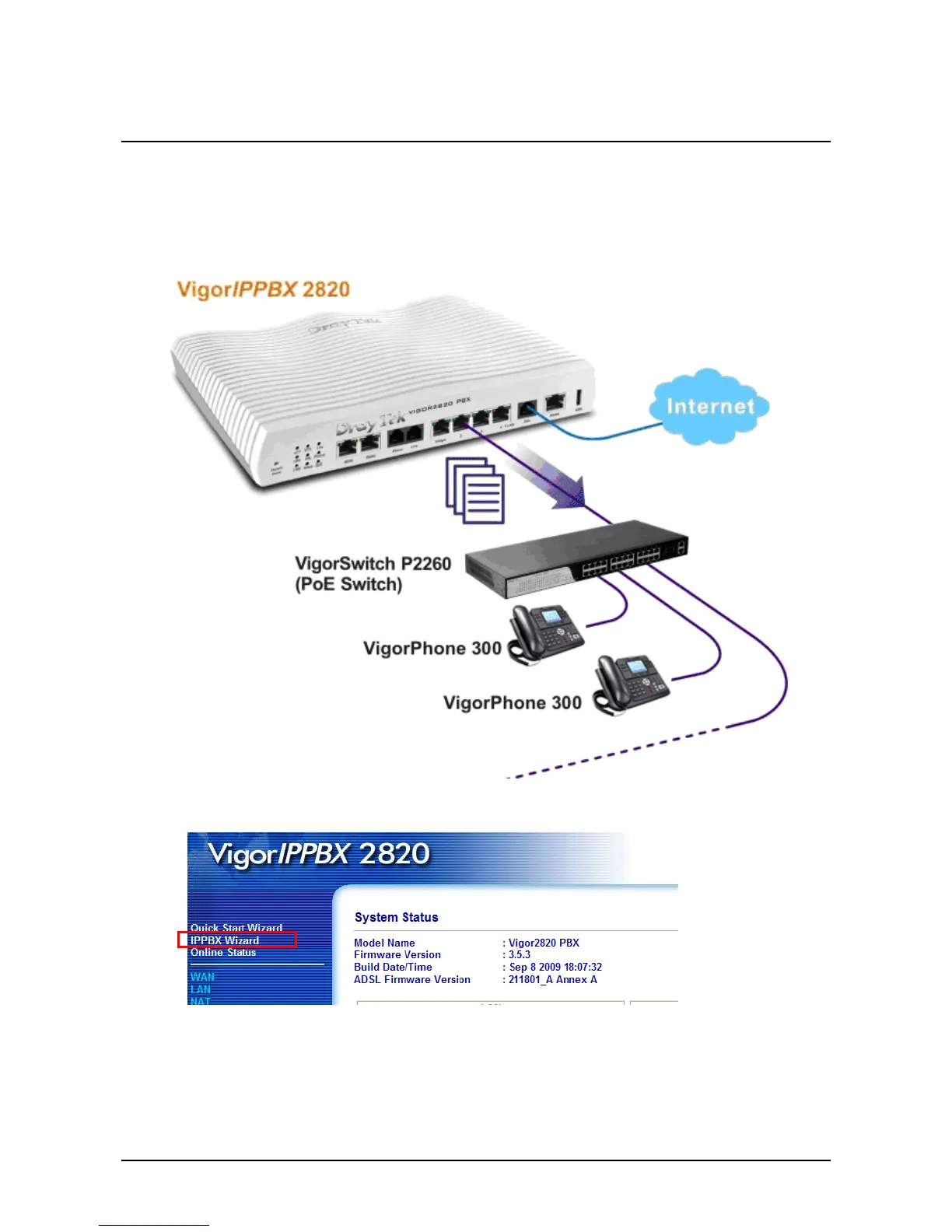
DrayTek VigorIPPBX series supports the function of auto-provisioning. VigorPhone 300 is also capable
of auto-provisioning, it can get a configuration text file from the VigorIPPBX series. The configuration
file contains SIP settings that the SIP devices can register with VigorIPPBX series.
1. Configure the extension number and password for each IP phone on VigorIPPBX 2820. You can
configure extensions from IP PBX Wizard.



 To Next Page