34
3
3
.
.
2
2
.
.
2
2
L
L
A
A
N
N
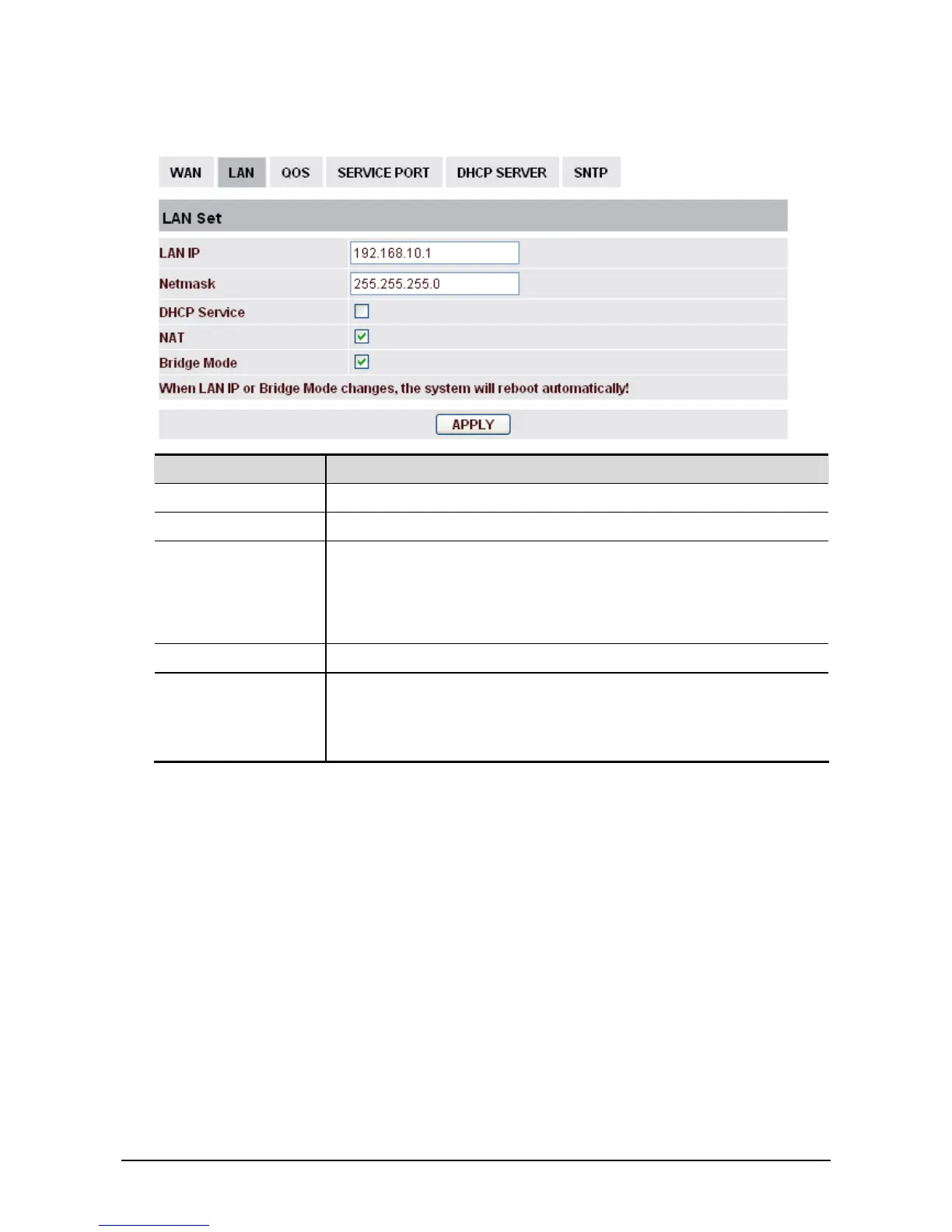
Field name Explanation
LAN IP Specify LAN static IP.
Netmask Specify LAN Netmask.
DHCP Service Select the DHCP server of LAN port or not. After you modify the LAN
IP address, phone will amend and adjust the DHCP Lease Table and
save the result amended automatically according to the IP address and
Netmask. You need restart the phone and the DHCP server setting will
take effect.
NAT Select NAT or not.
Bridge Mode Select Bridge Mode or not. If you select Bridge Mode, the phone will
no longer set IP address for LAN physical port. LAN and WAN will
join in the same network. Click Apply, the phone will reboot.
If you choose the bridge mode, the LAN configuration will be disabled.



 To Next Page