18
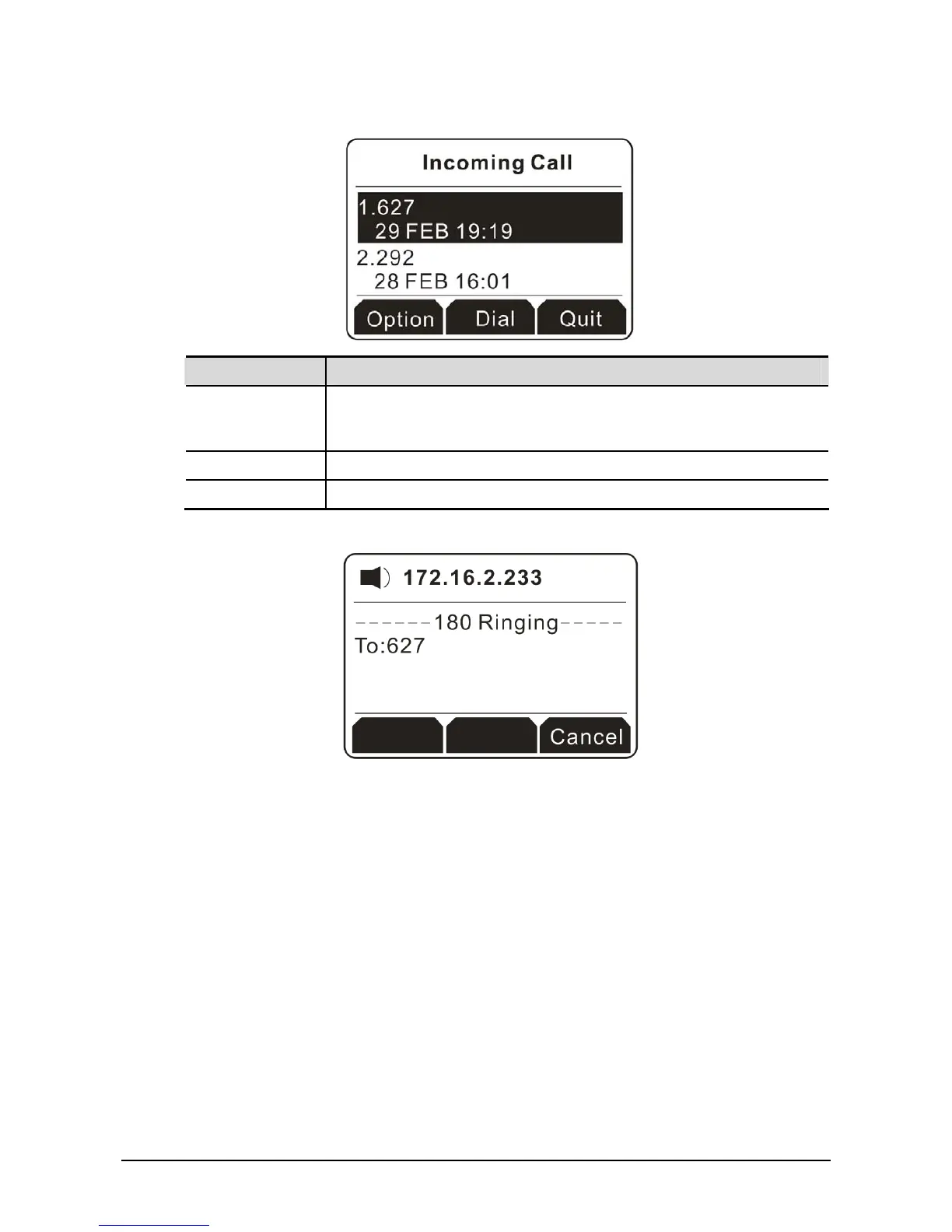
2. Press the soft key under Enter to access into the next page of incoming call. See the figure below.
Button Explanation
Option It allows you to check detailed information for the missed call, save the
missed call, delete the missed call, send a message to the missed call,
and so on.
Dial Call back for answering the incoming call.
Quit Exit and return to previous page.
3. Click the soft key under Dial to have a phone call to the selected incoming call.



 To Next Page