26
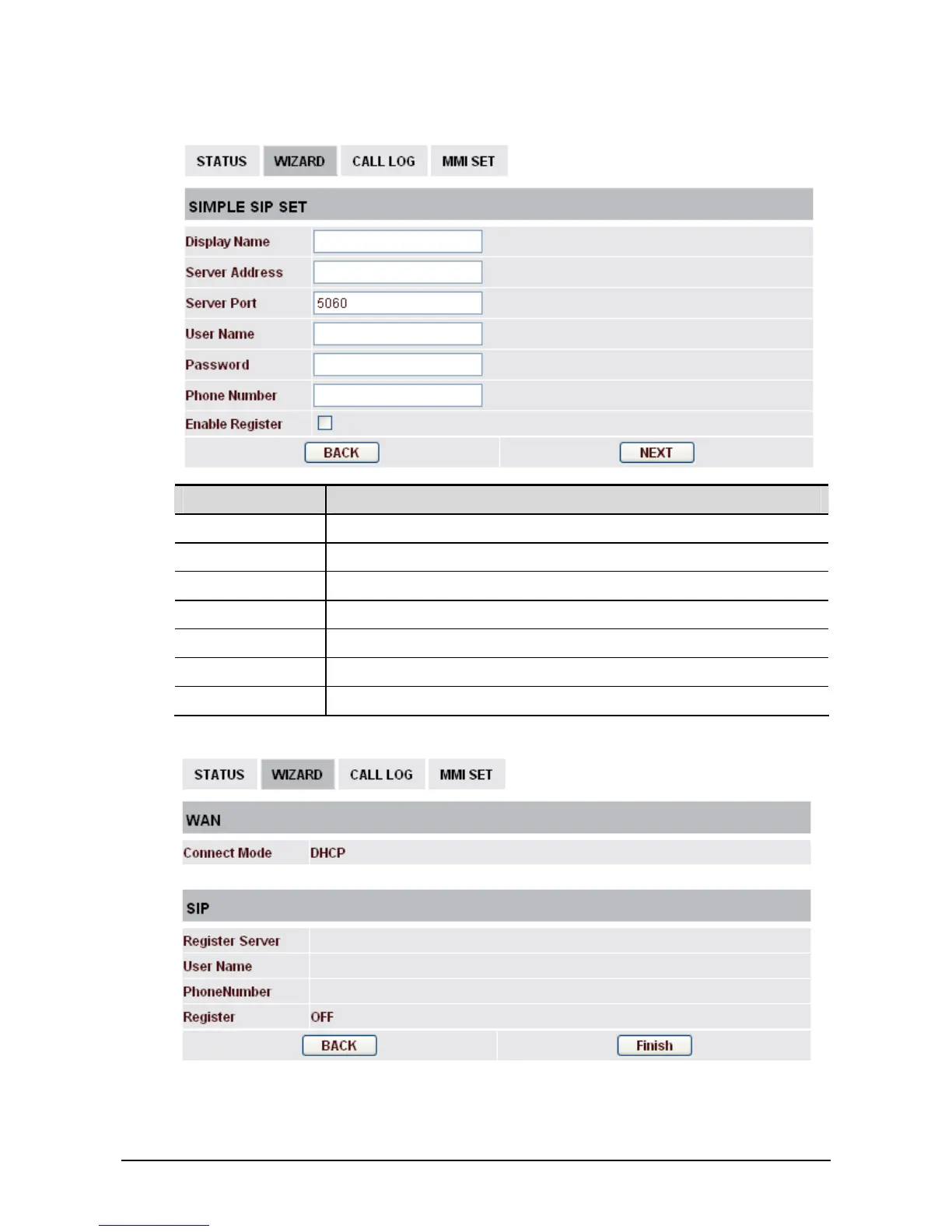
2. After finished the above settings, click Next to open the following page.
Field name Explanation
Display Name Set the display name.
Server Address Input your SIP server address.
Server Port Set your SIP server port.
User Name Input your SIP register account name.
Password Input your SIP register password.
Phone Number Input the phone number assigned by your VOIP service provider.
Enable Register Start to register or not by selecting it or not.
3. After finished the above settings, click Next to open the following page.
4. Click Finish to complete the configuration.



 To Next Page