43
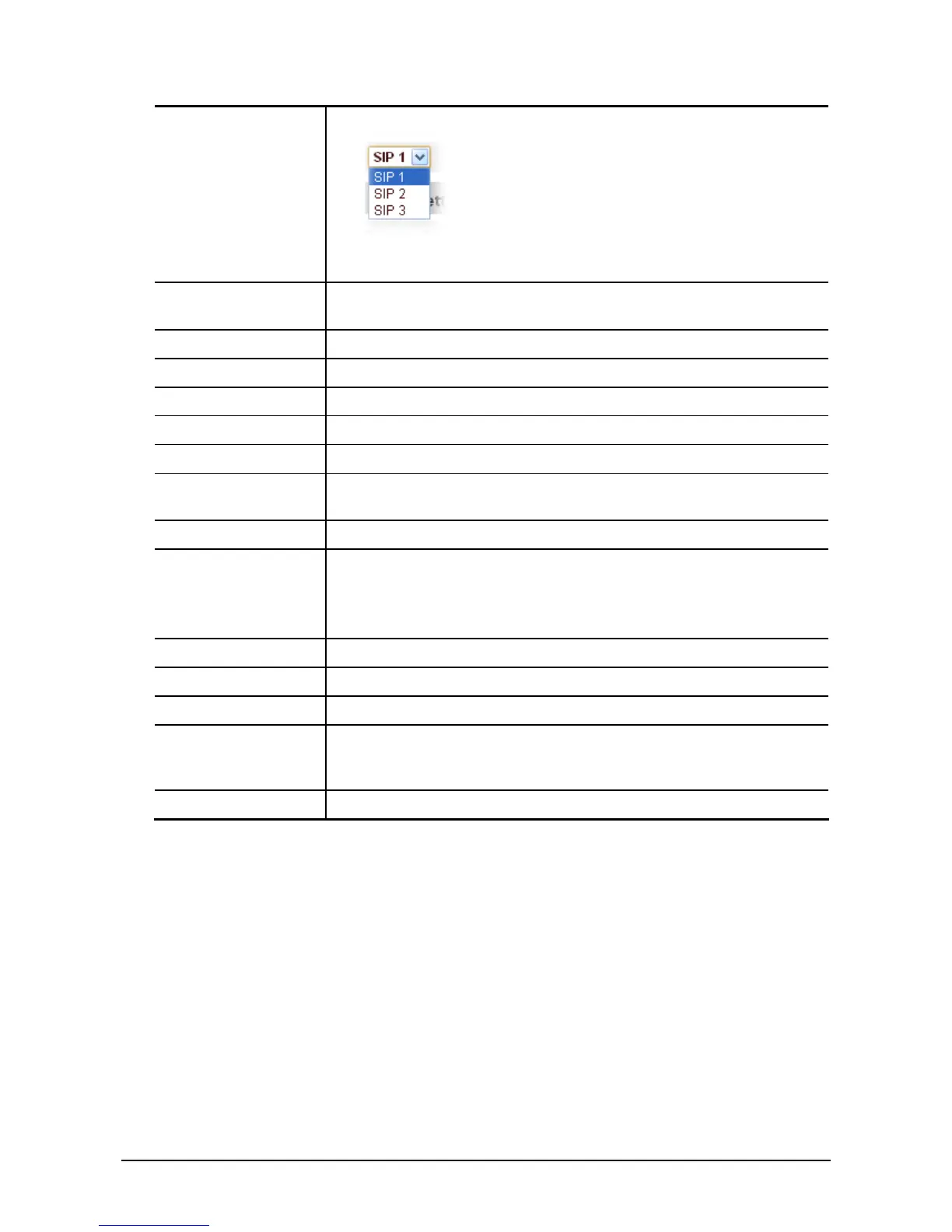
switch by using the Load button.
Before configuring the basic settings, you have to load one SIP line
first.
Register Status Shows if the phone has been registered the SIP server or not; or so,
show Unapplied;
Server Name Set the server name.
Server Address Input your SIP server address.
Server Port Set your SIP server port.
Account Name Input your SIP register account name.
Password Input your SIP register password.
Phone Number Input the phone number assigned by your VoIP service provider. Phone
will not register if there is no phone number configured.
Display Name Set the display name.
Proxy Server
Address
Set proxy server IP address(Usually, Register SIP Server
configuration is the same as Proxy SIP Server. But if your VoIP service
provider give different configurations between Register SIP Server and
Proxy SIP Server, you need make different settings.)
Proxy Server Port Set your Proxy SIP server port.
Proxy Username Input your Proxy SIP server account.
Proxy Password Input your Proxy SIP server password.
Domain Realm Set the sip domain if needed, otherwise this VoIP phone will use the
Register server address as sip domain automatically. (Usually it is same
with registered server and proxy server IP address).
Enable Register Start to register or not by selecting it or not.
Click Advanced Set to get more detailed settings for SIP account.



 To Next Page