VigorSwitch G2240 User’s Guide
130
2
2
.
.
1
1
5
5
.
.
6
6
M
M
V
V
I
I
D
D
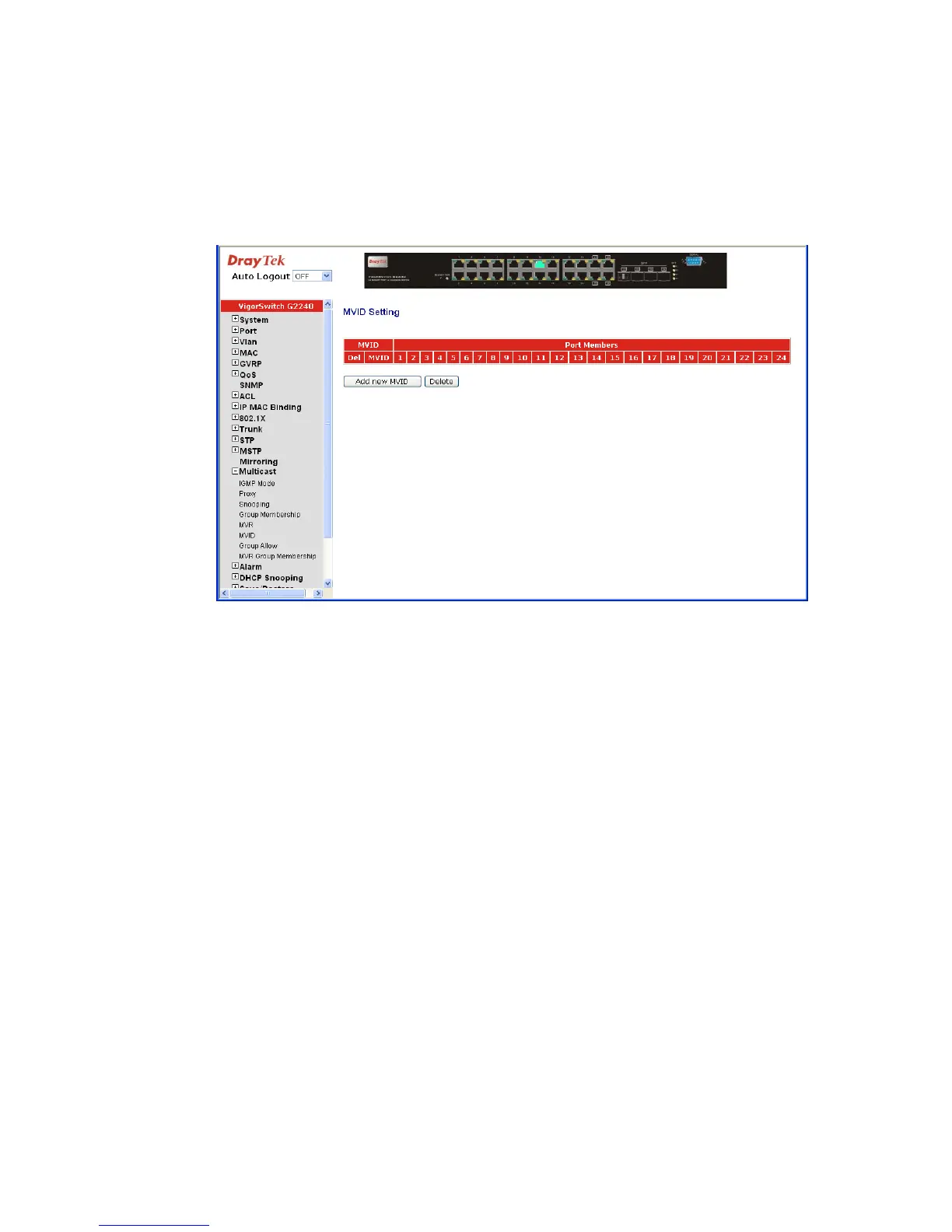
Function name:
MVID Setting
Function description:
Set the MVR Group member ID (MVID) entry with the Member port and Router Port.
Parameter description:
MVID: Display the MVR Group ID.
Port Members: Display which port will join the MVR Group member
Add new MVID: Create a new MVID entry.
Delete: Delete the existed MVID entry.
To add a new MVID, click Add new MVID. The following screen will appear.















 To Next Page