VigorSwitch G2240 User’s Guide
145
2
2
.
.
2
2
0
0
.
.
2
2
P
P
i
i
n
n
g
g
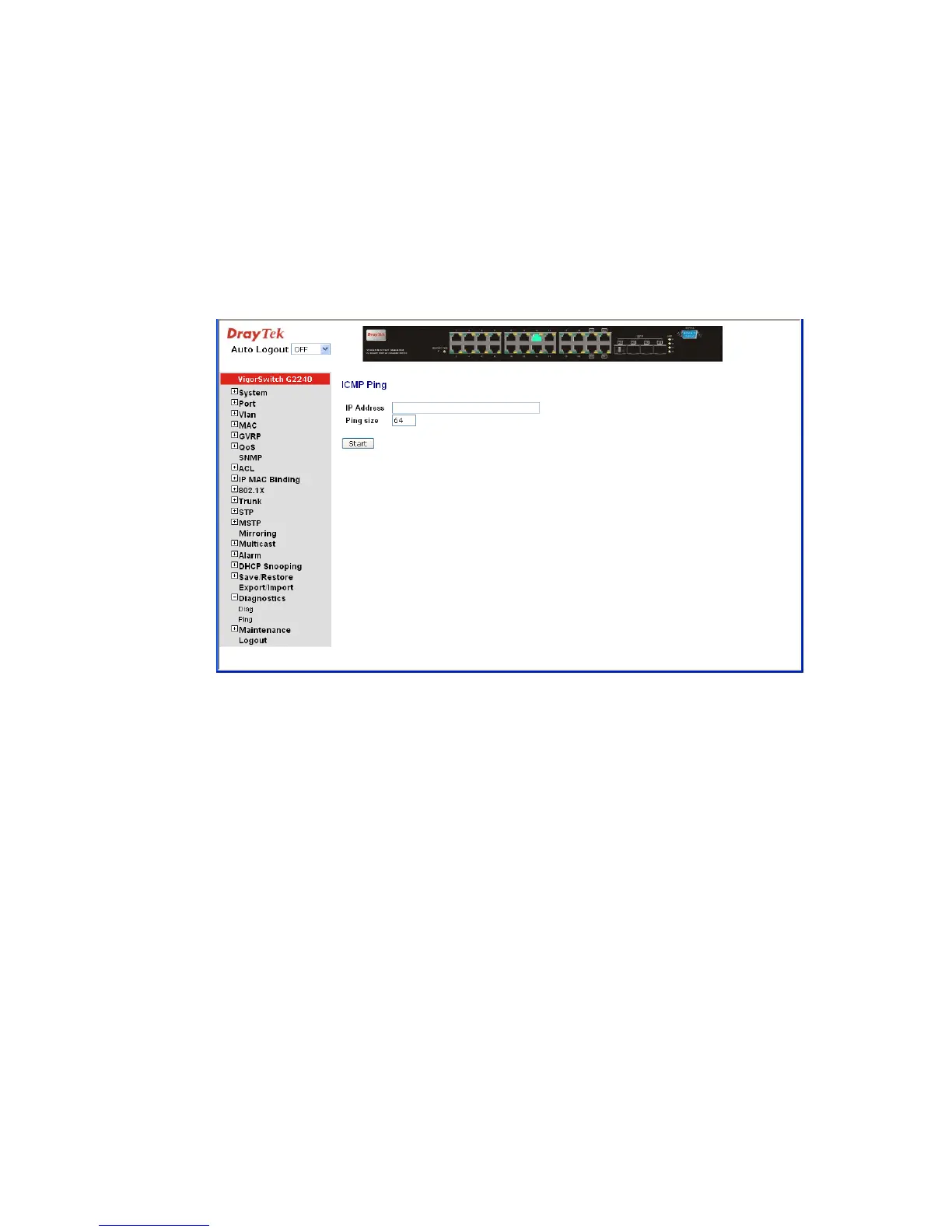
Function name:
ICMP Ping
Function description:
Ping Test function is a tool for detecting if the target device is alive or not through ICMP
protocol which abounds with report messages. The switch provides Ping Test function to
let you know that if the target device is available or not. You can simply fill in a known IP
address and then click <Ping> button. After a few seconds later, the switch will report you
the pinged device is alive or dead in the field of Ping Result.
Parameter description:
IP Address: An IP address with the version of v4, e.g. 192.168.1.1.
Ping size: Identify what ping packet size and unit is bytes.















 To Next Page