VigorSwitch G2240 User’s Guide
68
2
2
.
.
6
6
.
.
5
5
W
W
i
i
z
z
a
a
r
r
d
d
Function name:
Wizard
Function description:
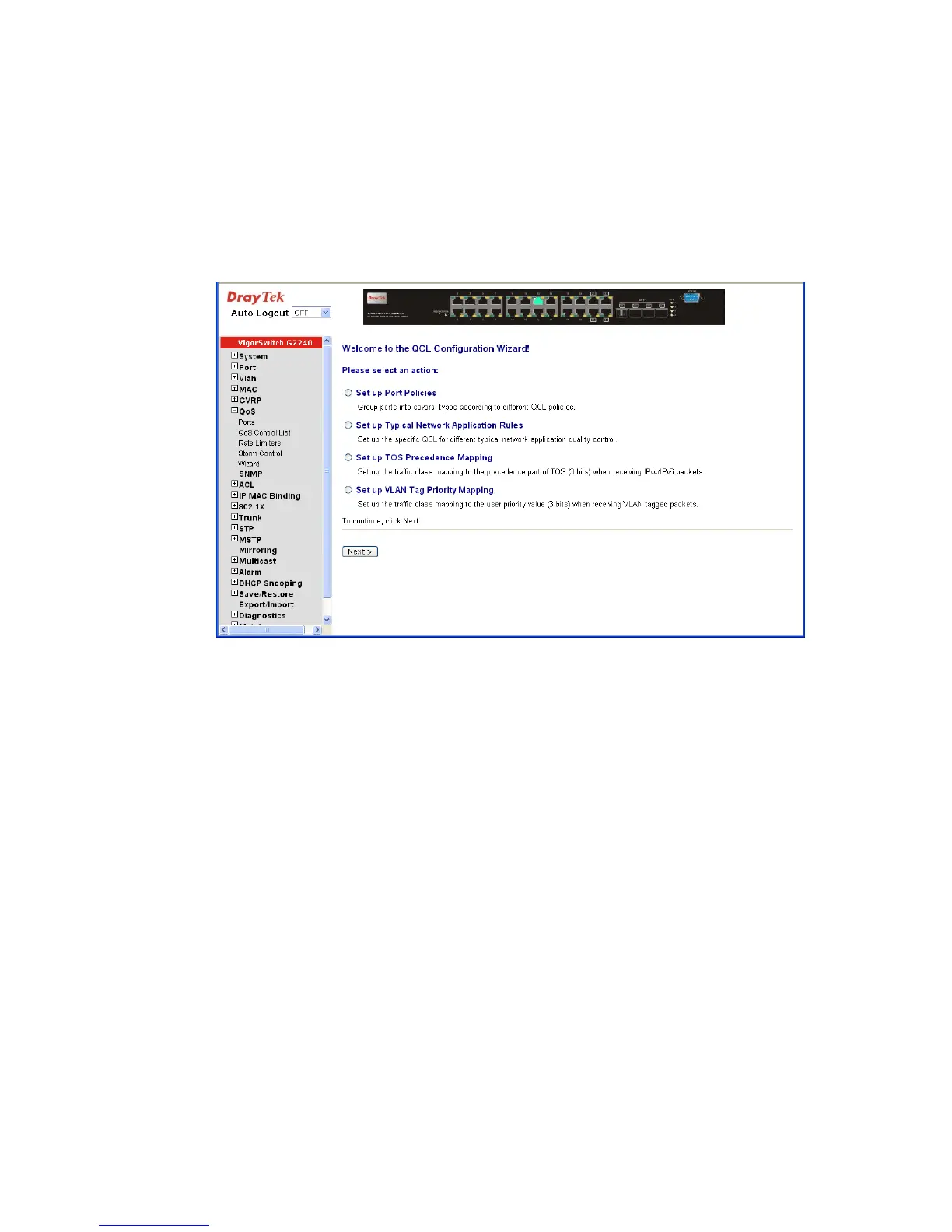
The QCL configuration Wizard is targeted on user can easy to configure the QCL rules for
QoS configuration. The wizard provide the typical network application rules, user can
apply these application easily.
Parameter description:
Please select an Action: User need to select one of action from following items, then
click on <Next> to finish QCL configuration:
z Set up Port Policies
z Set up Typical Network Application Rules
z Set up TOS Precedence Mapping
z Set up VLAN Tag Priority Mapping
Next: Go to next step.
Cancel: Abort current configuration back to previous step.
Back: Back to previous screen.















 To Next Page