VigorSwitch G2240 User’s Guide
146
2
2
.
.
2
2
1
1
M
M
a
a
i
i
n
n
t
t
e
e
n
n
a
a
n
n
c
c
e
e
This chapter will introduce the reset and firmware upgrade function for the firmware
upgrade and key parameters change system maintenance requirements.
2
2
.
.
2
2
1
1
.
.
1
1
W
W
a
a
r
r
m
m
R
R
e
e
s
s
t
t
a
a
r
r
t
t
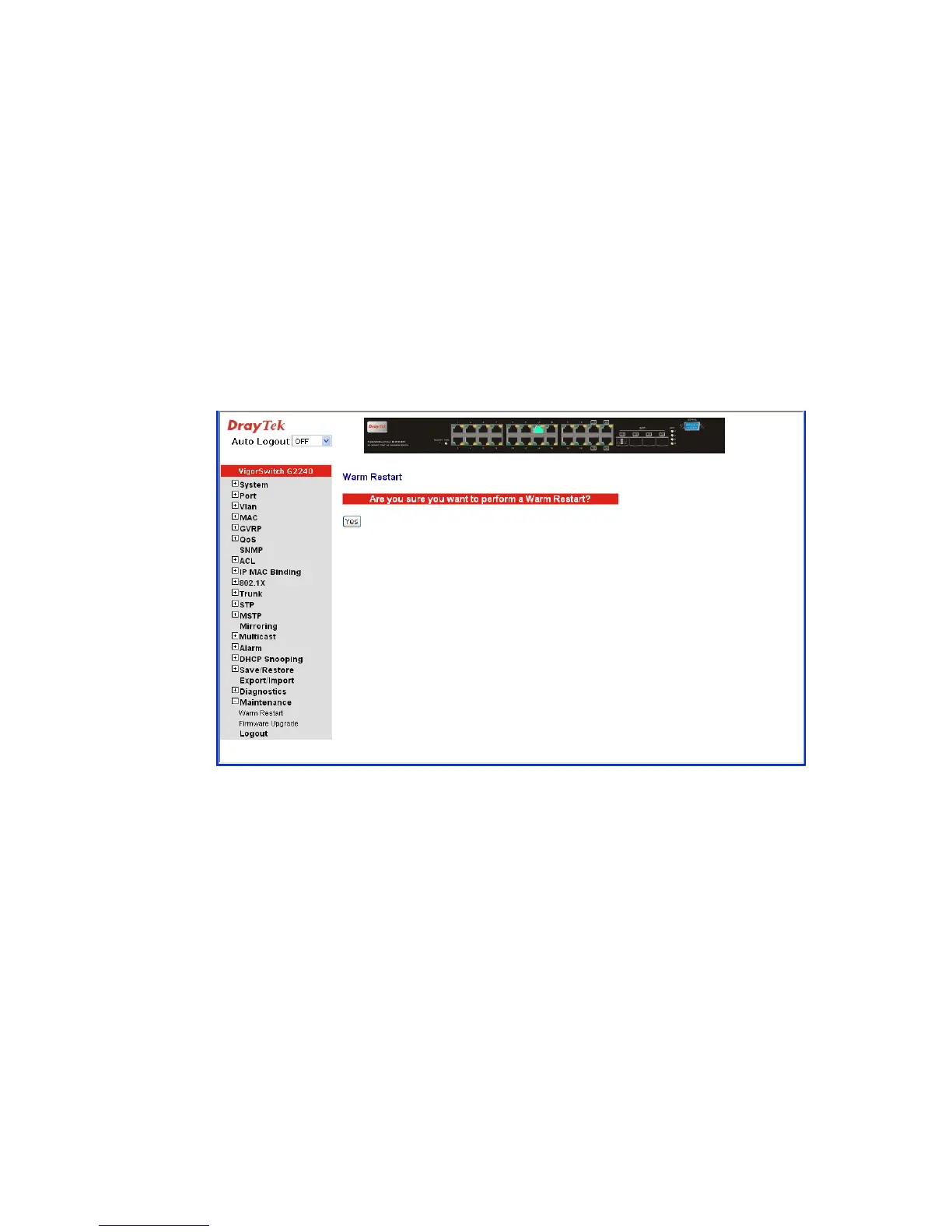
Function name:
Warm Restart
Function description:
We offer you many ways to reset the switch, including power up, hardware reset and
software reset. You can press the RESET button in the front panel to reset the switch. After
upgrading software, changing IP configuration or changing VLAN mode configuration,
then you must reboot to have the new configuration taken effect. Here we are discussing is
software reset for the “Warm Restart” in the main menu.





 To Next Page