VigorSwitch G2240 User’s Guide
39
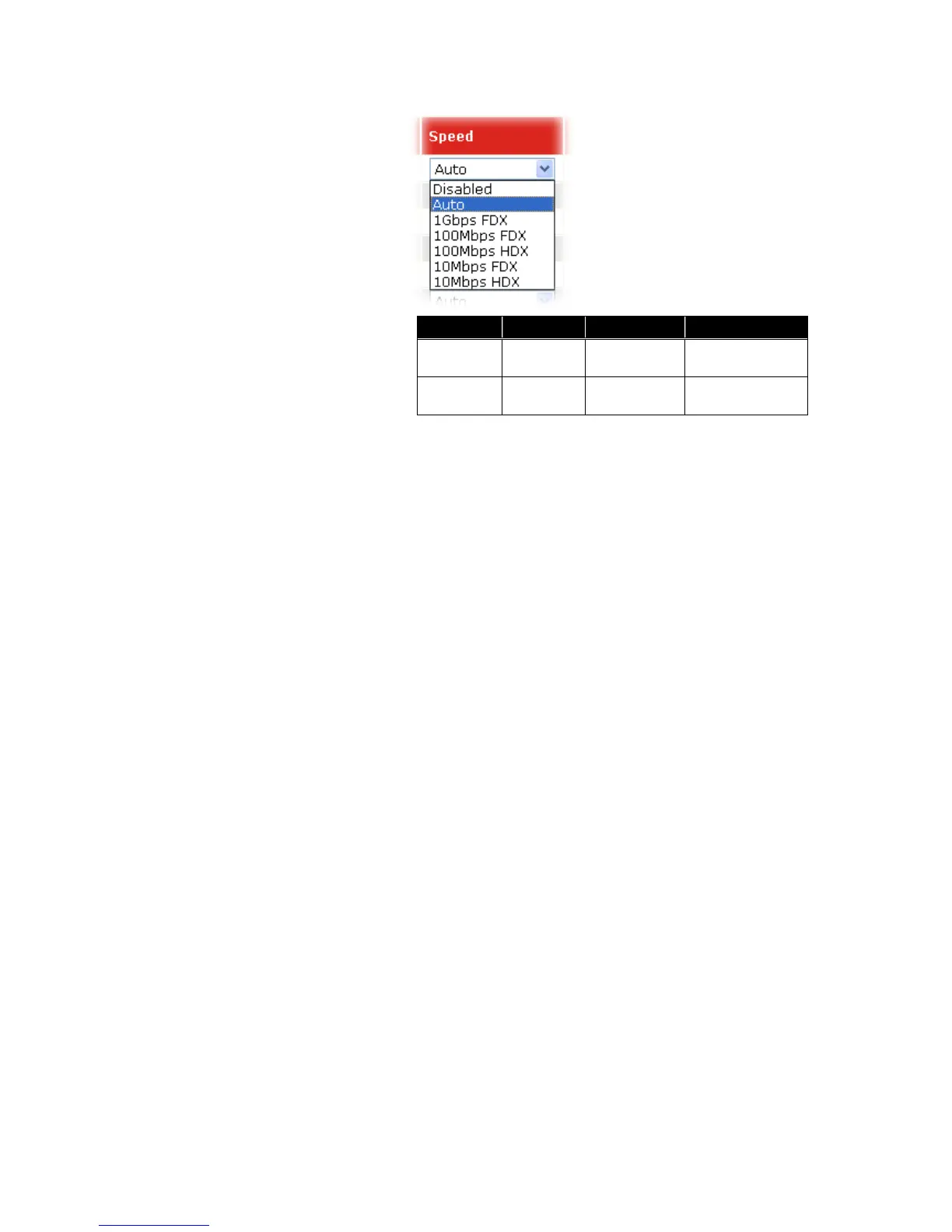
Media type NWay Speed Duplex
1000M TP ON/OFF 10/100/1000M Full for all, Half
for 10/100
1000M
Fiber
ON/OFF 1000M Full
In Auto-negotiation mode, no default value. In Forced mode,
default value depends on your setting.
Flow Control: There are two modes to choose in flow control, including
Enable and Disable. If flow control is set Enable, both
parties can send PAUSE frame to the transmitting device(s)
if the receiving port is too busy to handle. When it is set
Disable, there will be no flow control in the port. It drops the
packet if too much to handle.
Maximum Frame: This module offers 1518~9600 (Bytes) length to make the
long packet.
Excessive Collision Mode: There are two modes to choose when excessive collision
happened in half-duplex condition as below:
Discard: The “Discard” mode determines whether the MAC drop
frames after an excessive collision has occurred. If yes, a
frame is dropped after excessive collision. This is IEEE
Standard 802.3 half-duplex flow control operation.
Restart: The “Restart” mode determines whether the MAC
retransmits frames after an excessive collision has occurred.
If set, a frame is not dropped after excessive collisions, but
the backoff sequence is restarted. This is a violation of IEEE
Standard 802.3, but is useful in non-dropping half-duplex
flow control operation.
Description: Description of device ports can not include “ # % & ‘ + \.
2
2
.
.
2
2
.
.
2
2
P
P
o
o
r
r
t
t
S
S
t
t
a
a
t
t
u
u
s
s
The function Port Status gathers the information of all ports’ current status and reports it by
the order of port number, media, link status, port state, Auto-Negotiation status,
speed/duplex, Rx Pause and Tx Pause. An extra media type information for the module
ports 21 and 24 is also offered.
Function name:
Port Status















 To Next Page