VigorSwitch G2240 User’s Guide
89
Action: Range: Permit / Deny
Permit: Permit the met ACL ingress classification rule
packets forwarding to other ports on the switch
Deny: Discard the met ACL ingress classification rule
packets
Rate Limiter: Range: Disabled / 1-16
Disable: Disable Rate Limiter function
1-16: Apply the Rate Limiter Number setting for met ACL
ingress rule packets
Port Copy: Range: Disabled / 1-24
Disable: Disable the Port Copy function
1-24: The packets will be copied to the selected port when
they met ACL ingress rule.
2
2
.
.
8
8
.
.
4
4
W
W
i
i
z
z
a
a
r
r
d
d
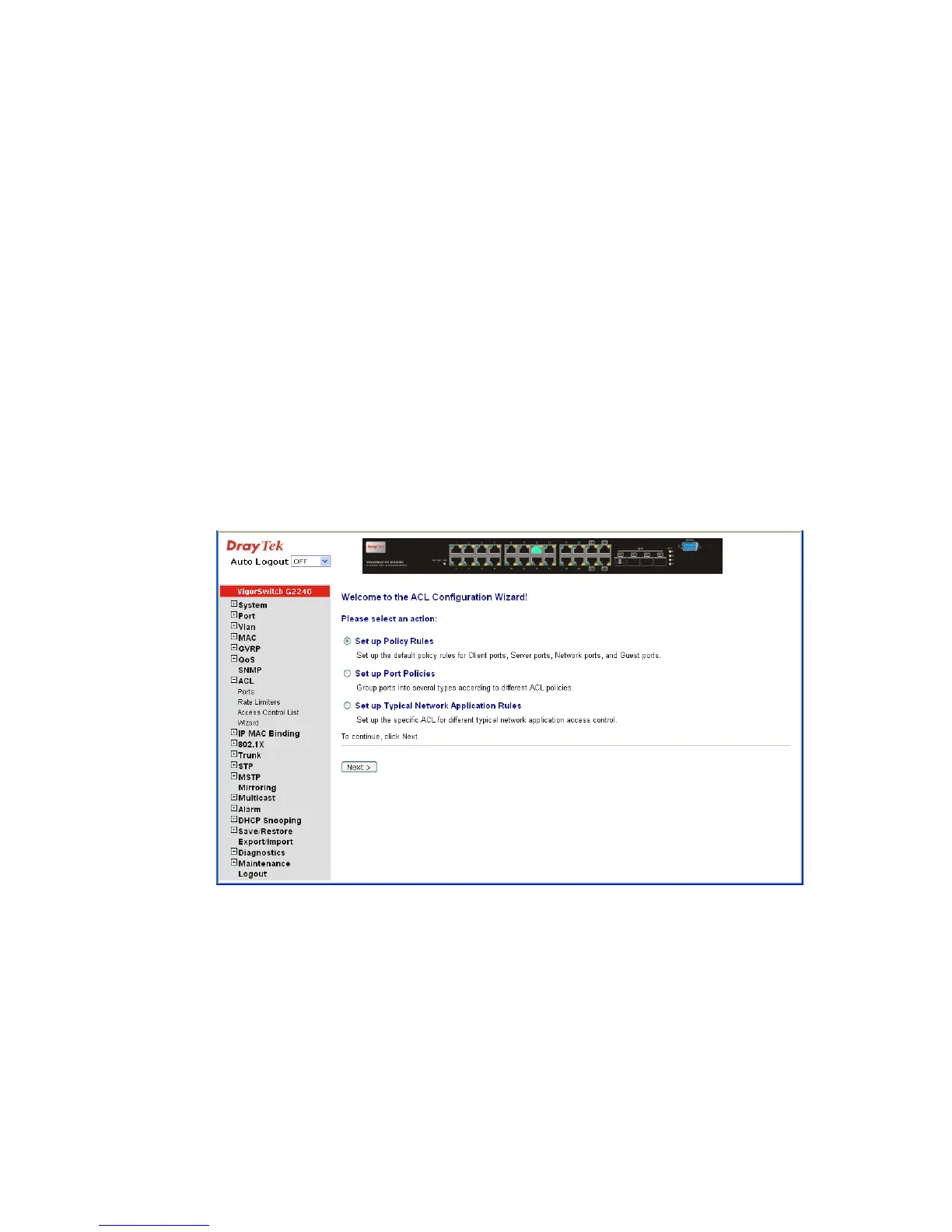
Function name:
Wizard
Function description:
The wizard function provides 4 type of typical application for user easy to configure their
application with ACL function.
Parameter description:
Please select an Action: Set up Policy Rules / Set up Port Policies / Set up Typical
Network Application Rules.
Next: Click on <Next> to confirm current setting and go to next
step automatically.















 To Next Page