VigorSwitch G2240 User’s Guide
90
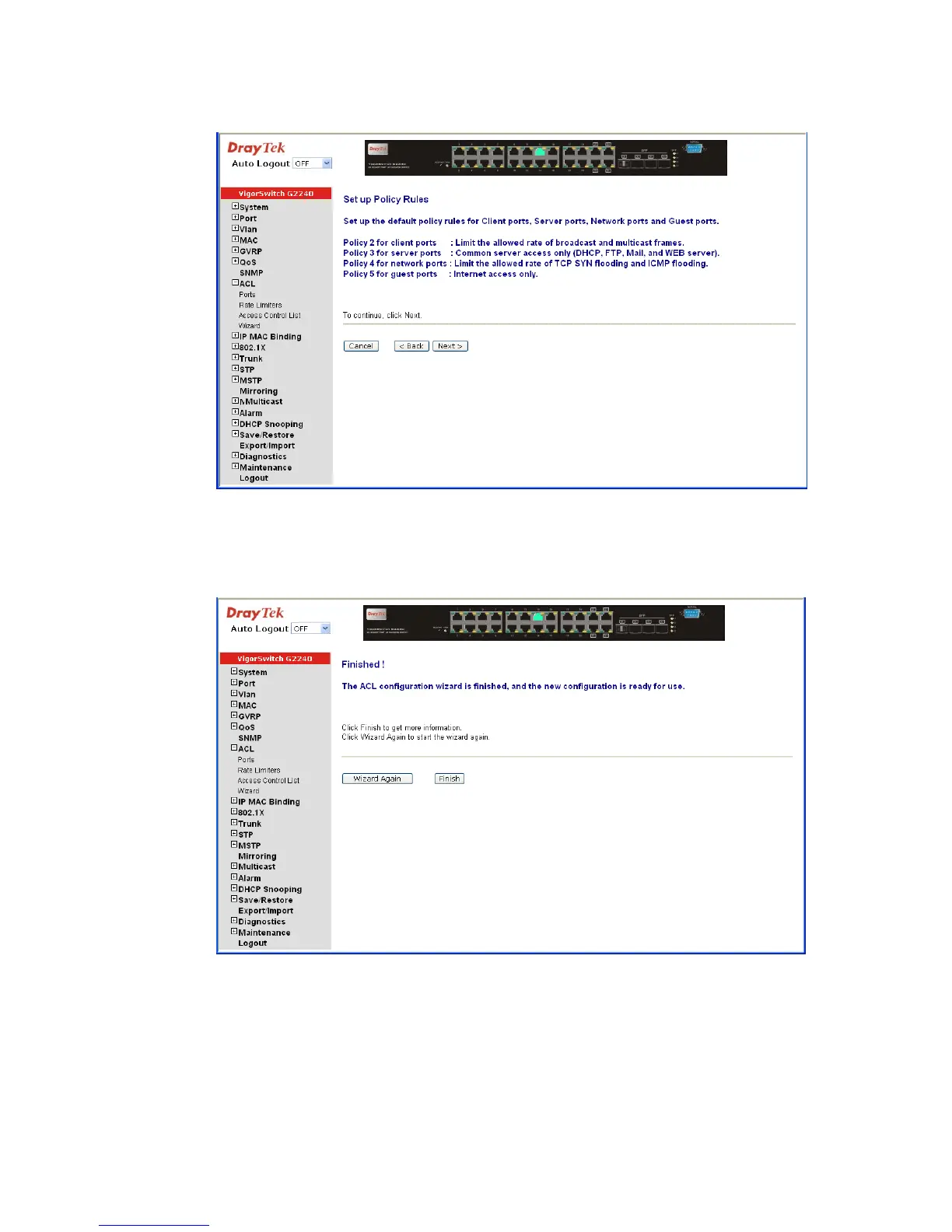
z Set up Policy Rules
Cancel: Cancel current setting back to top layer in the ACL wizard
function.
Back: Click on <Back> to back to previous step.
Next: Click on <Next> to go to the next step.
Wizard Again: Click on <Wizard Again> the UI will back to top layer in the
wizard function.
Finish: Click in <Finish> to finish the ACL Wizard setting, it will
according the selection items to change the related
parameters, then you have to click on <Apply> to confirm
the all changed parameters setting.















 To Next Page