VigorSwitch G2240 User’s Guide
69
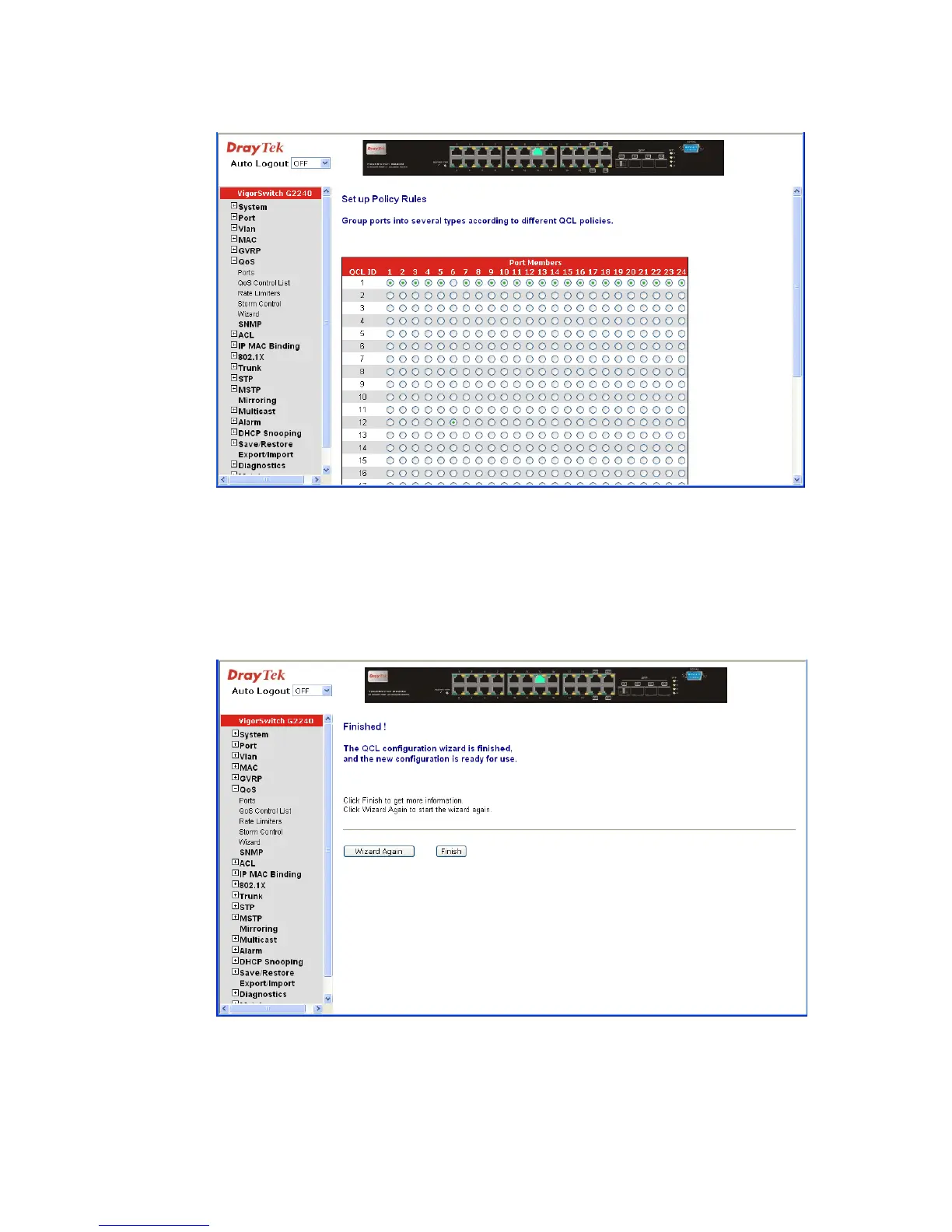
z Set up Port Policies
Parameter description:
QCL ID: QoS Control List (QCL): 1~24
Port Member: Port Member: 1~24
Next: Go to next step.
Cancel: Abort current configuration back to previous step.
Back: Back to previous screen.
Wizard Again: Click on the <Wizard Again>, back to QCL Configuration
Wizard.
Finish: When you click on <Finish>, the parameters will be set
according to the wizard configuration and shown on the















 To Next Page