60
VAPOR-LOGIC
®
VERSION 6 INSTALLATION AND OPERATION MANUAL
Options and features
DOWNLOADING HISTORICAL DATA
Vapor-logic acquires data at a default interval of once a minute and retains it
for 21 rolling days or 30,000 data points, including the most recent 60 alerts.
Download the data to a USB storage device and then view with a spreadsheet
program such as Microsoft Excel or Google Sheets. The data, available for
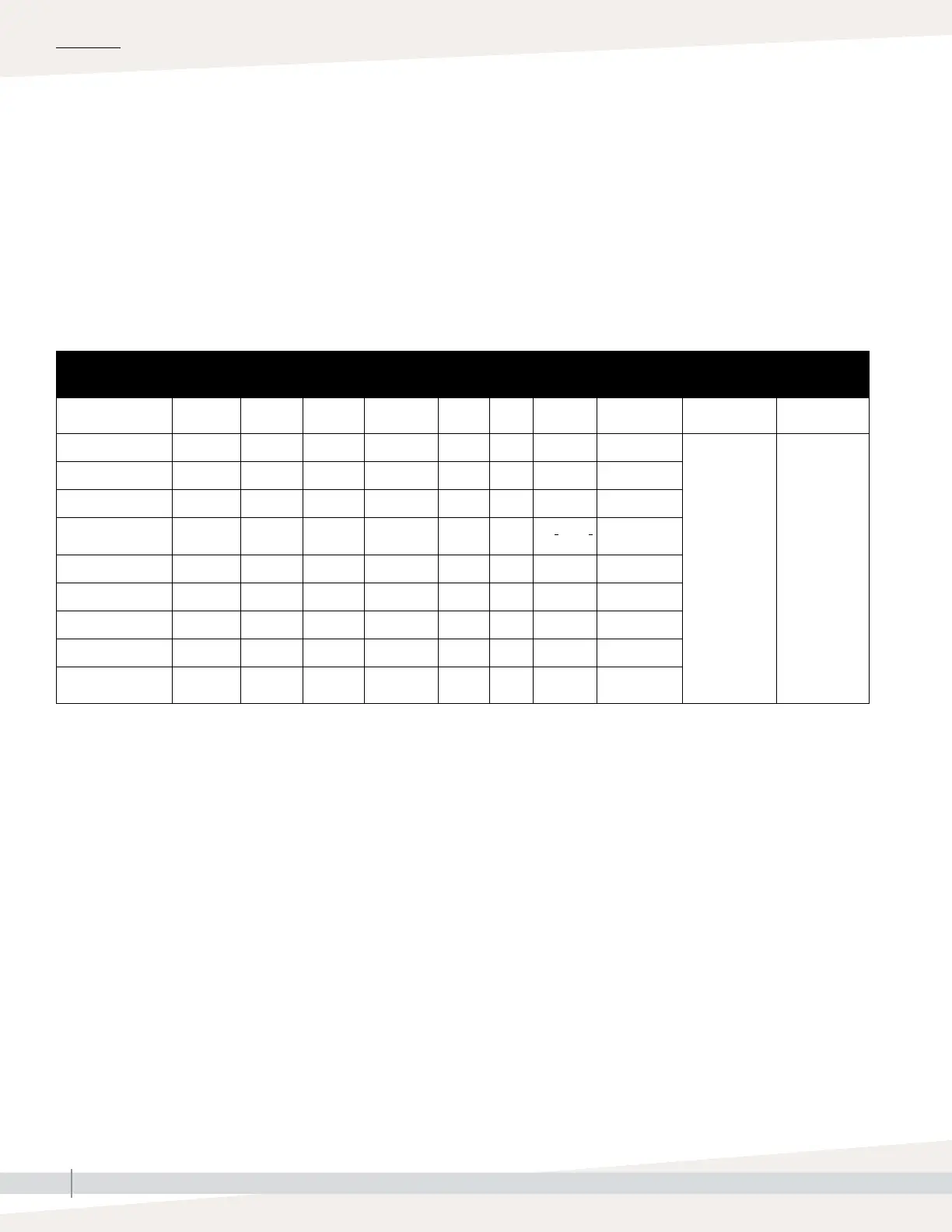
download and sorting, contain the details shown in Table 60-1.
Go to the Download data section of the Diagnostic screen for download
options.
Table 60-1:
Sample of data log downloaded and sorted
Time
SpaceRH or
Demand
Aux Temp
(°F)
Tank Temp
(°F)
BTU’s used
Lbs
steam
Output
(%)
Alarm/
Msg
Alarm/Msg
Status
Current Config:
xx##xx#x###xx
Factory Config:
xx##xx#x###xx
1/26/10 9:36 AM 23 0 212 567019018 421066 23
— —
1/26/10 9:37 AM 23 0 212 567021350 421068 23
1/26/10 9:38 AM 23 0 211 567023681 421070 23
1/26/10 9:39 AM
low water
cutout
Auto cleared
message
1/26/10 9:40 AM 23 0 210 567028344 421073 23
1/26/10 9:41 AM 23 0 211 567030677 421075 23
1/26/10 9:42 AM 23 0 212 567033008 421077 23
1/26/10 9:43 AM 23 0 212 567035339 421079 23
1/26/10 9:44 AM Unit Start
Auto cleared
message
To sort data (as shown above) with alerts listed in the order they occurred:
1. Import the data into a spreadsheet program, such as Microsoft Excel.
2. Set the Time column to be displayed in the date-time format.
3. Sort all rows by “Time” in ascending order.
BACKING UP AND RESTORING SETTINGS
Vapor-logic settings can be backed up to and restored from a USB flash drive.
The backup file contains all information relative to the humidifier, including
firmware, user settings, model number, serial number, and the configuration
string.
Backup files use the serial number in the backup file name so that the file is
easily matched to a particular humidifier.
Note: Data is saved to nonvolatile memory
every 60 minutes. If unit power is lost,
up to 60 minutes of data could be lost.
OPERATION



 To Next Page