DRI-STEEM XT Series Electrode Steam Humidifier Installation, Operation, and Maintenance Manual • Page 51
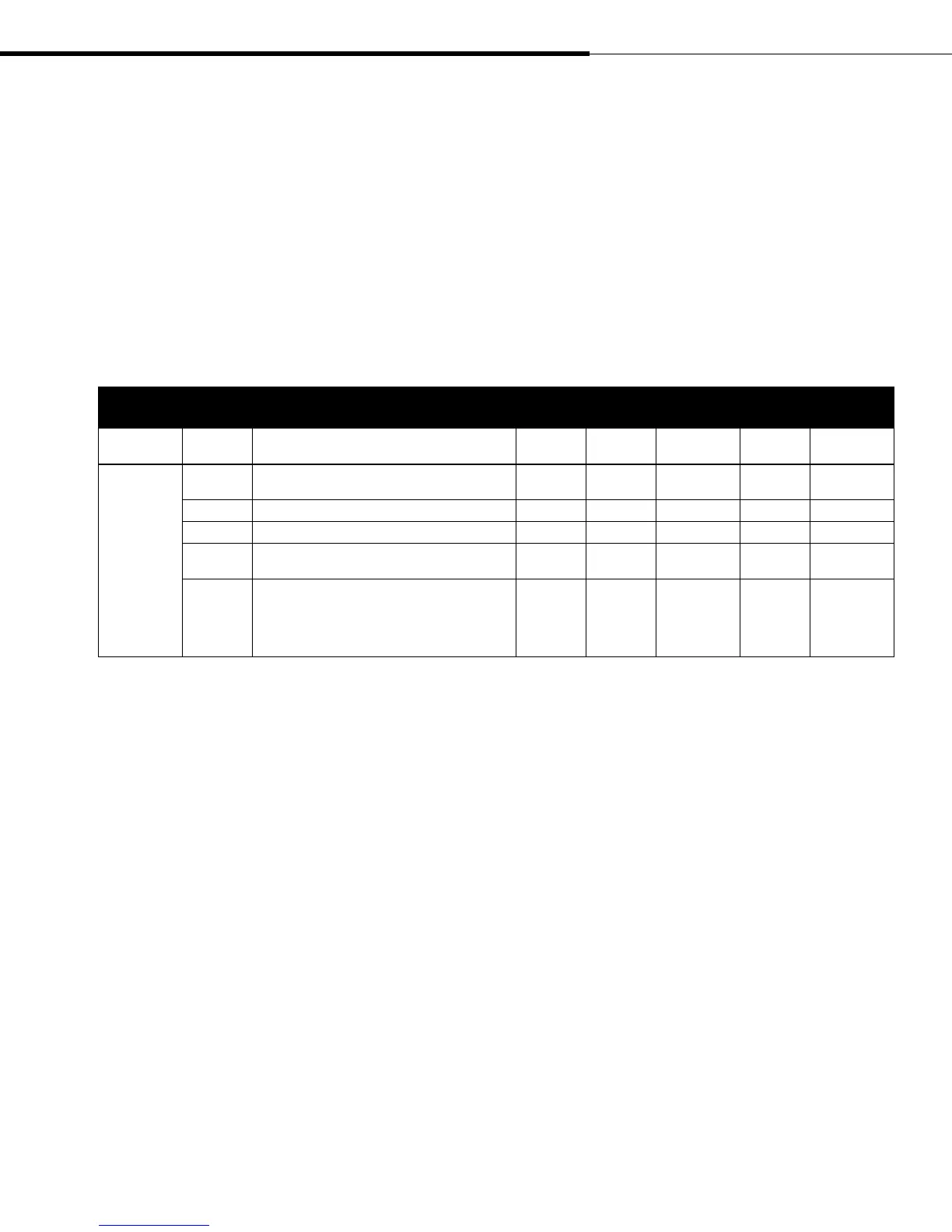
Table 51-1:
Adjustments operating mode
Mode
Program
variable
Definition
Default
display
Alternate
display
Range Increment Variable type
Adjustments
<Default>
Default display: Four dashed lines for external
control; %RH for internal control
- - - - Indicator
HU.SP Humidity set point for internal controller 35 10-100 1 Variable
HU. L Humidity limitation for high limit VAV transmitter 80 10-100 1 Variable
SErv
Service set-point. Use the SET button to set counter
for maintenance interval.
00 00-9900 100 Variable
LIFE
Life of cylinder (reset code: 37). Counter of steam
cylinder operating hours. After replacing the steam
cylinder, reset Life to 00. Enter the code number 37
with the SET button and wait until counter is reset
to 00.
Reset with
cylinder
change
Adjustments operating mode
The Adjustments operating mode provides access to values that
require frequent adjustment. To make adjustments, press the
MODE button until the LED next to Adjustments illuminates.
Press the SELECT button to index to the first variable. The LEDs
near the SELECT and SET buttons flash indicating that they are
selectable. Press the SELECT button repeatedly to scroll through
the Adjustments submenu. Press the SET button to change the
parameter. The table below shows the parameters available for
adjustment.
Program operating mode
The Program operating mode provides access to values that require
infrequent adjustment. To make adjustments, press the MODE
button until the LED next to Program illuminates. The LEDs
near the SELECT and SET buttons flash indicating that they are
selectable. Press the SELECT button until the first two digits read
27 (27 00 is displayed). Press the SET button until the second two
digits are 05 (27 05 is displayed). This code is used to access the
program variables. Wait four seconds. Press the SELECT button
repeatedly to scroll through the submenu. Press the SET button
to change the parameter. The table on the next page shows the
parameters available for adjustment
Operating modes (continued)
XT_IOM_Jan_2008.pdf 53 11/19/2009 10:13:40 AM


 To Next Page