Drobo 8D User Guide 100
1.6.5 Removing a back slot SSD
Because the back slot SSD card is not part of your device disk pack, you can remove it from the
Drobo 8D at any time.
Note:
It is important to ground yourself before doing this in order to discharge static electricity.
To do so, touch a grounded metal object just before installation.
To remove a back slot SSD:
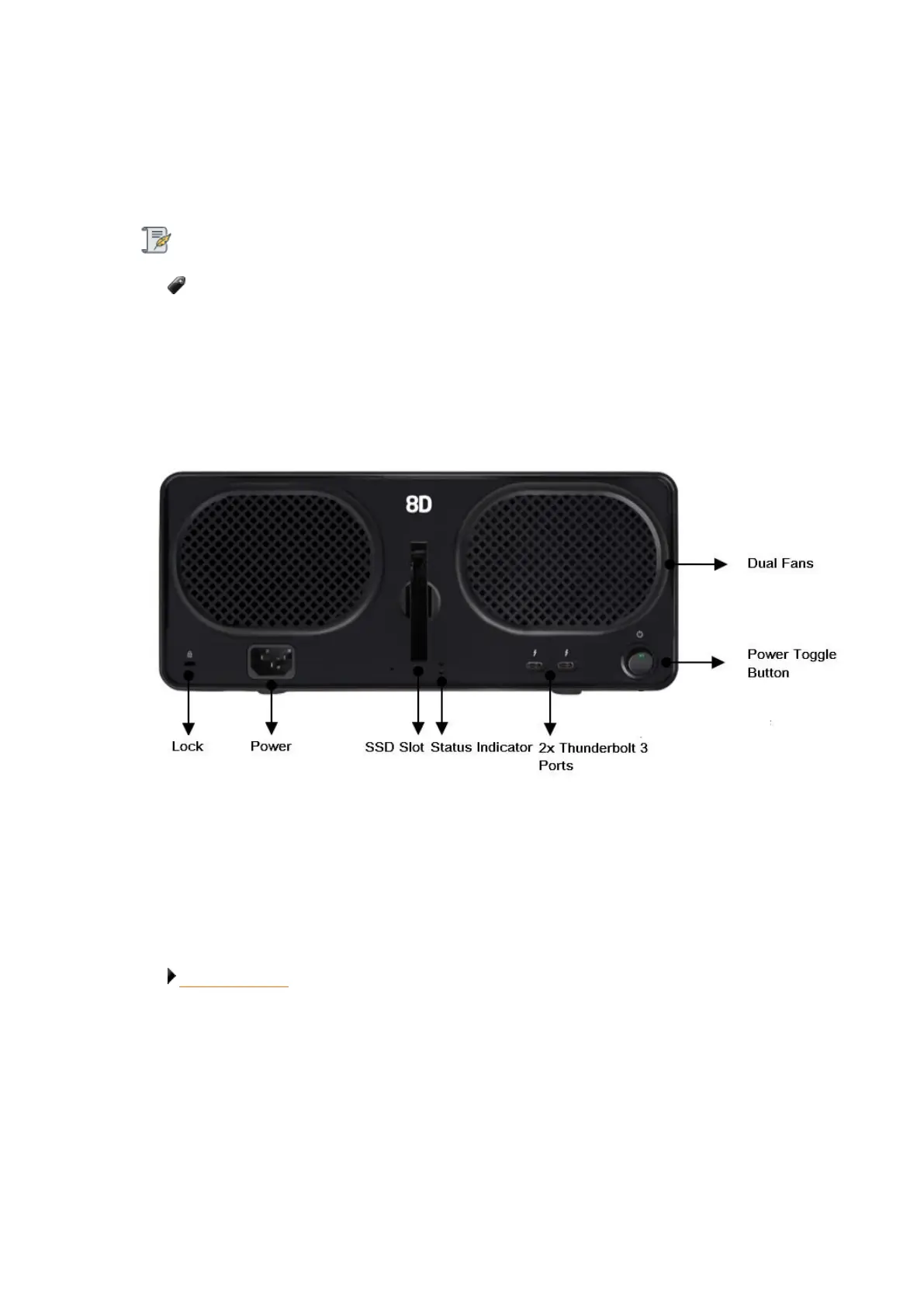
1. Gently turn the Drobo 8D to access the rear side of the Drobo 8D. In the rear side, you can find a
slot in which SDD is inserted, as depicted in the image below
2. Gently push the SSD to release it from the lock. Once released, take the SSD out from the slot.
3. When finished, return the Drobo 8D to its normal position.
Related topic:
Selecting Drives



 To Next Page