Drobo 8D User Guide 116
1.7.8 Checking Performance Information
1. In Drobo Dashboard on the All Drobos page, select the appropriate Drobo 8D.
2. Click the Status option on the Navigation menu. The Status page opens.
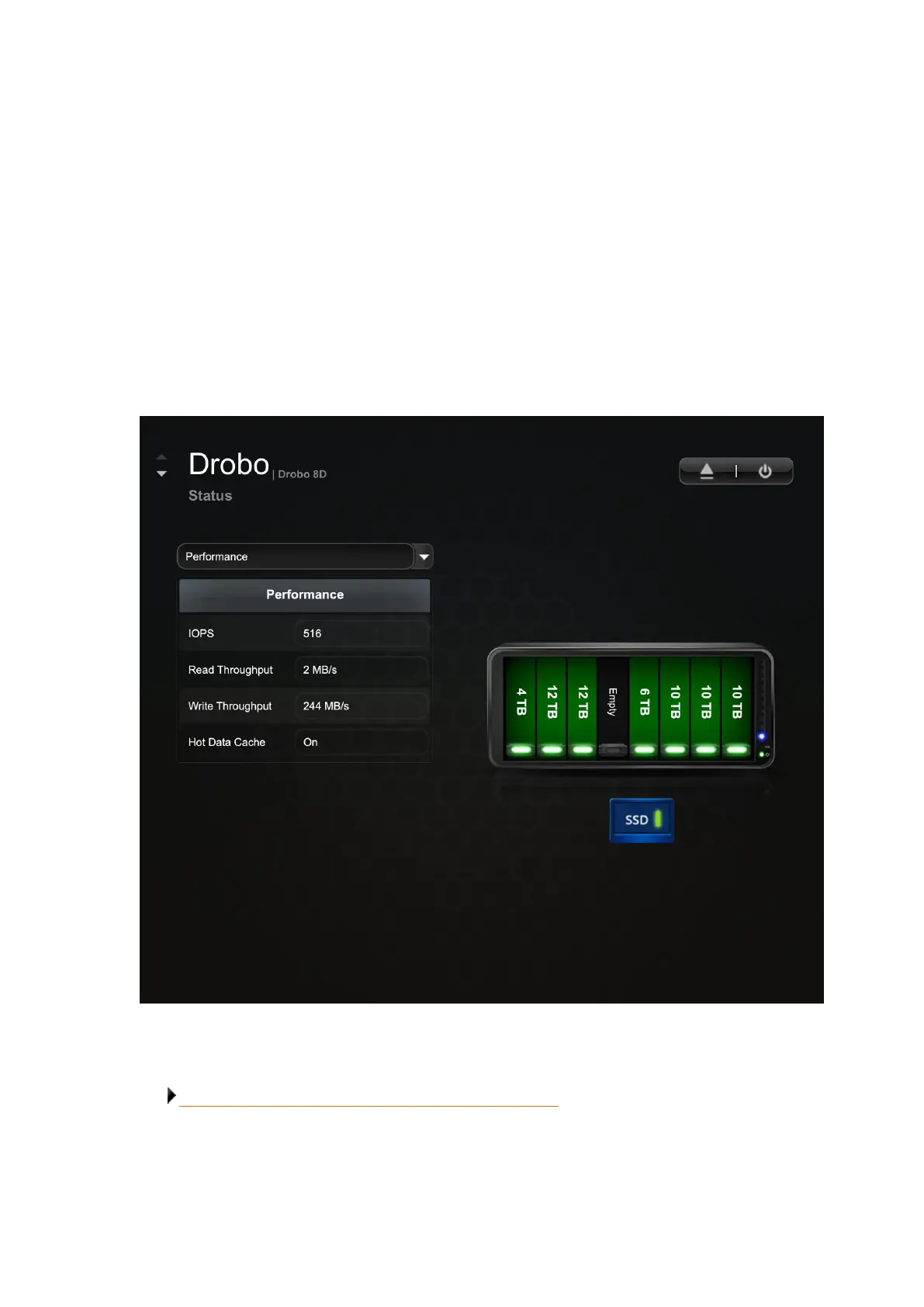
3. Select the Performance option from the Status drop-down list to view the following information:
● IOPS – The average IOPS value for the entire disk pack.
● Read Throughput – The average read throughput value for the entire disk pack, measured in
MB/s.
● Write Throughput – The average write throughput value for the entire disk pack, measured in
MB/s.
Related topic:
Checking Storage Usage and Device Status Information



 To Next Page