Drobo 8D User Guide 81
1.4.4.1 Safely Shutting Down the Drobo 8D Using Drobo
Dashboard
This is the recommended method for safely shutting down the Drobo device.
To safely shutdown your device:
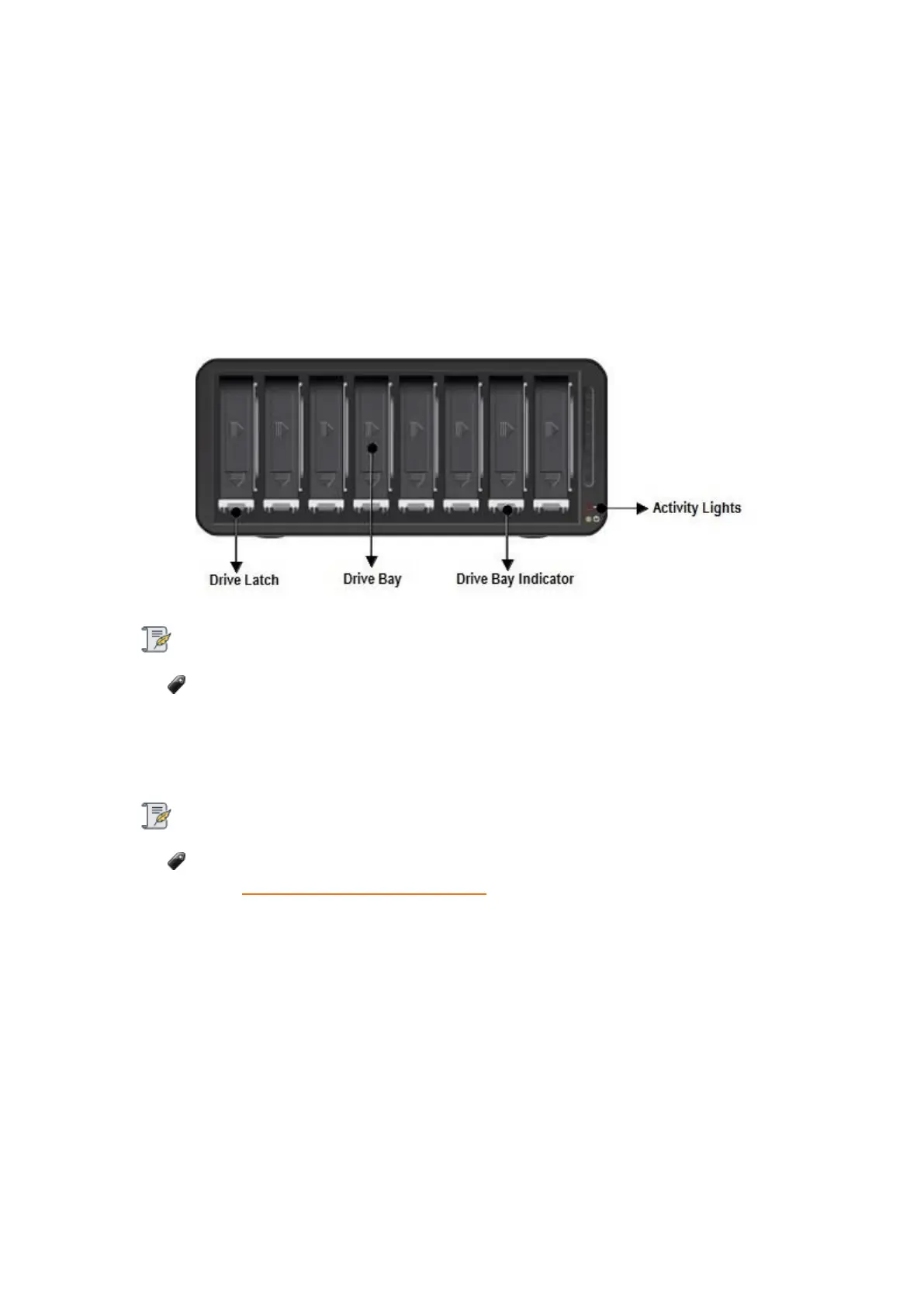
1. Check that the activity light on the Drobo device is off, indicating that no data is actively being
transferred to or from the Drobo device.
Note:
If data is actively being transferred, the activity light will be blinking green.
2. Also check to ensure the drive bay action indicator lights are not blinking alternately between
yellow and green. This indicates that the Drobo device is busy working to protect your data. Wait
until these lights are a solid green.
Note:
If one or more drive bay lights are red, you need to add capacity or replace the current
drive (see Understanding the Indicator Lights). However, you can still safely shut down the
Drobo 8D.
3. In the Drobo Dashboard, select the Drobo 8D that you would like to shut down from the All
Drobos page, and click the Status option on the Navigation menu. The Status page opens.



 To Next Page