Drobo 8D User Guide 137
1.10 Intelligent Volume Management
You can add multiple volumes to the Drobo 8D using Drobo Dashboard
To add volumes:
1. Open the Drobo Dashboard on your Apple Mac™ and press the power toggle button on the back
of the Drobo once. the Drobo device powers on and appears on the All Drobos page in Drobo
Dashboard.
2. Click on the Volume button from the navigation pane. Volume Page opens.
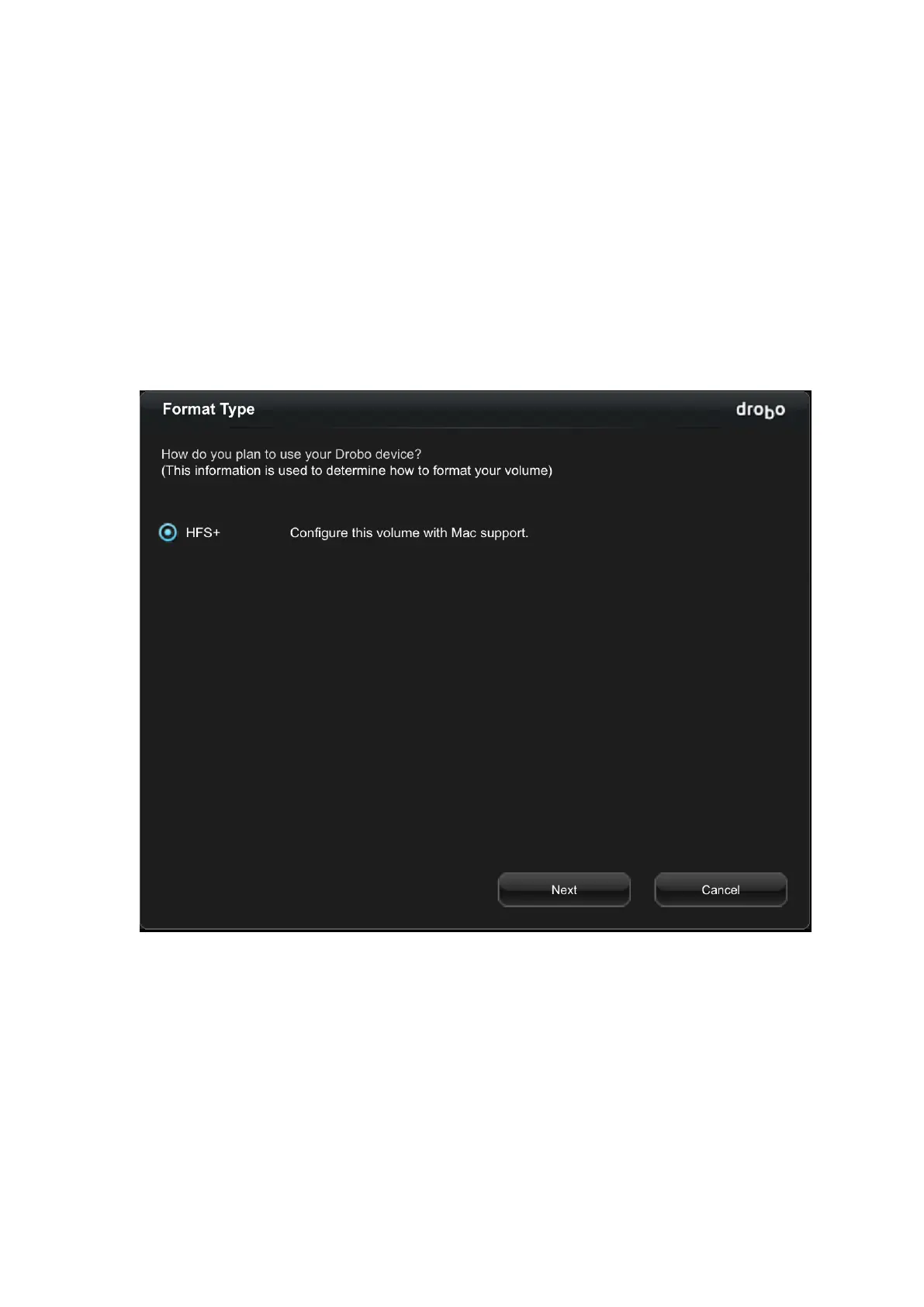
3. Click on the Add Volume button. The Format Type page opens.
4. Select the file format for your operating system and click the Next button. The Volume Size page
opens.



 To Next Page