Drobo 8D User Guide 76
1.4.2 Renaming the Drobo 8D
To rename the Drobo 8D:
1. Open the Drobo Dashboard and select the Drobo device that you would like to rename from the
All Drobos page.
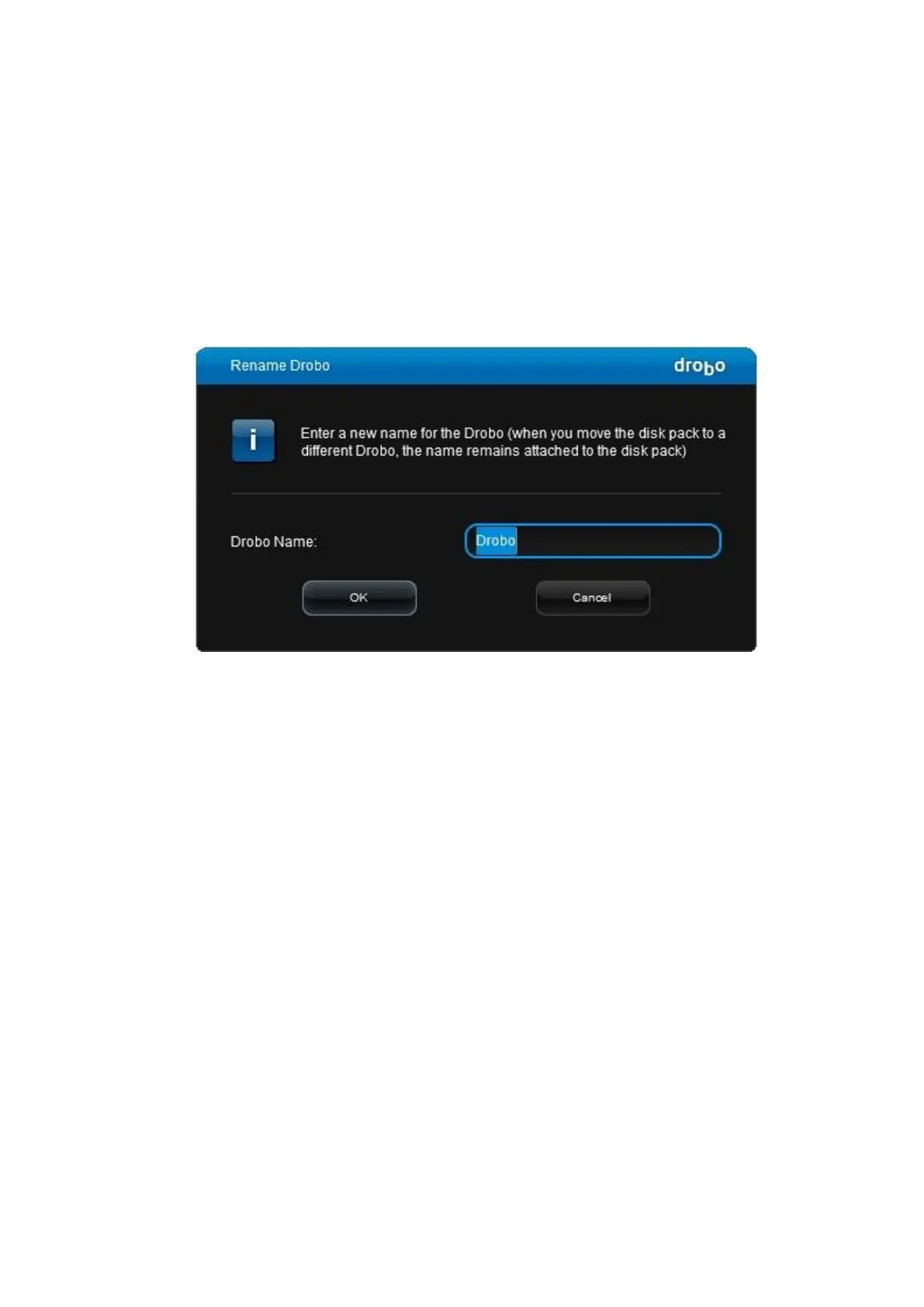
2. Click the Tools option on the Navigation menu. The Tools page for that Drobo device opens.
3. In the Drobo Operations area, click the Rename Drobo option. The Rename Drobo dialog page
opens.
4. Click in the Drobo Name text box and modify the text as desired.
5. When finished, click the OK button. You will return to the Tools page with the new name
displayed on the top.



 To Next Page