Drobo 8D User Guide 13
Note:
It is recommended to check the limitations of Daisy Chain before connecting the device in
a daisy-chain.
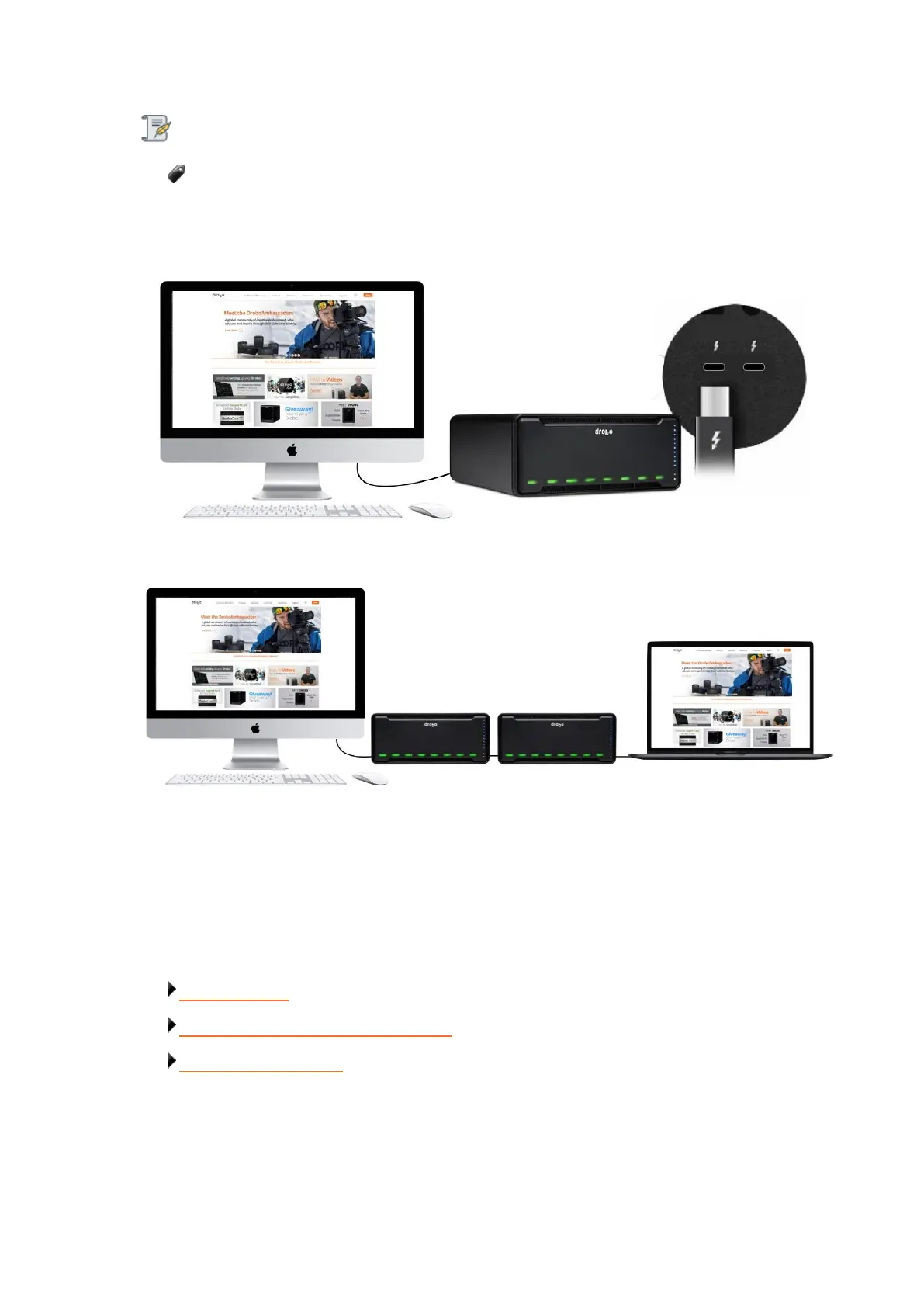
1. 8D directly connected to Apple Mac™ (with no daisy-chain).
2. Multiple Drobo devices connected in a chain with a DisplayPort monitor at the end.
1.1.4 Checking the Hardware You Need
To use the Drobo 8D, you will need at least two drives. If you plan to use Dual Disk Redundancy,
which protects your data against two simultaneous drive failures, you will need at least three drives.
Related topics:
Selecting Drives
Determining Drive Space Requirements
Using Power Protection



 To Next Page